[CGMZ] Fast Travel By: Casper Gaming Last Update: April 5, 2026 Latest Version: 1.5.0
[CGMZ] Fast Travel
By: Casper Gaming
Last Update: April 5, 2026
Latest Version: 1.5.0
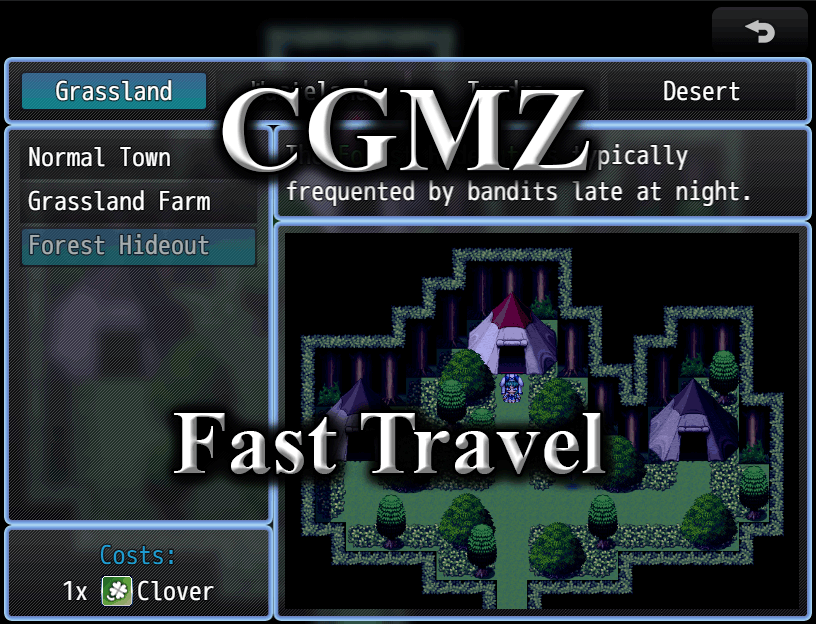
Allows you to fast travel between different locations in your game. Fast travel points can be separated by category. It can handle as many fast travel points as you want, and it also allows you to set gold or item costs to use the travel (optional). You can also show/hide fast travel locations via plugin command.
- Unlock fast travel nodes through gameplay
- Change fast travel node location and category mid-game
- Fast travel locations can have costs associated with them
A wasteland fast travel location that is free.
A Fast Travel location that has a cost associated with it.
A fast travel point to a winter themed location that has an item cost associated with it.
Import into plugin manager and enable the plugin. Some customization options available. Further instructions in plugin.
Online documentation can be found on my
website.
User documentation can be found on the
Casper Gaming Wiki.
Plugin (along with all my other plugins) can be found here:
https://www.caspergaming.com/plugins/cgmz/fasttravel/
Requires CGMZ Core plugin:
https://www.caspergaming.com/plugins/cgmz/core/
To easily add the fast travel scene to main menu:
https://www.caspergaming.com/plugins/cgmz/menucommandwindow/
For toast window (popups) when discovering a location:
https://www.caspergaming.com/plugins/cgmz/toastmanager/
Also available on Itch.io:
Add modern fast travel to your game

casper-gaming.itch.io
https://www.caspergaming.com/terms-of-use/
Version 1.1.0
- Added option to disable (but still show) fast travel points. This comes with a plugin command to change the enabled property of a point
- Added option to hide categories if no points for that category are discovered
- Added option to change the list window's width
- Added option to hide the Touch UI space if not using Touch UI
- Added option to show the list window on the right side of screen
- Added option to make fast travel scene windows transparent
- Added option to change default fast travel scene background image
- Added Spanish Language help documentation
- This plugin now warns in the console if your JSON parameters are not set up correctly instead of crashing. If not working, please check console for troubleshooting before reporting bug
Version 1.1.1
- Added option to change order of picture and description windows
- Added option to change description window text lines
- Added [CGMZ] Scene Backgrounds integration
- Added [CGMZ] Controls Window integration
- Sound Effect parameters now allow custom volume, pitch, pan settings
- Order with Toast Manager no longer important
Version 1.2.0
- Fast Travel location parameters now use new 1.9.0 location type
Version 1.2.1
- Added option to prevent cancel in scene
- Added [CGMZ] Window Settings integration
- Added [CGMZ] Window Backgrounds integration
Version 1.2.2
- [CGMZ] Toast Manager integration converted to preset id system
Version 1.3.0
- Some previously saved data now not saved
- Improved [CGMZ] Toast Manager integration
Version 1.4.0
- Added Common Event to run for advanced teleport effects
- Added fade type option
- Added new marker text
Version 1.5.0
- Added video option for fast travel points
- Added debug option to log width / height of image window to console




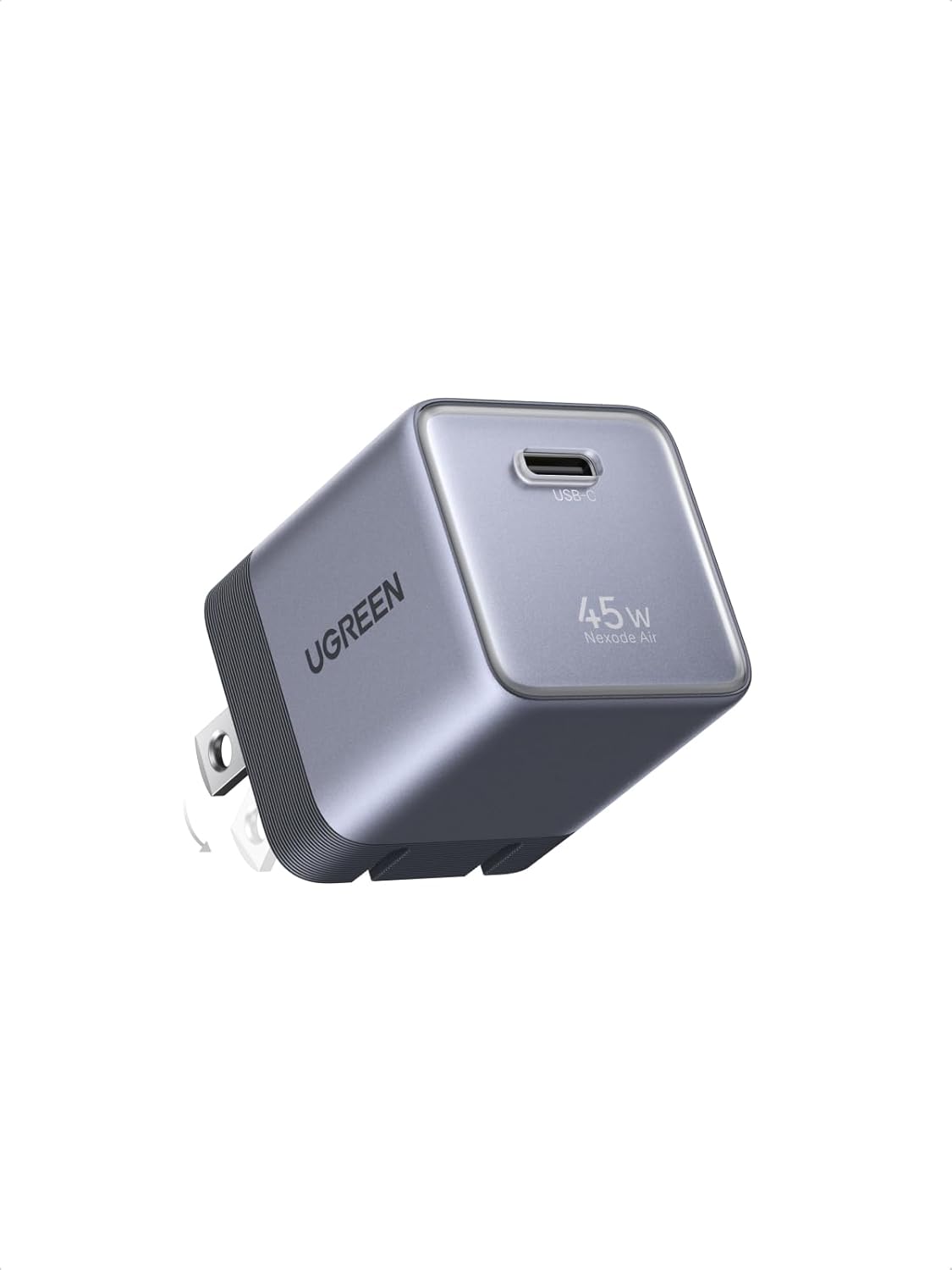 UGREEN Nexode Air 45W USB-C Charger Block
Compact foldable GaN charger for phones, tablets, and light laptop charging.
View on Amazon
UGREEN Nexode Air 45W USB-C Charger Block
Compact foldable GaN charger for phones, tablets, and light laptop charging.
View on Amazon