I made a plugin that allows RPG Maker MZ projects exported with AG APK Builder to communicate directly with the Android AdMob SDK through plugin commands. { "lightbox_close": "Close", "lightbox_next": "Next",
I made a plugin that allows RPG Maker MZ projects exported with AG APK Builder to communicate directly with the Android AdMob SDK through plugin commands.
The goal of this plugin is simply to expose Android ad functionality to RPG Maker's event system so developers can control everything using normal events, switches, and variables.
This is completely optional and developers are free to implement it however they want in their projects.
- Banner Ads - Can be loaded automatically or triggered through Plugin Commands.
- Interstitial Ads - Provides a callback switch when the ad closes so events can continue safely.
- Rewarded Ads - Writes the result into a variable depending on the outcome:
- 1 = reward granted
- 2 = ad failed to load
- 3 = user cancelled
- This allows developers to build reward systems entirely through events.
4.
App Open Ads - Can be triggered via plugin command or optionally configured for automatic behavior.
EXAMPLE REWARD ADS
-- Step 1: Reset switches
Plugin Command: AGAdMob -- Reset Switch ke OFF
Switch Success = Switch 1
Switch Failed = Switch 2
-- Step 2: Show ad
Plugin Command: AGAdMob -- Show Rewarded Ad
Switch Success = Switch 1
Switch Failed = Switch 2
-- Step 3: Wait
Wait: 180 frames
-- Step 4: Check result
Conditional Branch: Switch 1 = ON -- give reward
Conditional Branch: Switch 2 = ON -- show cancelled message
SCREENSHOOTS
If anyone is experimenting with Android deployment for RPG Maker MZ, feel free to ask questions.
DOWNLOAD
AG APK BUILDER : DOWNLOAD
ADMOB PLUGIN : DOWNLOAD






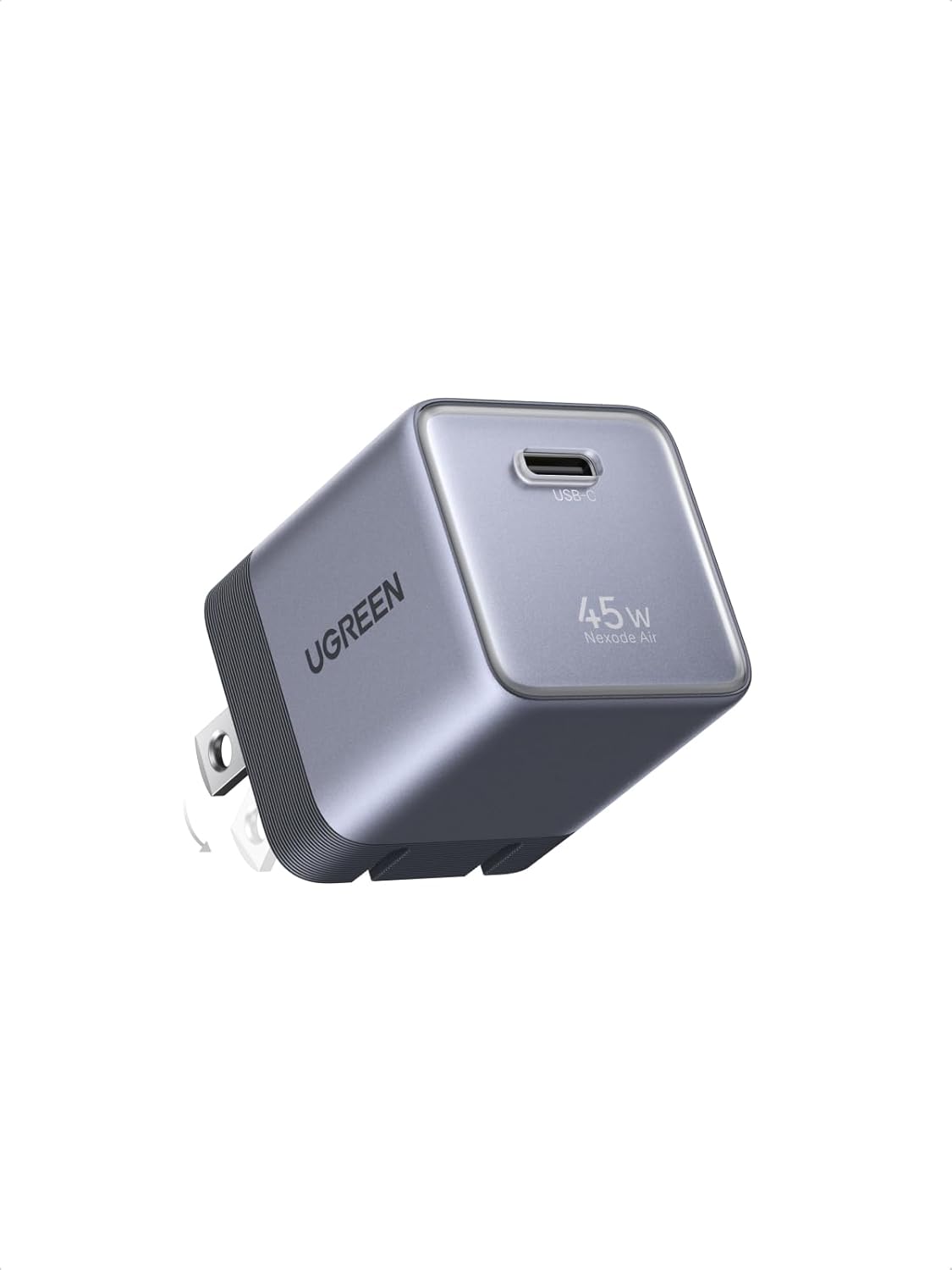 UGREEN Nexode Air 45W USB-C Charger Block
Compact foldable GaN charger for phones, tablets, and light laptop charging.
View on Amazon
UGREEN Nexode Air 45W USB-C Charger Block
Compact foldable GaN charger for phones, tablets, and light laptop charging.
View on Amazon