[MZ] Actor based HP/MP/TP Customization (inkl. Gauge colors) v1.0 ST0RMTiger Introduction This plugin lets you completely customize HP / MP / TP Names and Gauges (including colors) for each Actor - independently of it's class.
[MZ] Actor based HP/MP/TP Customization (inkl. Gauge colors) v1.0
ST0RMTiger
Introduction
This plugin lets you completely customize HP / MP / TP Names and Gauges (including colors) for each Actor - independently of it's class.
Everything is effecting both Battle-Menu AND Game-Menu.
Customization is done completely in the Plugin Manager. No Notetags are used. Define HP / MP / TP styles independently for as many actors as you want. Choose whether you want to keep standard maker functionality for each single possible customization option. You can combine everything or nothing as you need it.
If you prefer a class based config, this is also easy. Just define one Actor of each class and use it as a reference for the other actors of that same class.
Features
Customize per Actor:
- Gauge Name (e.g., exchanging HP -> Life)
- Gauge Name Color (e.g., orange color for the word “Tech”)
- Gauge Gradient Color (1 and 2) (e.g., black to yellow color gradient instead of standard blue one)
- Current Value Numbers Color (e.g., yellow color for value of actors current HP instead of standard white)
- Customize these displayed numbers of current HP / MP / TP to change to a customized color if below a certain percentage threshold
- Customize these displayed numbers of current HP / MP / TP to change to a customized color if actor is “dying” (system state if HP < 25 %) or if actor is dead (affects only HP in maker standard and can now affect also MP / TP if you want)
- Configure these numbers to not display at all (e.g. evilness (former MP) without numbers)
- It's now possible to show the max Value also! (even in a different color from the current value)
- Text commands are supported to make multiple color texts, change size and to support system icons (similar to Text-Messages)
- being able to set the maximum text width to a higher (or smaller) value (system width is fixed to 28 pixels only! to not draw over the bars). Everything (incl. icons) will be scaled (text will be narrowed and icons shrinked) if text width exceeds this parameter value.
Screenshots
Battle
Menu
How to Use
Just import the plugin and set up everything in the Plugin Manager:
To keep system standard (text / color) for a parameter, just leave it blank.
NOTE: The maker plugin manager is a bit tricky when trying to reset a value to blank that had been set to something before. If you try this on the page where you shall define a number (as for the colors for example) it will fall back to 0 if you delete and confirm. 0 means "white" and not "system standard". You empty the value switching to the "text" tab and delete the value here and confirm with "ok". Then the value is set back to empty.
Following Text-Commands are supported to be used inside HP/MP/TP Names:
- \C[x] with x specifying a color
- \C to return to normal color (as specified in the parameters)
- \{ to make font bigger
- \} to make font smaller
Examples:
- L\C[3]i\C[12]f\Ce for colorful word "Life"
- \{Po\}w\}e\}r for the word power with each character becoming smaller
(until reaching minimum font size)
- H\i[84]P for Icon 84 (Heart) being placed between letters "H" and "P"
Demo
I made a demo project which can be downloaded below.
Download
Download MZ Version 1.0
Terms and Credits
You may use this plugin in every rpg maker project, even adult and commercial.
You have to credit ST0RMTiger.
You are not allowed to commercialize the plugin, only your game itself that may use this plugin.
All distributions, modifications etc. of this plugin have to keep the information and license conditions written above.
Background to this plugin
This plugin is a port from my MV version. But as drawing Actor Status is done really different between both Maker Versions, this was quite a rewrite from Scratch in some parts.
Terms and Credits You may use this plugin in every rpg maker project, even adult and commercial. You have to credit ST0RMTiger. You are not allowed to commercialize the plugin, only your game itself that may use this plugin.






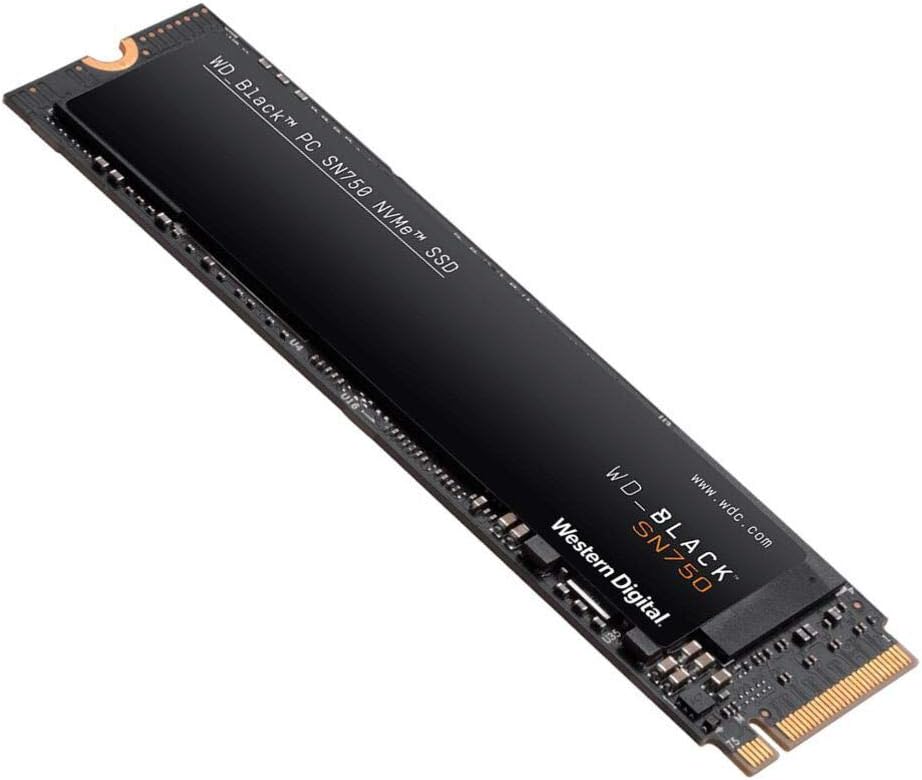 WD_BLACK 2TB SN750 NVMe Internal Gaming SSD
High-capacity NVMe storage pick for expanding a gaming PC or performance setup.
View on Amazon
WD_BLACK 2TB SN750 NVMe Internal Gaming SSD
High-capacity NVMe storage pick for expanding a gaming PC or performance setup.
View on Amazon