Pixel Perfect Scaling Mode 1.2.1 Galenmereth Introduction This plugins enables pixel-perfect scaling in RPG Maker MV and MZ, without any configuration. Optionally you can enable an in-game option menu addition so that your players can toggle it off or on. The label for this menu option is configurable.
Pixel Perfect Scaling Mode 1.2.1
Galenmereth
Introduction
This plugins enables pixel-perfect scaling in RPG Maker MV and MZ, without any configuration. Optionally you can enable an in-game option menu addition so that your players can toggle it off or on. The label for this menu option is configurable.
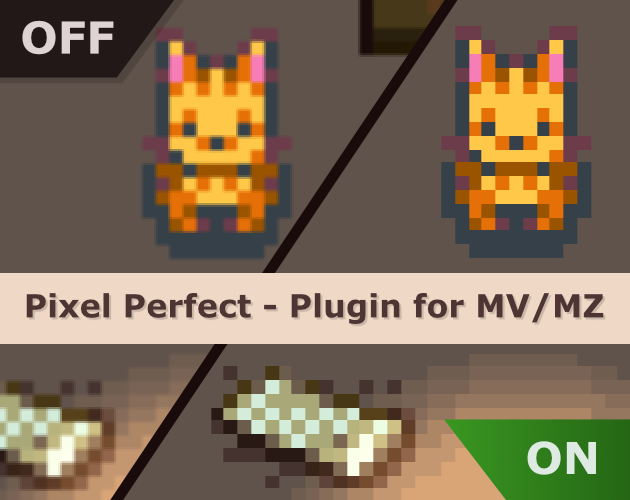
By default when players scale the window or run the game in fullscreen with scaling on (F4), or run their OS in a scaled mode, the scaling blurs pixels in the entire scene, causing the effect of it looking "out of focus" as you can see in the "off" portion of the image below. This plugin remedies that. The caveat is there'll be no smoothing / blurring of fonts either, so it might not be suitable for every art style out there. But for chunky pixel art games, it makes a big difference.
Features
*
Works in MV and MZ
* Default behavior requires no configuration - Just enable the plugin and you get the pixel scale mode
* Optionally you can also enable an in-game options menu with a customizable label so that your players can opt in or out of the new scale mode
Screenshots
Video showcase
Best viewed fullscreen with quality set to 1440p for the best effect.
How to Use
Put the script in your
<ProjectFolder>/js/plugins folder, then select it in the editor's PluginManager. If you want to use the in-game menu, place it last in order of plugins for best compatibility.
Plugin Commands / Script Calls
There are no plugin commands or script calls
Demo
The script is very simple so I've opted not to include a demo, but if there's demand for it, I can add one
Changelog
1.2.1 - Polyfill to work with MV in addition to MZ after 1.2.0 update.
1.2.0 - Fix fullscreen scaling and pixel blur due to subpixel alignments in CSS. Also implement an optional "Allow stretch scaling" feature which, if off, only allows whole-integer scaling to fully remedy any subpixel issues.
1.1.1 - Fix scaling issue on sprites when using in-engine scaling by disabling Bitmap smoothing
1.1.0 - Initial public release
Download
A free pay-if-you-want plugin for RPG Maker MV and MZ that enables pixel-perfect scaling mode

galenmereth.itch.io
Terms and Credits
MIT License - Free for commercial use in any game. Don't remove the license from the script file itself. Credit appreciated, but not required.




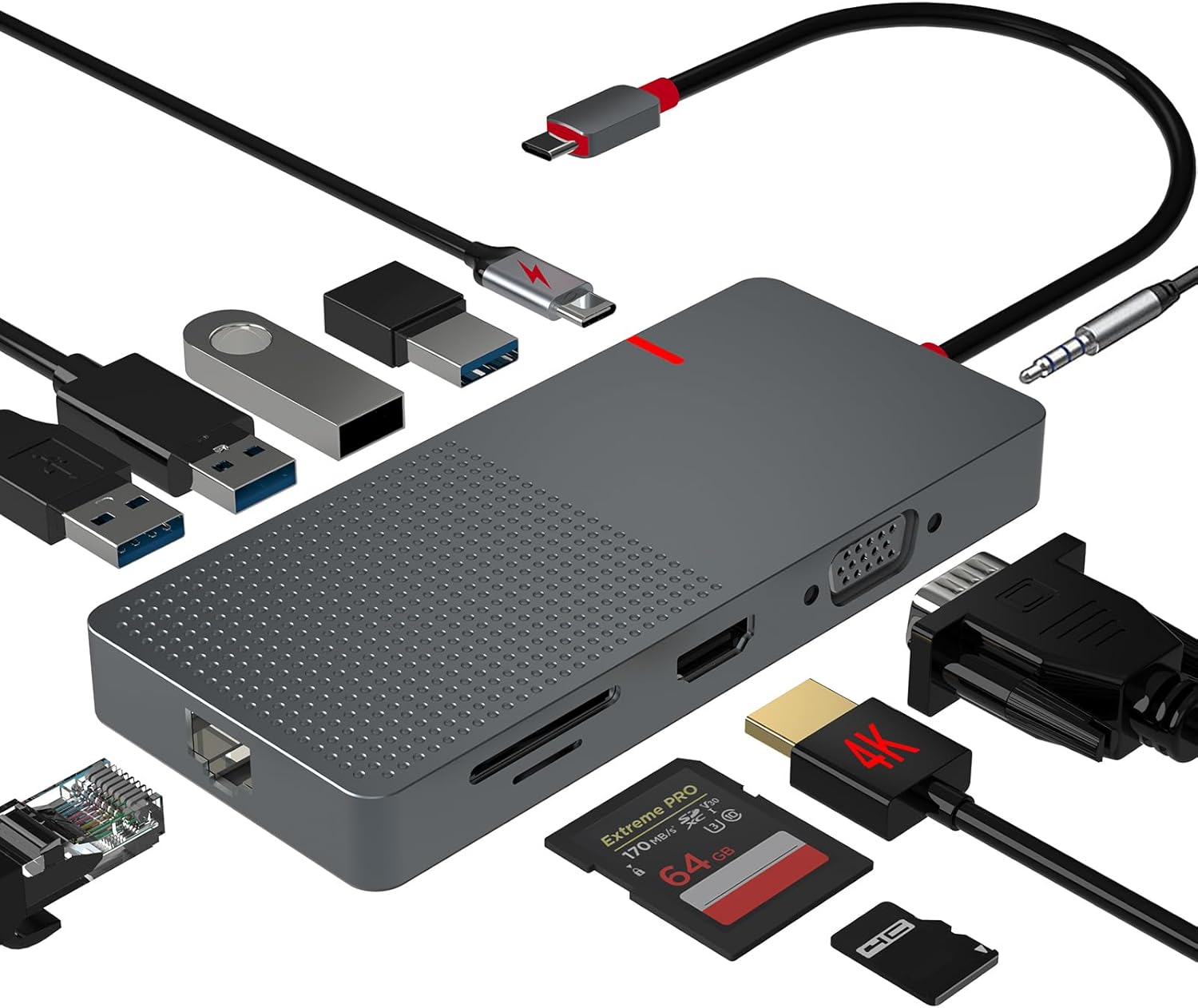 ANYPLUS USB C Docking Station Dual Monitor
Multiport USB-C dock for dual-monitor laptop desks and cleaner cable management.
View on Amazon
ANYPLUS USB C Docking Station Dual Monitor
Multiport USB-C dock for dual-monitor laptop desks and cleaner cable management.
View on Amazon
