Original Source
- Original title: GGZ Formation Manager [MZ]
- Original author: GGZiron
- Original date: December 8, 2022
- Source thread: https://forums.rpgmakerweb.com/threads/ggz-formation-manager-mz.153194/
- Source forum path: Game Development Engines > RPG Maker Javascript Plugins > JS Plugin Releases (RMMZ)
Summary
Engine: RPG Maker MZ Tested on Engine Version: 1.5.0 Plugin Version: 1.1.6 Download: From itch.io
Archived First Post
- Engine: RPG Maker MZ
- Tested on Engine Version: 1.5.0
- Plugin Version: 1.1.6
- Download: From itch.io
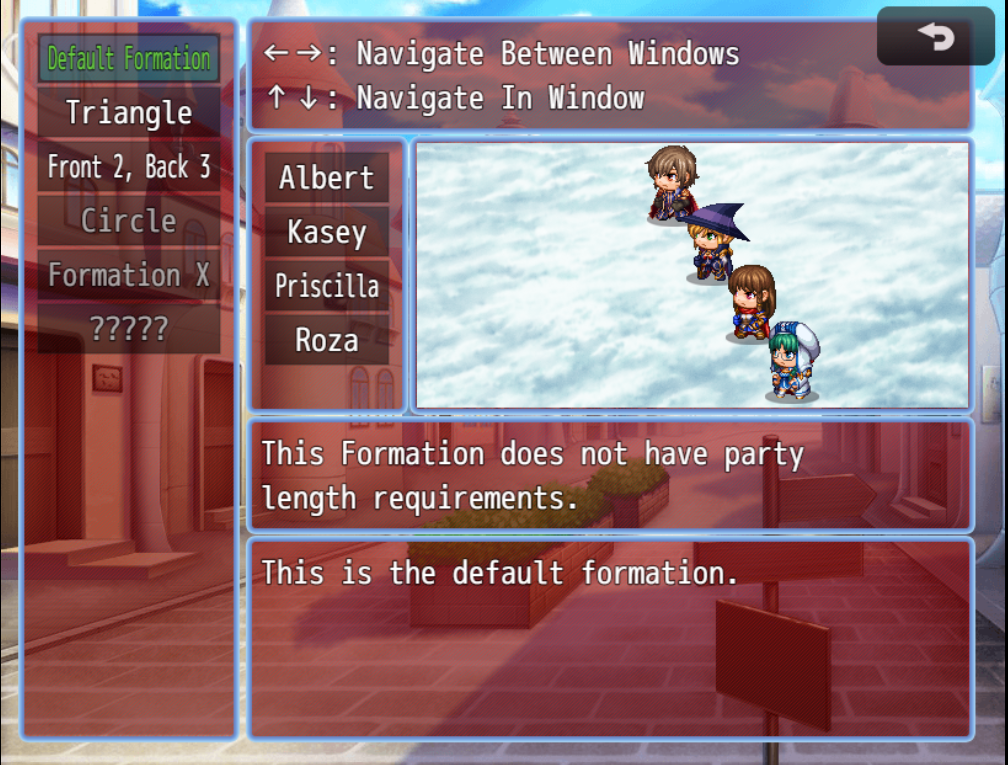
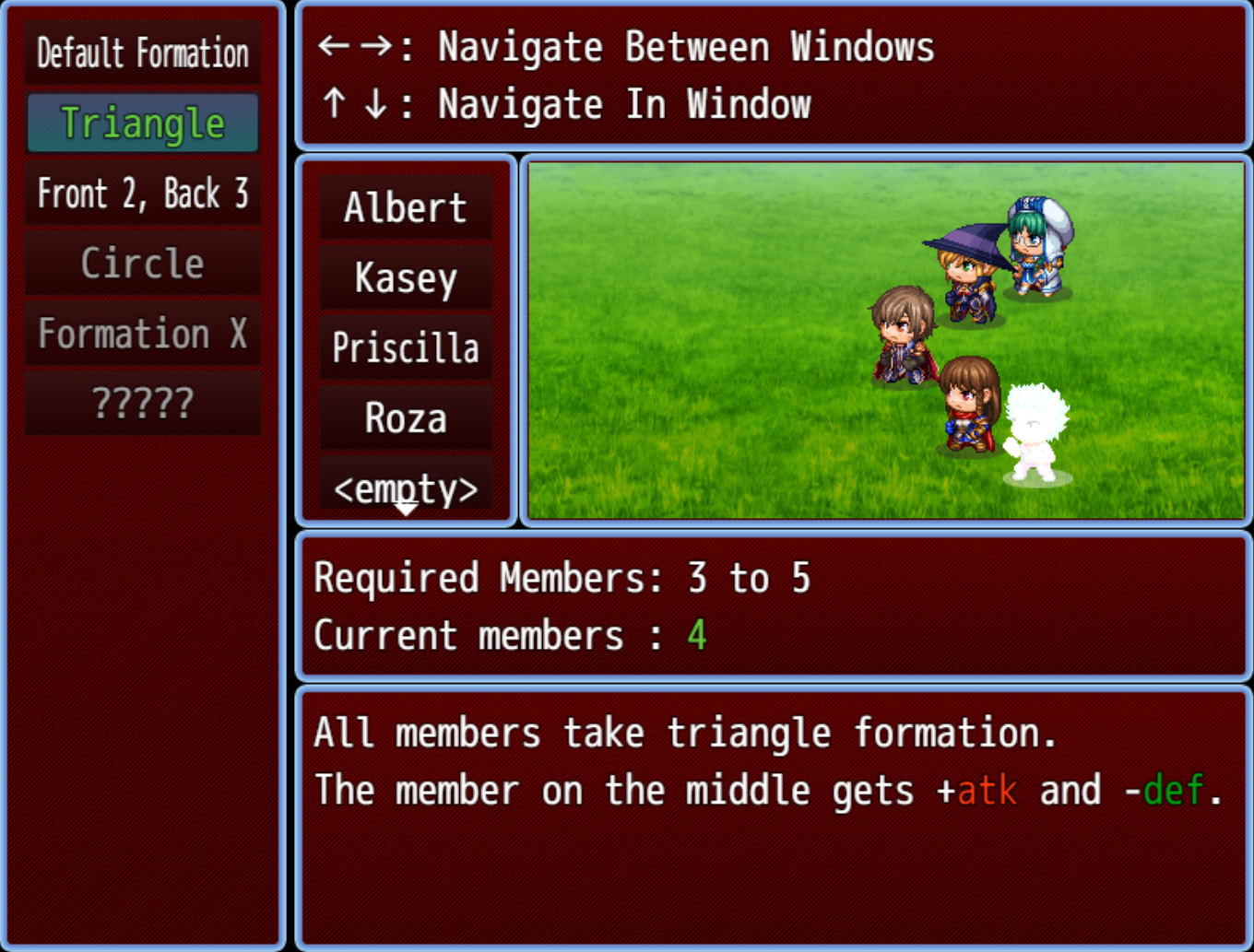
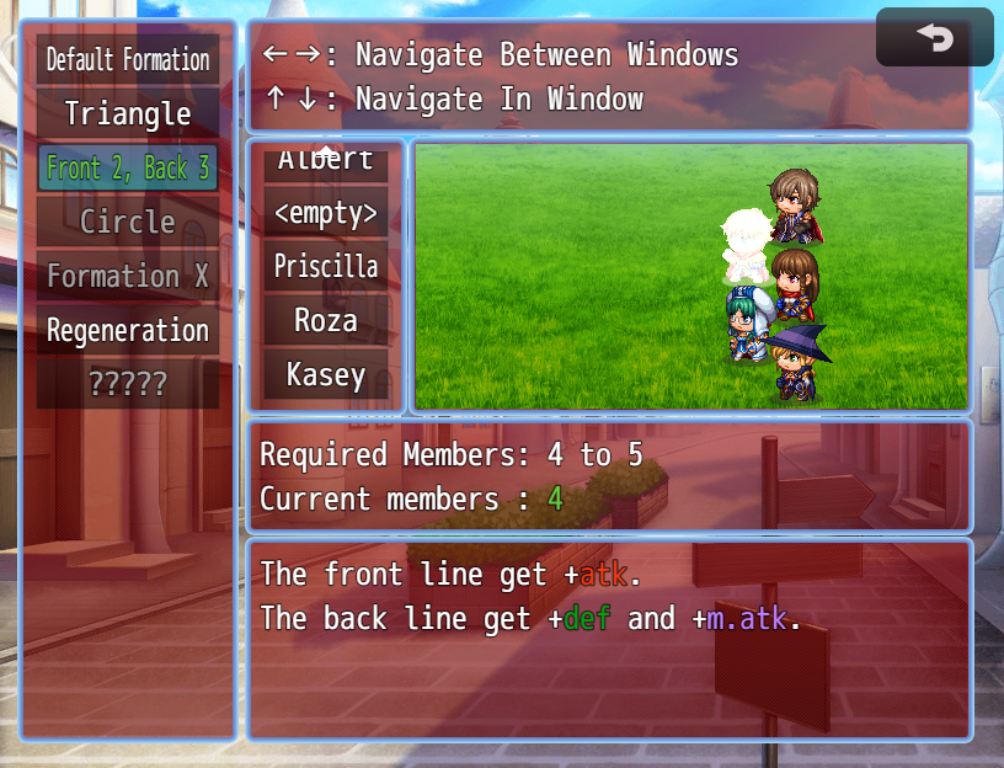
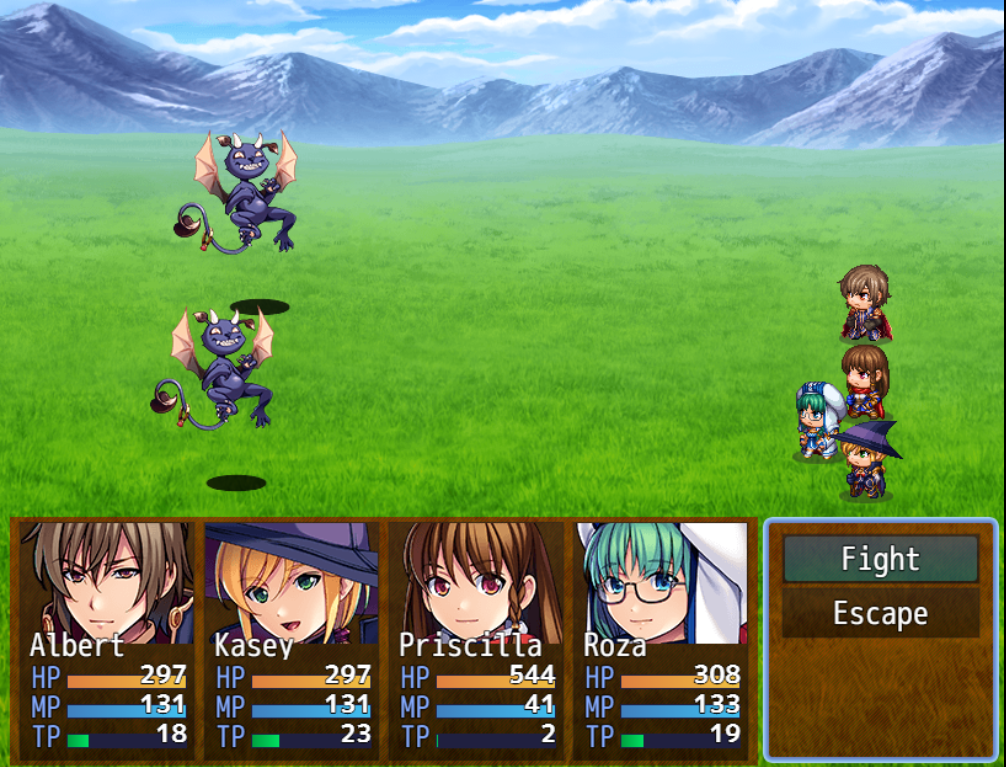
- Introduction: This plugin allows you to set different Formations for the side battle view. Each formation can have different coordinates for the actor battlers, and each formation can set coordinates for as many members you want. If formation allows more members than have registered, the rest would be positioned according formula, that orders them like in the default side view.
Those formation allow more than visual change, they also allow you to give param bonus. If you want to give additional bonuses, you can give state bonus too. The state will work only as traits object, and nothing will remove it as long the formation stays. Those bonuses can be for the entire formations, for individual party, members, or combinations of both. - Terms:
- Non-commercial Projects: Free to use. Please credit "GGZiron" in your project. Donations are appreciated, though not required.
- Commercial Projects: Free to use. Please credit "GGZiron" in your project. Donations are appreciated, though not required.
- Redistribution: Do not redistribute this plugin directly. Instead, link to my itch.io page.
- Modifications: Edits are allowed for personal use. Do not distribute the edited version. You may distribute this plugin only as part of your game.
- Extensions: You are allowed to create and distribute extensions for this plugin.
- Other Features:
- Option to hide or to deactivate a formation with the game switches. When hidden, formation doesn't display at all. When deactivated, it show alternative data(name "???" or "locked", alternative conditions that explains what must be done to unlock it, alternative description).
- Options to set one global background picture, as well one picture for each formation.
- Resize windows. Some sizes are changed directly, others – indirectly.
- Set Battleback for the window "Formation Display".
- Set motion for the actors.
- Set color tone and motion for the ghost actors (which represent the empty slots).
- Party Members can change formation position without changing their party index.
- The option to hide the condition window, in case you intend all formations to be without condition. That is not something you can change in-game, with plugin command.
- Screen Shots:
- Contact me if:
- You found bug with my plugin. Bug reports help me make it better. If reason is it doesn't go well with other plugin, might do or not do, depending how much free time I have and how popular is the other plugin.
- You want to say thanks.
- You got question about the terms.
- You want to suggest how to improve it.
- You want to commission me to adapt it for your project's specific needs.
- You want to send me published game that uses some of my plugins.
- Special thanks to: @JacSkulls and @Vuono87, for providing with me feedbacks and ideas!
Downloads / Referenced Files
Log in, then follow the RPG Maker Developers Group to see these download links.
Log in to downloadLicense / Terms Note
Non-commercial Projects: Free to use. Please credit "GGZiron" in your project. Donations are appreciated, though not required. Commercial Projects: Free to use. Please credit "GGZiron" in your project. Donations are appreciated, though not required. Redistribution: Do not redistribute this plugin directly. Instead, link to my itch.io page. Modifications: Edits are allowed for personal use. Do not distribute the edited version. You may distribute this plugin only as part of your game.
Referenced Images / Attachments
Creator Claims / Removal
If you are the original creator and want this listing reassigned, edited, or removed, join BMMPlay and contact the moderators with proof that matches the original RPG Maker Web profile, linked GitHub, itch.io page, or another public creator identity.
Replies (0)
No replies yet.
Topic Summary
Loading summary...