

MVTransparent Filter
BMM_Archive · July 15, 2026

BMM_Archive
Preserved forum archive. This topic stores the original first post and locally mirrored RPG Maker Web attachments when available. It is posted by the BMMPlay archive account, not by the original creator.
Original Source
- Original title: Transparent Filter
- Original author: biud436
- Original date: February 27, 2019
- Source thread: https://forums.rpgmakerweb.com/threads/transparent-filter.106160/
- Source forum path: Game Development Engines > RPG Maker Javascript Plugins > JS Plugin Releases (RMMV)
Summary
Transparent Filter by Biud436Introduction This plugin and the extension tool allow you to set up the desired transparent color like as RPG Maker VX Ace and 2K. Video
Archived First Post
Transparent Filter
by Biud436
Introductionby Biud436
This plugin and the extension tool allow you to set up the desired transparent color like as RPG Maker VX Ace and 2K.
Video
Screenshots
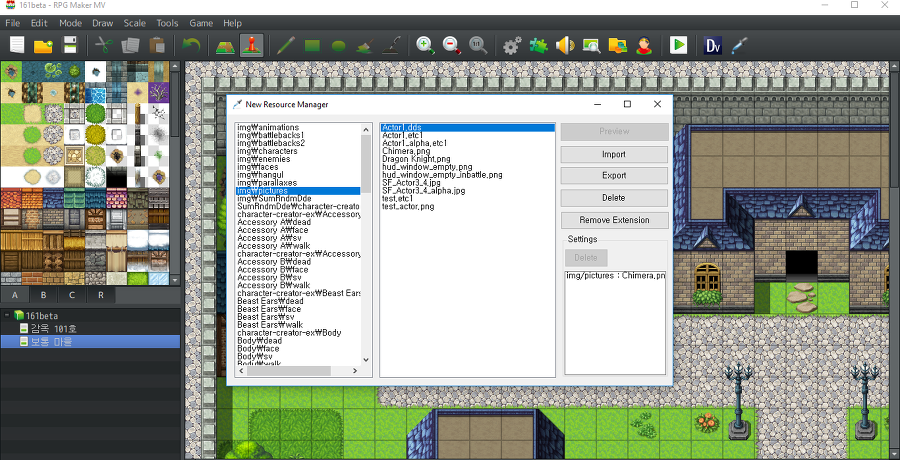
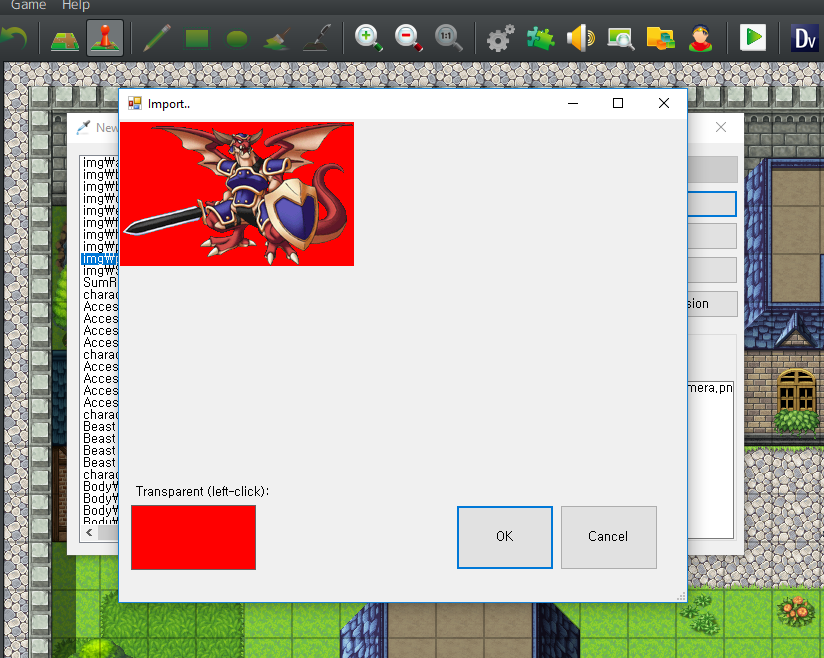
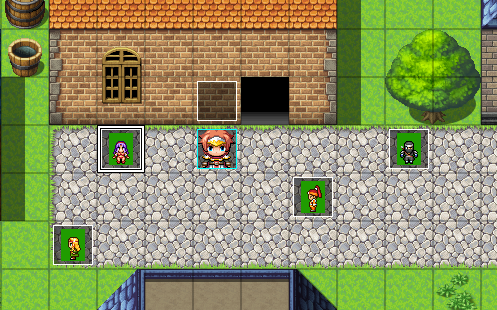
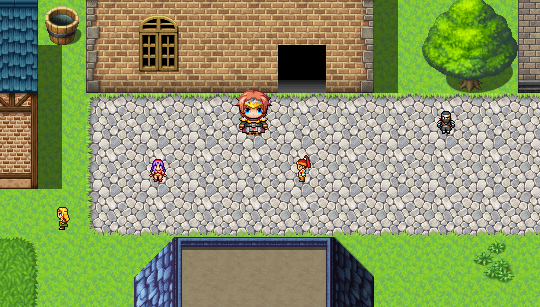
How to Use
You execute the extension after extract the extension file and next then select the game project folder. it's done that you press the Add Extension button. if you have restarted RPG Maker MV, it would be created a new icon that indicates a stuff like as an eyedropper in the toolbar.
- Note that it does not appear the project file select window if you have done settings.
- if you wish to delete this extension, you must click the Remove Extension before you delete the extension.
Download
This plugin only supports Picture, Character, Battler (Actor, Enemy) images.
Plugin (Github) : View
Plugin Download (DownGit) : RS_TransparentFilter.js.zip
Extension (Windows Only) : https://github.com/biud436/MV/releases/download/1.0.2/NewResourceManager.zip
Requirement
- RPG Make MV 1.6.2 or above.
- .NET Framework 4.5.2 or above.
- Windows 10 (In case of Windows 7, I'm not sure that it is working)
Supported Languages
- English
- Korean
Change Log (Extension)
2019.02.21 (v1.0.0) - First Release.
2019.03.29 (v1.0.1) : Fixed the issue that is not working when containing the space character into a project path.
2019.07.31 (v1.0.2) : Fixed the bug that the extension is not added if the registry called 'mvTools' is empty.
Change Log (Plugin)
2019.02.21 (v1.0.0) - First Release.
2019.02.27 (v1.0.2) :
- Added the Sprite_Actor and Sprite_Enemy
- Fixed the issue that shows up the transparent color when it is applied the tone in the picture.
Credit and Thanks
Biud436
Terms of Use
Free for commercial and non-commercial use.
Downloads / Referenced Files
RPG Maker Web attachments are mirrored locally when available. Other external links remain hosted by their original creator or third-party service.
License / Terms Note
Credit and Thanks Biud436 Terms of Use Free for commercial and non-commercial use.
Referenced Images / Attachments
Creator Claims / Removal
If you are the original creator and want this listing reassigned, edited, or removed, join BMMPlay and contact the moderators with proof that matches the original RPG Maker Web profile, linked GitHub, itch.io page, or another public creator identity.
Replies (0)
No replies yet.
0
replies
15
views
Topic Summary
Loading summary...