






Preserved forum archive. This topic stores the original first post and locally mirrored RPG Maker Web attachments when available. It is posted by the BMMPlay archive account, not by the original creator.
Original Source
- Original title: Default Settings - Set the default settings for your game
- Original author: Jollo
- Original date: September 9, 2024
- Source thread: https://forums.rpgmakerweb.com/threads/default-settings-set-the-default-settings-for-your-game.171793/
- Source forum path: Game Development Engines > RPG Maker Javascript Plugins > JS Plugin Releases (RMMZ)
Summary
{ "lightbox_close": "Close", "lightbox_next": "Next", "lightbox_previous": "Previous",
Archived First Post
Protected download
Default Settings 1.0
By Jollo
Introduction
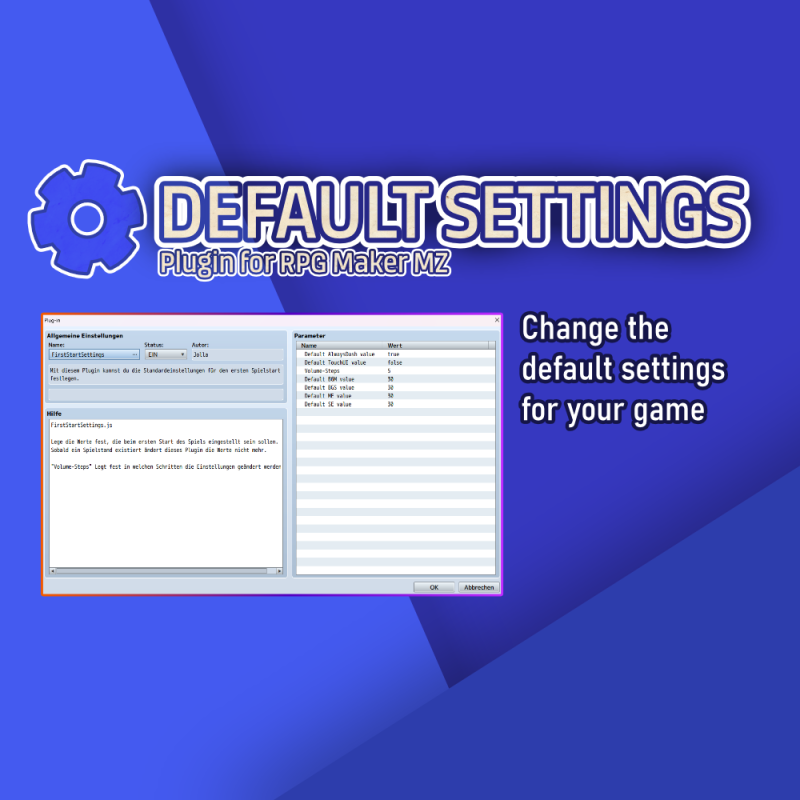
With this plugin it is possible to set the default settings for your game.
RPG Maker MZ unfortunately does not offer any options for this and the default volume of the music and sound effects can really tickle your eardrums. Protect the future players of your game by turning down the volume for the first start of the game!
Once the player starts the game the settings can be changed as normal. And as soon as a savegame is created, this plugin will no longer interfere with the settings.
Have fun with it and hope it helps someone else out there.
Features
Set the default settings for your project.
Free addition: With the "Volume steps" option, you can specify the steps in which the sound settings are changed. By default, it is always 20%.
How to Use
Activate the plugin in the editor. There you can change the values for the different audio-options.
Download
https://jolloex.itch.io/default-settings-plugin-for-rpg-maker-mz
Terms and Credits
This plugin is free to use for commercial and non-commercial RPG Maker Games.
Features Mentioned
- Set the default settings for your project.
- Free addition: With the "Volume steps" option, you can specify the steps in which the sound settings are changed. By default, it is always 20%.
Downloads / Referenced Files
Log in to download
Log in, then follow the RPG Maker Developers Group to see these download links.
Log in to downloadLicense / Terms Note
Terms and Credits This plugin is free to use for commercial and non-commercial RPG Maker Games.
Referenced Images / Attachments
Creator Claims / Removal
If you are the original creator and want this listing reassigned, edited, or removed, join BMMPlay and contact the moderators with proof that matches the original RPG Maker Web profile, linked GitHub, itch.io page, or another public creator identity.
Replies (0)
No replies yet.
0
replies
1
view
Topic Summary
Loading summary...
