Advanced Character System Plugin v1.0.0 by Open Digital World { "lightbox_close": "Close",
Advanced Character System Plugin v1.0.0
by
Open Digital World
Introduction
This plugin lets you replace the usual 4x3 grid of character/vehicle sprites with sprites that can be customized by direction (according to numeric keypad numbers), pose (idle, walk, dash, jump), and a variable number of frames. This is easily configured with notetags for actors (players, followers), enemies, events and vehicles. The plugin's commands also let you change sprite names and poses on the fly, as well as enabling/disabling movement in 8 directions.
Features
- Replaces the usual 4x3 grid of character/vehicle sprites with sprites of 1x... per character, direction and pose.
- Changes sprite names or poses on the fly via plugin commands.
- Enables/disables 8 directions movement for custom sprites only.
How to use
Map character custom sprites are built as follows (case-sensitive):
<base>_<pose>_d<direction>_f<frames>.png
- base: filename's base of the map character's custom sprite (without spaces, hyphens or underscores)
- pose: by default "idle", "walk", "dash" or "jump", but can also be something customized (without spaces, hyphens or underscores)
- direction: numeric keypad numbers
- frame: number of frames from 1 to ...
Each set of sprites is stored in a folder named <base> in img/characters. Here's an example of a map character with custom sprites named "reid".
Code:
RMMZ Project Folder
   |_ img
      |_ characters
         |_ reid
            |_ reid_idle_d2_f6.png
            |_ reid_idle_d4_f6.png
            |_ reid_idle_d6_f6.png
            |_ reid_idle_d8_f6.png
            |_ reid_walk_d1_f6.png
            |_ reid_walk_d2_f6.png
            |_ reid_walk_d3_f6.png
            |_ reid_walk_d4_f6.png
            |_ reid_walk_d6_f6.png
            |_ reid_walk_d7_f6.png
            |_ reid_walk_d8_f6.png
            |_ reid_walk_d9_f6.png
            |_ ...
To use this custom sprite for the player, simply use the following notetag for the actor in the database who will be the player:
<acsBase: reid> => replaces the actor's 4x3 sprite with the custom "reid" one
In some cases, the speed of movement is too fast for the number of frames, making the motion strange. This can be changed by adding the following notetag:
<acsSpeed: 3.7> => changes the walking speed (default: 4)
Map events can have their own custom sprites using the previous notetags. Or they can inherit custom sprites from actors or enemies, using the following notetags:
<actorId: 1> => inherits parameters from actor 1
<enemyId: 3> => inherits parameters from enemy 3
See also README.md for more information about settings, commands, ...
Terms of use
This plugin is published under the
MIT License.
Download Link
ODW_AdvancedCharacterSystem.js (itch.io)
v1.0.0 - 26.12.2023
- Initial release. Please note that residual bugs are still possible.
Terms of use This plugin is published under the MIT License. Download Link ODW_AdvancedCharacterSystem.js (itch.io)




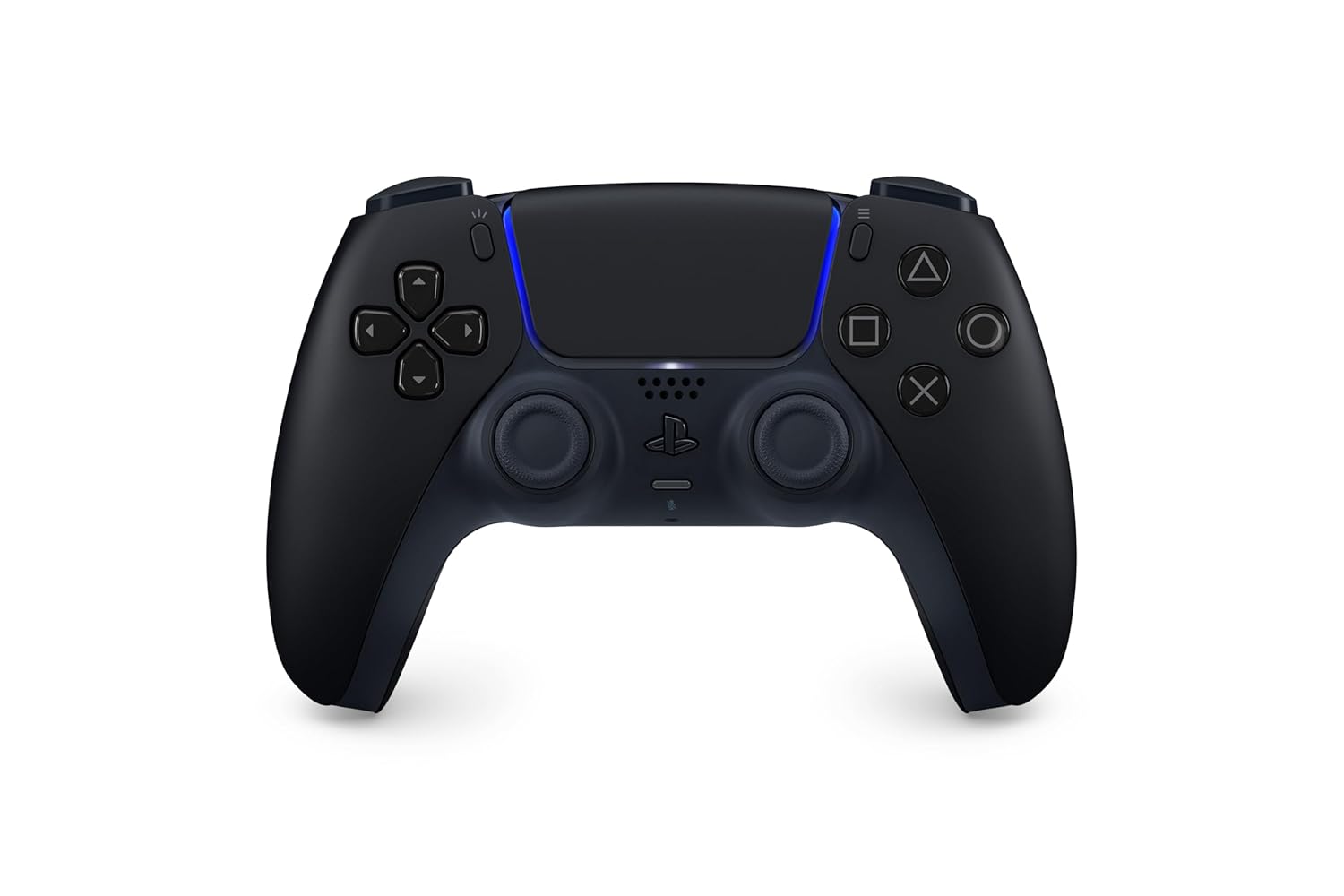 PlayStation DualSense Wireless Controller - Midnight Black
Extra PS5 controller in Midnight Black for multiplayer, remote play, and backup charging rotation.
View on Amazon
PlayStation DualSense Wireless Controller - Midnight Black
Extra PS5 controller in Midnight Black for multiplayer, remote play, and backup charging rotation.
View on Amazon
