Custom Controls 1.00 reflector88 Introduction Remap default RPG Maker controls, add menu and common event hotkeys, and more. Good general-purpose plugin for any project.
Custom Controls 1.00
reflector88
Introduction
Remap default RPG Maker controls, add menu and common event hotkeys, and more. Good general-purpose plugin for any project.
Features
- Remap controls
- Assign multiple keys to one action
- Menu hotkeys (i.e. inventory key)
- Common event hotkeys
- Bind menu and cancel to different keys (by default, they are both "x")
- Disable mouse and touch UI
- Also works for gamepad
Screenshots
How to Use
1. Put the .js file in your project's js/plugins/ folder.
2. In RMMZ, open the Plugin Manager through the Toolbar.
3. Double click an empty line, then use the "Name:" box to select "r88_CustomControls".
Link
Download on Itch.io
Terms and Credits
Free for commercial and non-commercial use. Please credit me if you found it helpful.
Terms and Credits Free for commercial and non-commercial use. Please credit me if you found it helpful.




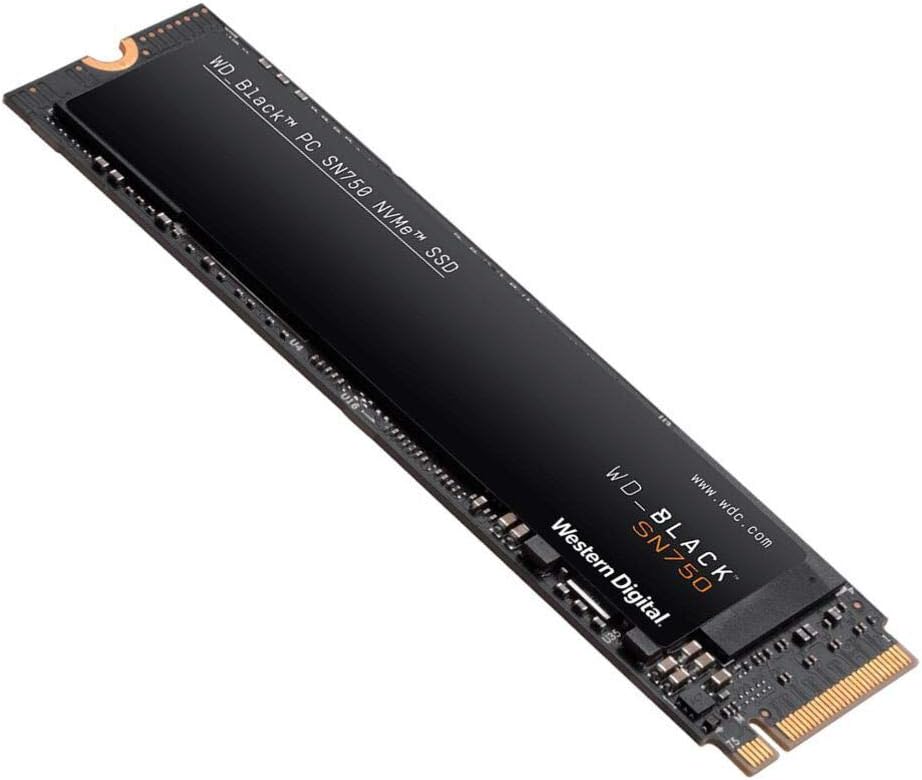 WD_BLACK 2TB SN750 NVMe Internal Gaming SSD
High-capacity NVMe storage pick for expanding a gaming PC or performance setup.
View on Amazon
WD_BLACK 2TB SN750 NVMe Internal Gaming SSD
High-capacity NVMe storage pick for expanding a gaming PC or performance setup.
View on Amazon

