Event Describe J / JE / Jragyn Introduction This plugin enables RM devs to grant additional contextual detail to events on the map through text and/or icons.
Event Describe
J / JE / Jragyn
Introduction
This plugin enables RM devs to grant additional contextual detail to events on the map through text and/or icons.
Features
- "describe" an event by adding some text
- "describe" an event by adding an icon
- either/both text and icon can hide/show based on player proximity to the event.
A demonstration of proximity text and icon (with different values):
How to Use
The plugin itself has a help section that details how to use it in case you do not want to return to this post after downloading. There are also numerous examples throughout the demo.
In order to utilize this functionality, add a comment to an event with one
of the following tags below to create text/icons that show up on the event:
<text:EVENT_TEXT>
Where EVENT_TEXT is whatever text you want to show on this event.
<icon:ICON_INDEX>
Where ICON_INDEX is the icon index of the icon to show on this event.
<proximityText>
or
<proximityTextISTANCE>
Where DISTANCE is the distance in tiles/squares that the player must be
within in order to see the text on this event. If using the tag without
DISTANCE, then the DISTANCE will default to 0, meaning the player must be
standing ontop of the event in order for the text to show up.
<proximityIcon>
or
<proximityIconISTANCE>
Where DISTANCE is the distance in tiles/squares that the player must be
within in order to see the icon on this event. If using the tag without
DISTANCE, then the DISTANCE will default to 0, meaning the player must be
standing ontop of the event in order for the icon to show up.
============================================================================
NOTE:
Proximity tags are optional. If they are not added to the event alongside
the text or icon tag, then the text/icon will always be visible while the
event is visible on the map.
In this case, the text that shows up would be
Iron Giant.
The icon id that shows up would be of index 14.
In order to see the text, the player must be within 3 tiles of the event.
In order to see the icon, the player must be within 2 tiles of the event.
Plugin Commands / Script Calls
There are no plugin commands or script calls to use for this plugin at this time.
Demo
A demo showcasing this plugin can be found at the download link below.
Download
- Demo (The same link to the demo used for all my plugins)
Final Note
I deliberately left all code open for the public to view and edit as they see fit (please be kind and give credit where credit is due!). If you have questions about the code, I'd be happy to explain most anything you'd see in any of my plugins.
Thank you, and happy RM-ing!
Before releasing to the public, this project has undergone many transformations through its iterations. Those with sharper eyes may recognize these assets! This project initially started as many do: I downloaded VisuStella and co.'s sample starter project and got to work. As a result, there are a few artifacts I didn't think twice about, most namely the tilesets and some of the sprites.
- The tilesets and some characters/faces (and the obvious core plugin at the top) are not mine, they were from VisuStella and co., so... thank you for making even other devs lives like my own easier to just pick up and get started doing actual content creation!
- I believe it was Avy's work that created the icons in the iconset. It is a bit patchworky because I wanted more things, but still, credit is due where credit is due.
- The characters/faces that are named with the pattern: "chara_*" are just characters I made using the built-in character generator. You are free to use them if you want, but know that with a little bit of time you could probably make your own! (and a bit of paint.net efforts)
Any developer would be flattered to know that there are people who want to utilize their code for something that will reach the masses, me among them!
My plugins I hope will reach the masses and will allow others to pick up and learn more about how plugins work, and hopefully become a community effort to come up with the best functionality!
However, if you opt to use this plugin [for commercial projects], you may use my plugins at no cost as-is. If you want additional support for bugs you may encounter, or features added/changed, I would encourage you reach out to me so we can talk about it in greater details.
Also, do be kind- if you make an awesome game leveraging any of my plugins, do send a copy my way! I'd love to see how others leveraged my plugins to build stuff!
FAQs
The project that contains JABS doubles as my test bed for all plugins I make. Some of them are simple (like J-Hud), while others are more complex (like J-JAFTING). I encourage you reach out to me to discuss them if you can't find anything about them anywhere as I just might've forgotten release them publicly, or I may have opted against it for other reasons.
If you encountered a bug/defect, post a screenshot of the console (if possible) along with as much detail as you can gather that you believe is related to the problem. I'm a professional developer by day, but definitely no QA! I'd be happy to fix any defects related to my code, or try my best to add compatibility to play nice with other plugins assuming their code is open as well (like f0mor's plugins, visustella plugins are a bit more difficult to deal with due to the code being obfuscated and you may need to have them reach out to me so we can talk about how to solve it).
I deliberately left all code open for the public to view and edit as they see fit (please be kind and give credit where credit is due!). If you have questions about the code, I'd be happy to explain most anything you'd see in any of my plugins. Thank you, and happy RM-ing! Spoiler: Credits Before releasing to the public, this project has undergone many transformations through its iterations. Those with sharper eyes may recognize these assets! This project initially...






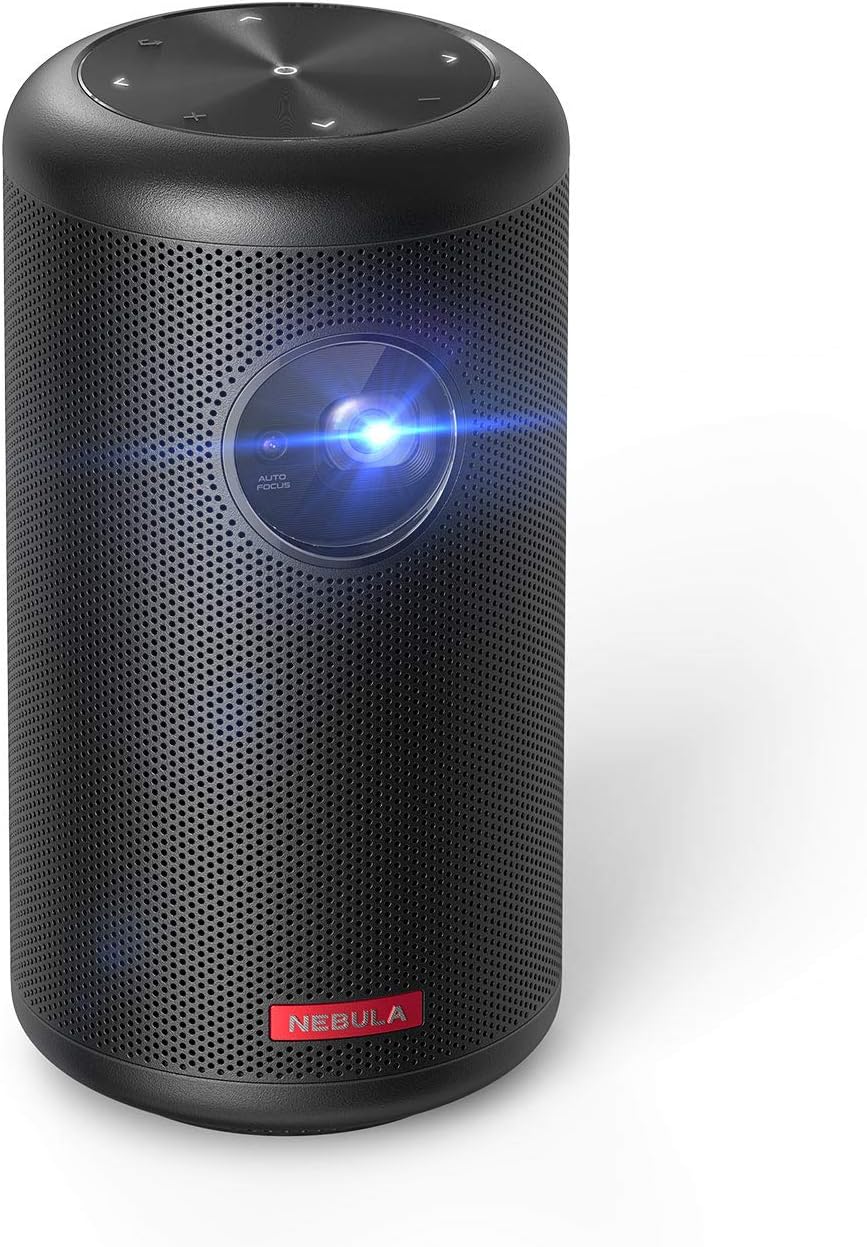 NEBULA by Anker Capsule II Mini Projector
Portable Android TV projector for movie nights, gaming, and indoor or outdoor viewing.
View on Amazon
NEBULA by Anker Capsule II Mini Projector
Portable Android TV projector for movie nights, gaming, and indoor or outdoor viewing.
View on Amazon