I was supposed to upload this plugin a couple of weeks ago but kept procrastinating about it. Anyway, here's my newest plugin: Invictor's: Where Was I? Introduction:
I was supposed to upload this plugin a couple of weeks ago but kept procrastinating about it.
Anyway, here's my newest plugin:
Invictor's: Where Was I?
Introduction:
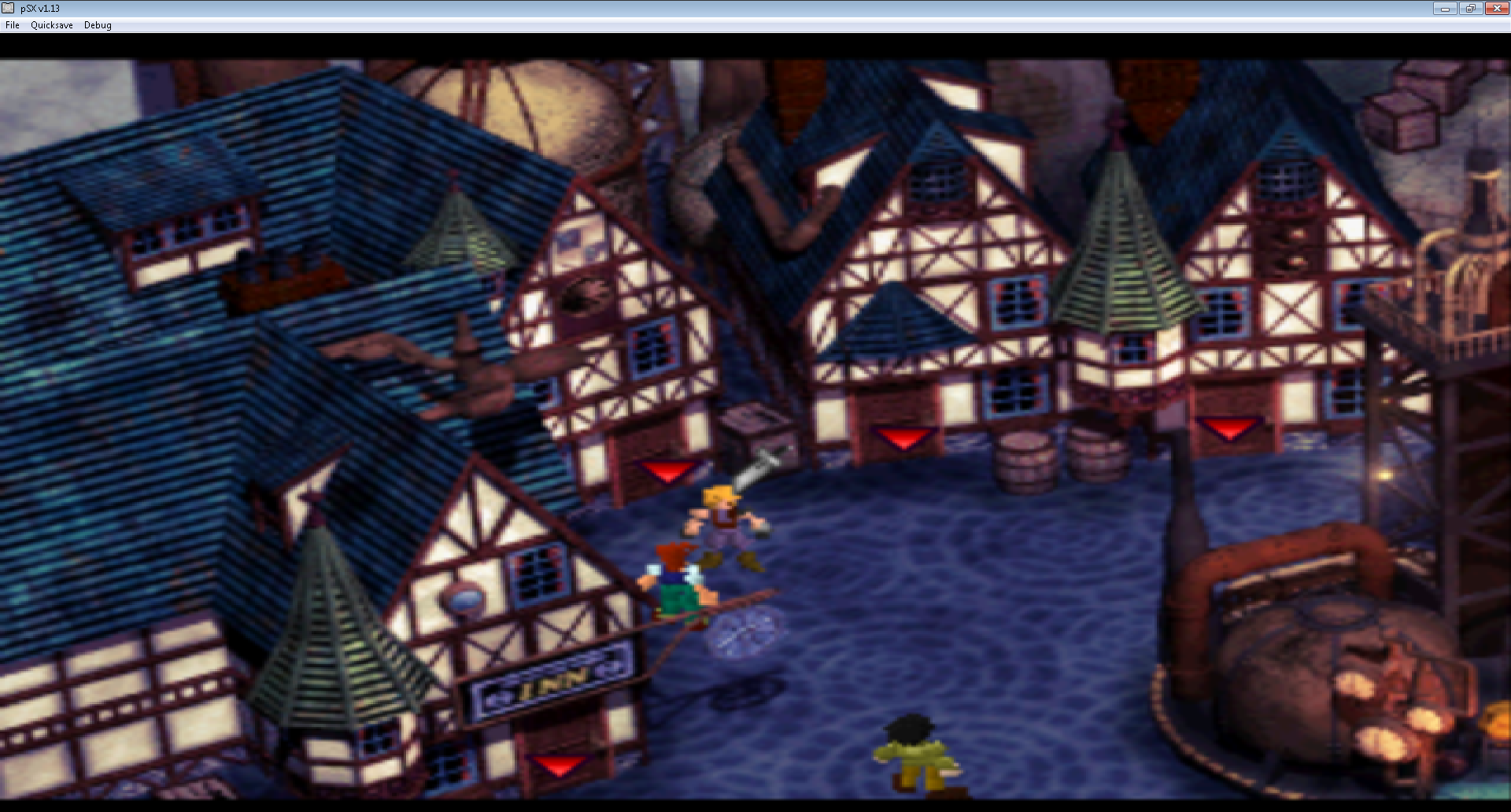
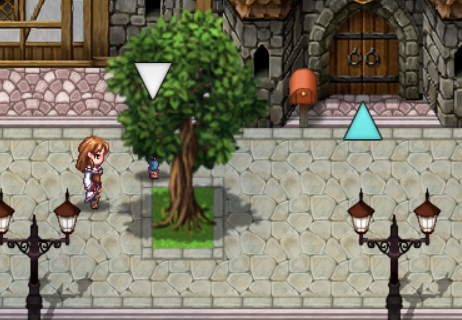
Remember in FF7 (the original) where you could check access points and enable a marker to point at your character?
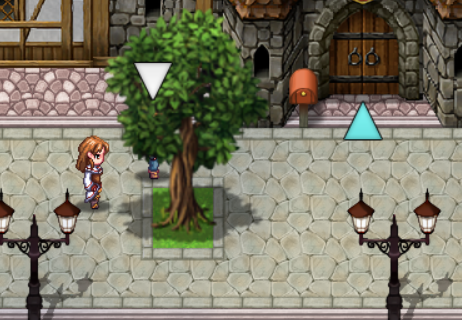
Isn't it tedious when your character gets lost behind a group of trees or a building?
Introducing
Where Was I, a tool that makes a marker appear on top of your character and events of your choosing by just pressing a button.
Instructions:
1. Install the plugin.
2. Decide what key is going to activate the marker. Default is keyboard's
H (for
Help) or
SELECT button on an XBox controller. If you wish to change the default you will need to know the JS code of the selected key. Use this website to find the code:
https://keycode.info/
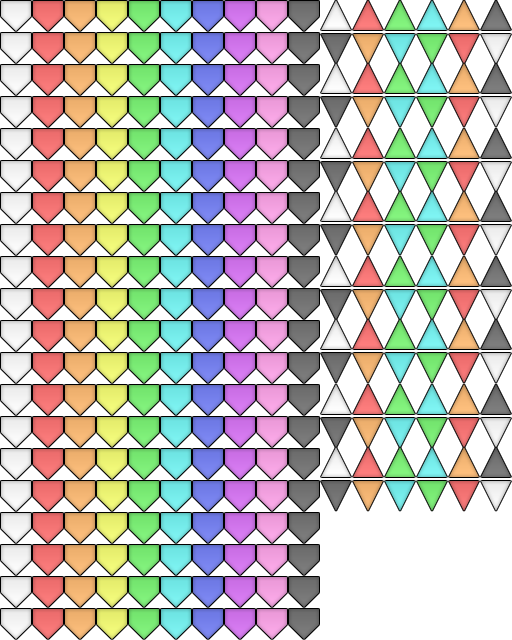
3. Introduce your icon ID for the player marker and for the event marker. I'd like to recommend the following free-to-use icons from Adon237 (source:
https://rpgmaker.net/resources/187/?&sort=-date)
4. Change the anchor point accordingly (use small numbers!).
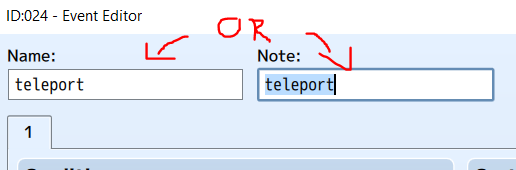
5. For the icon to appear on top of an event, you need to type
teleport in the event name or notetag (IMPORTANT: must be in lowcase).
6. Press the button in game!
Terms of use:
·Free to use in comercial and non-comercial games, as long as you give credits to inVictor.
·Do not sell or claim authorship of this plugin wholy or partially.
·You can edit and adapt the code, as long as you still give credit.
·Do not redistribute this plugin.
·I reserve the right to change these terms of use.
Sets a marker icon on top of your character.

invictor.itch.io
Terms of use: ·Free to use in comercial and non-comercial games, as long as you give credits to inVictor. ·Do not sell or claim authorship of this plugin wholy or partially. ·You can edit and adapt the code, as long as you still give credit.






 Pulsar X2 Crazylight Wireless Gaming Mouse
Ultra-light wireless gaming mouse for quick aim, claw grip, and fingertip control.
View on Amazon
Pulsar X2 Crazylight Wireless Gaming Mouse
Ultra-light wireless gaming mouse for quick aim, claw grip, and fingertip control.
View on Amazon