Toggle Options v1.0.0 CloudTheWolf Introduction This plugin allows you to remove some options from the vanilla options menu in RPG Maker MZ with a simple On/Off toggle.
Toggle Options v1.0.0
CloudTheWolf
Introduction
This plugin allows you to remove some options from the vanilla options menu in RPG Maker MZ with a simple On/Off toggle.
Originally made to remove the Touch UI Option from the settings, however I expanded it to include Always Dash and Remember Command
Features
Ability to remove the following options:
- Always Dash
- Command Remember
- Touch UI
How to Use
Add to ./js/plugins then toggle which features you want to use from the Plugin Manager
Demo
https://cloudthewolf.itch.io/cloudthewolf-scripts-demo
Download
My RPG Maker MV/MZ Scripts! Contribute to CloudTheWolf/rpg-maker-mv-mz-scripts development by creating an account on GitHub.

github.com
Terms and Credits
Free for anyone to use as long as you give credit to myself




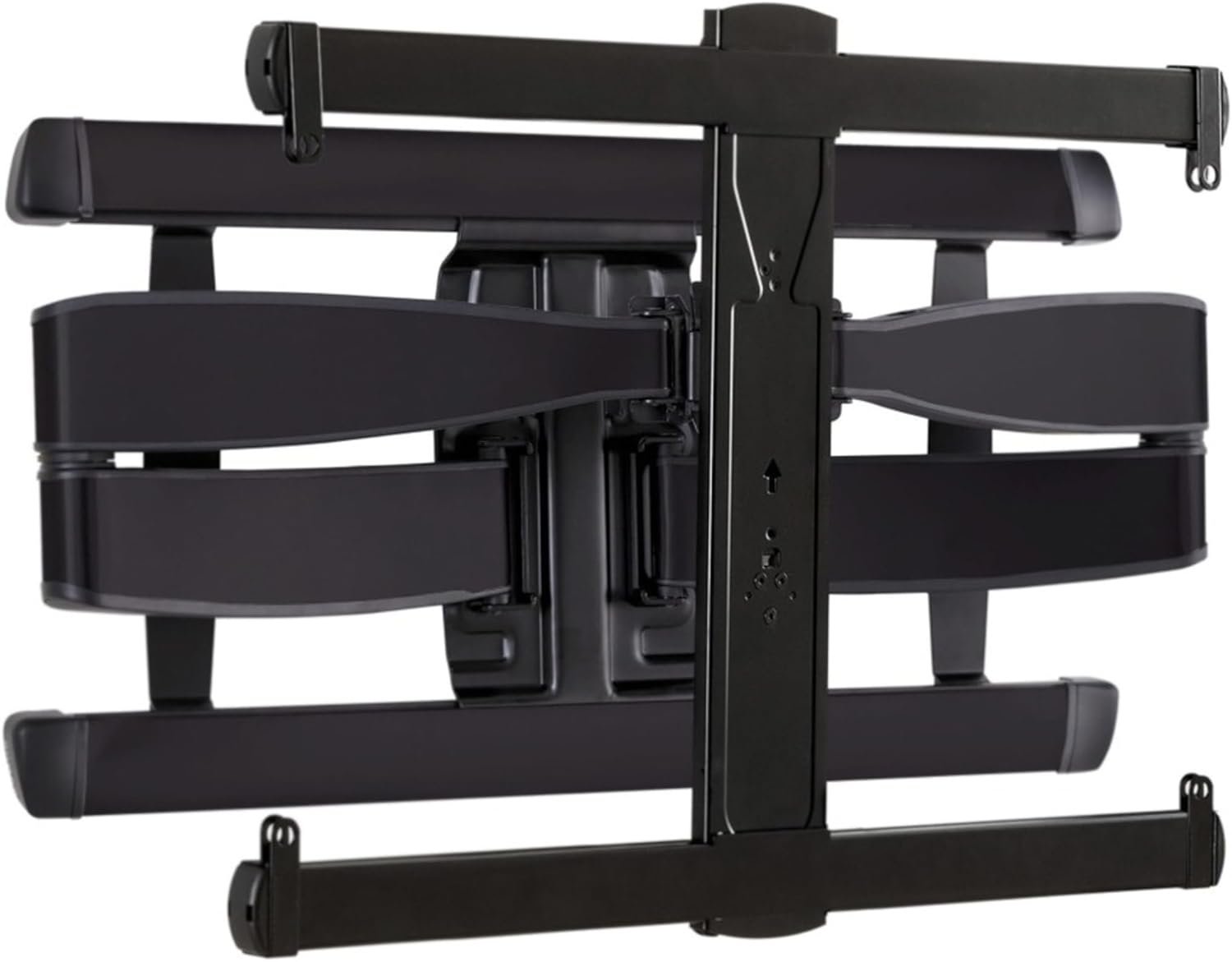 SANUS Advanced Full-Motion TV Wall Mount
Full-motion TV mount for flexible viewing angles and a cleaner entertainment wall.
View on Amazon
SANUS Advanced Full-Motion TV Wall Mount
Full-motion TV mount for flexible viewing angles and a cleaner entertainment wall.
View on Amazon
