Easily set an event's blend mode, opacity and even position via comments!
Plugin name: SDE_EventControls.js
Author: Dustb0
Version: 1.0 for MZ
Release date:
1.0.0 - 17.12.23
Plugin description & usage:
This plugin brings together several useful functions, including the ability to set an initial blend mode (Normal, Add, Multiply, Screen) using Comment commands:
In RPG Maker XP, it was possible to adjust the Opacity and Blend Mode of an event directly in the "Chose Char" window. However, this feature was dropped in later RM releases. Now, to make these adjustments, you would have to use a MoveRoute, which can be a bit cumbersome, especially when dealing with multiple events.
Another highly beneficial feature of this plugin is the ability to offset an event's X or Y position via the comments:
This offers much more flexibility when decorating your maps, as you can use a single graphic to create overlapping objects or break up the grid-like structure.
You can set the following properties:
- \offsetX[amount of pixels]
- \offsetY[amount of pixels]
- \opacity[0-255]
- \blend[0 = normal, 1 = add, 2 = multiply, 3 = screen]
You can combine them in a single event command, e.g. "\offsetX[23]\opacity[50]"
◆ Terms of Use
This plugin is released under MIT license.
You can download it by free, make a copy, modify and redistribute it as you want. But you have to credit me as "Dustb0" within your game
> Download it on itch.io
◆ Terms of Use This plugin is released under MIT license. You can download it by free, make a copy, modify and redistribute it as you want. But you have to credit me as "Dustb0" within your game > Download it on itch.io




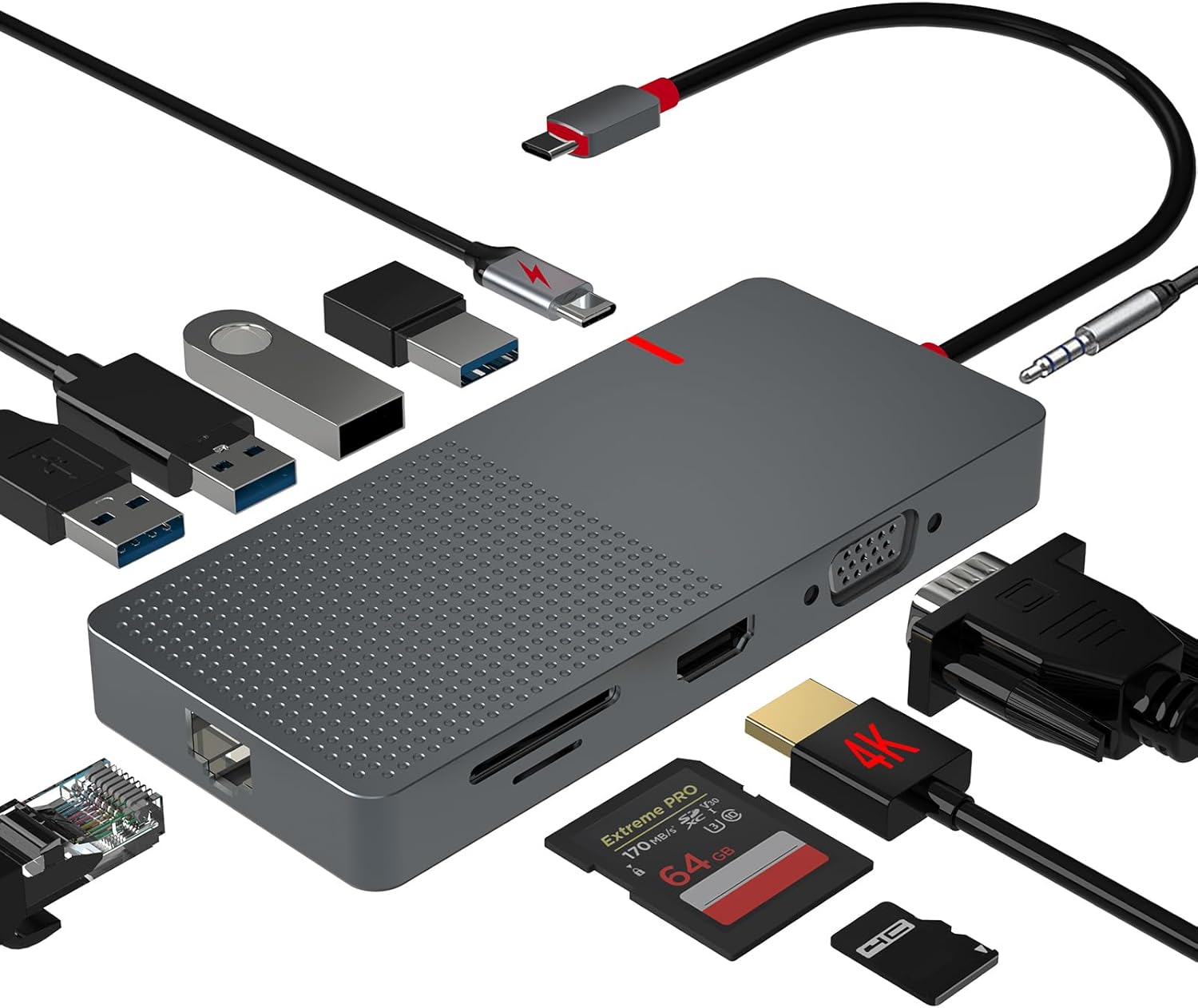 ANYPLUS USB C Docking Station Dual Monitor
Multiport USB-C dock for dual-monitor laptop desks and cleaner cable management.
View on Amazon
ANYPLUS USB C Docking Station Dual Monitor
Multiport USB-C dock for dual-monitor laptop desks and cleaner cable management.
View on Amazon
