~ Utility Plugin Pack for RPG Maker MZ ~Hi! A bit of backstory: I used to play around with RPGM 2K3 and XP a lot back in the day, but I didn't know anything about programming then. After many years out of touch with RPGM I got RPGM MZ in this Christmas sale. There were a bunch of little things I didn't like, so now that I'm experienced with JavaScript I decided to make some plugins to change that. These plugins are quite simple yet very helpful, as they change,...
~ Utility Plugin Pack for RPG Maker MZ ~
Hi!
A bit of backstory: I used to play around with RPGM 2K3 and XP a lot back in the day, but I didn't know anything about programming then. After many years out of touch with RPGM I got RPGM MZ in this Christmas sale. There were a bunch of little things I didn't like, so now that I'm experienced with JavaScript I decided to make some plugins to change that.
These plugins are quite simple yet very helpful, as they change, disable, or fix basic features of the vanilla game engine. I will probably be using most of them all the time. I've learned quite a bit about RPGM MZ making these and I hope to make more complex plugins in the future.
Please keep in mind that these are my very first plugins. They should all work fine together or separately, but let me know if you find any errors or something that I should've done differently or whatever. Thanks!
Github repository:
https://github.com/davidmcasas/RPGMakerMZ-UtilityPlugins/
~ Plugins included ~
Auto Fullscreen - Automatically sets the game to fullscreen on start.
https://github.com/davidmcasas/RPGMakerMZ-UtilityPlugins/blob/main/AutoFullscreen.js
Auto Start New Game - Automatically starts a new game if no save data is found (skips title screen).
https://github.com/davidmcasas/RPGMakerMZ-UtilityPlugins/blob/main/AutoStartNewGame.js
Custom Autosave - Enable/disable autosave on map transfer and/or battle end. Also provides a plugin command to autosave from your game events.
https://github.com/davidmcasas/RPGMakerMZ-UtilityPlugins/blob/main/CustomAutosave.js
Disable Dashing - Disables dashing, hides the "Always Dash" option, and provides plugin commands to reenable, disable or force dashing.
https://github.com/davidmcasas/RPGMakerMZ-UtilityPlugins/blob/main/DisableDashing.js
Disable Loading Spinner - Removes the loading spinner on game boot (sorry but I find it kind of ugly).
https://github.com/davidmcasas/RPGMakerMZ-UtilityPlugins/blob/main/DisableLoadingSpinner.js
Disable Refresh Key - Disable accidentally refreshing the game with F5 key.
https://github.com/davidmcasas/RPGMakerMZ-UtilityPlugins/blob/main/DisableRefreshKey.js
Disable Touch UI - Hides and disables mouse and touch user interface. Removes the Touch UI option.
https://github.com/davidmcasas/RPGMakerMZ-UtilityPlugins/blob/main/DisableTouchUI.js
Exit To Desktop - Enables an "Exit To Desktop" option in the title screen with customizable text (desktop mode only). Provides plugin command to exit the game.
https://github.com/davidmcasas/RPGMakerMZ-UtilityPlugins/blob/main/ExitToDesktop.js
Force Stretch Mode - Force stretch mode, which is disabled by default on browser. Optionally disable stretch switch (F3 key).
https://github.com/davidmcasas/RPGMakerMZ-UtilityPlugins/blob/main/ForceStretchMode.js
Pixelated Canvas - Enforce pixelated mode image rendering to prevent blurry pixelart. Optionally adds the option to the menu. Optionally force integer scaling only.
https://github.com/davidmcasas/RPGMakerMZ-UtilityPlugins/blob/main/PixelatedCanvas.js
Remove Options From Title - Removes the options button from the title screen.
https://github.com/davidmcasas/RPGMakerMZ-UtilityPlugins/blob/main/RemoveOptionsFromTitle.js
Swap Action Keys - Swaps and/or adds option to swap the Z and X keys.
https://github.com/davidmcasas/RPGMakerMZ-UtilityPlugins/blob/main/SwapActionKeys.js



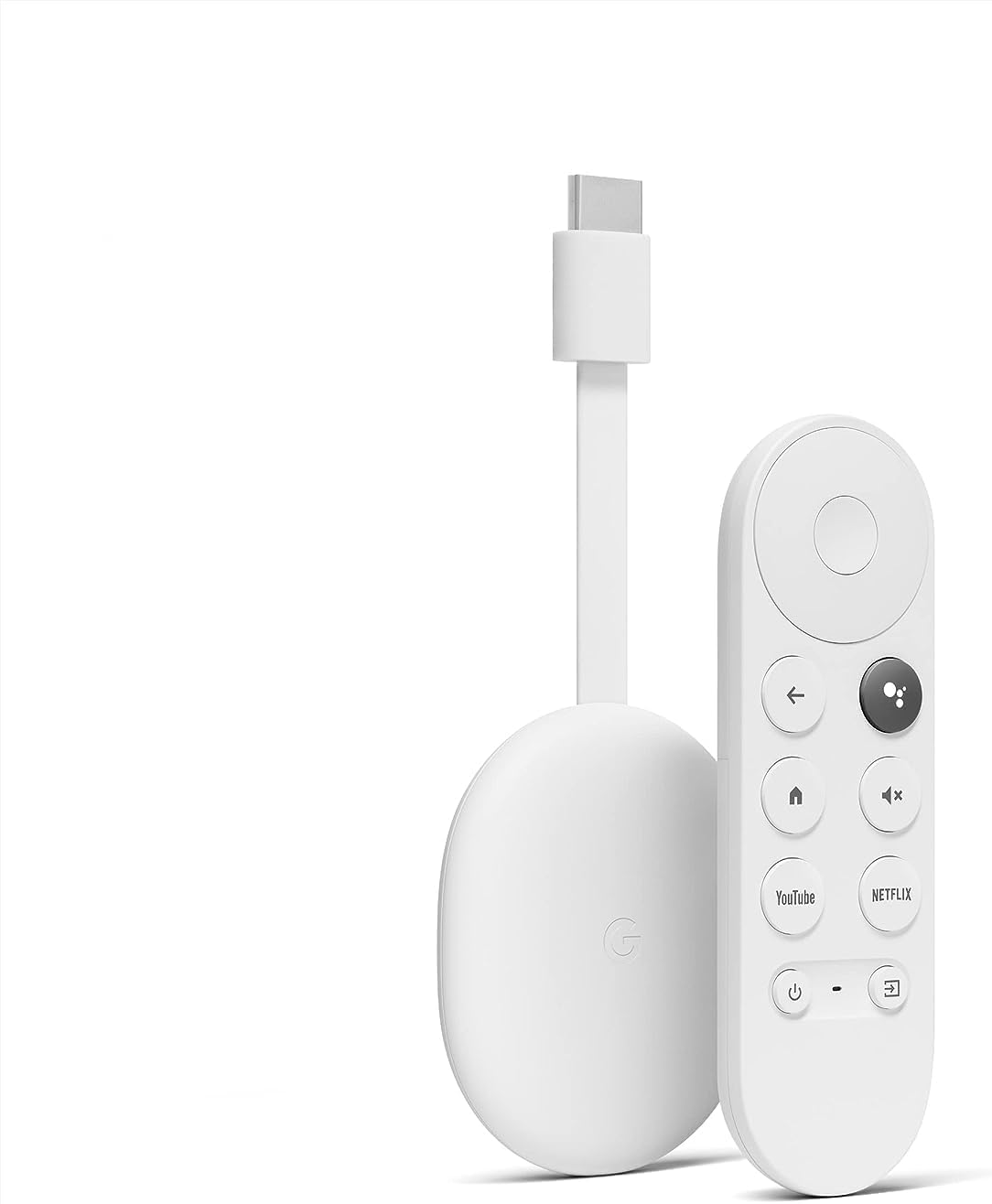 Chromecast with Google TV HD
Compact streaming device for movies, live TV apps, and personalized entertainment.
View on Amazon
Chromecast with Google TV HD
Compact streaming device for movies, live TV apps, and personalized entertainment.
View on Amazon

