LZ Plugin - Change Screen Resolution Ingame v1.0 Lanzy Introduction This gives the options and convencience of changing screen resolutions ingame,
LZ Plugin - Change Screen Resolution Ingame v1.0
Lanzy
Introduction
This gives the options and convencience of changing screen resolutions ingame,
while not having to worry about hard coding the resolution. Also a nice feature
if you want to test the screen resolution compatibilies in your game without
having to restart and change screen resolutions everytime.
In total you can use up to 4 different screen resolutions. The default
resolution, which is set in the System 2 config in MZ is selected by default.
There is no restriction on setting the screen resolution. MZ is the limit
however, I'm sure there are boundaries.
Note: Changing the game resolution ingame will keep the resolution on the next
game start. Like with other audio or game options, the screen resolution is
also saved in the config files.
Features
Adds up to 4 different screen resolution options ingame.
How to Use
Example
Config A to options - Whether or not Config A should be shown in the game options
Width - Screen width in pixels
Height - Screen height in pixels
Note: Default Config is always seen in the options.
Screenshots
Make sure to use the same screen dimensions set in System 2 for your default screen size in the
Display Config default in the plugin settings (pic below). Otherwise in the game options the default recommended button will show the wrong resolution.
Ingame view
The selected Resolution is immediately used.
Download
Github:
https://github.com/CodeRedLancer/LZ_ChangeScreenRes
Terms and Credits
Free to use, just mention me in the credits and I'm happy.




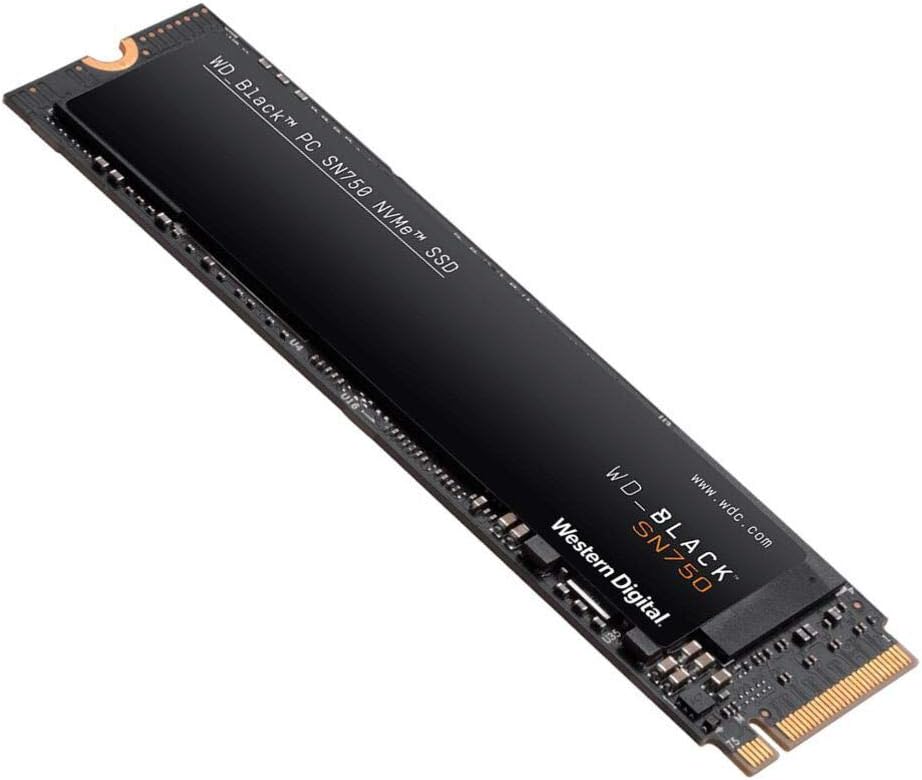 WD_BLACK 2TB SN750 NVMe Internal Gaming SSD
High-capacity NVMe storage pick for expanding a gaming PC or performance setup.
View on Amazon
WD_BLACK 2TB SN750 NVMe Internal Gaming SSD
High-capacity NVMe storage pick for expanding a gaming PC or performance setup.
View on Amazon