This plugin lets you load notetags from external JSON files. Useful for re-using the same tags over and over, or for long-winded ones that are hard to edit in tiny noteboxes. { "lightbox_close": "Close", "lightbox_next": "Next",
This plugin lets you load notetags from external JSON files. Useful for re-using the same tags over and over, or for long-winded ones that are hard to edit in tiny noteboxes.
How to Use
Add the .js file to your project's js/plugin folder, then open up the plugin manager in the editor and add the plugin.
There's an explanation on the left side.
The only setting is if you want to see debug messages (default off, for debugging use only).
Once you've added the plugin, simply add this tag to ANY note box:
- <ExNote: filename> Replace filename with the name of the file you want to load (no file extension needed, it assumes .json). I recommend not using spaces in your filenames, use underscores or dashes instead.
The data from the file will be added onto any data already in the notebox. This is done before the game parses the metadata, so it will act as though you had written out the (parsed) contents of the file in the box -- so text codes, tags, and the like should all work!
The contents of your JSON files should look something like this:
[
"Stuff",
"More stuff",
"This one.\nHas a new line!"
]
The square brackets start and end the file. Each line needs to be enclosed in double quotes, and if it is not the last line then it needs a comma afterwards. If you need a new line in the middle of a string, use
\n. If your text includes a lone \ anywhere, you will need to use
\\.
Performance Notes
This adds extra files to load when you first boot up the game. I encountered no noticeable performance impact on my end, but with a big enough project loading a lot of extra files, this could add up.
Terms of Use
You can view the license
here. In short, it is free for commercial or non-commercial use. Credit is optional as long as you don't claim it as your own work.
Downloads
You can download just the plugin
here. Press the 'Raw' button then Ctrl+S to save it.
Terms of Use You can view the license here. In short, it is free for commercial or non-commercial use. Credit is optional as long as you don't claim it as your own work. Downloads You can download just the plugin here. Press the 'Raw' button then Ctrl+S to save it.






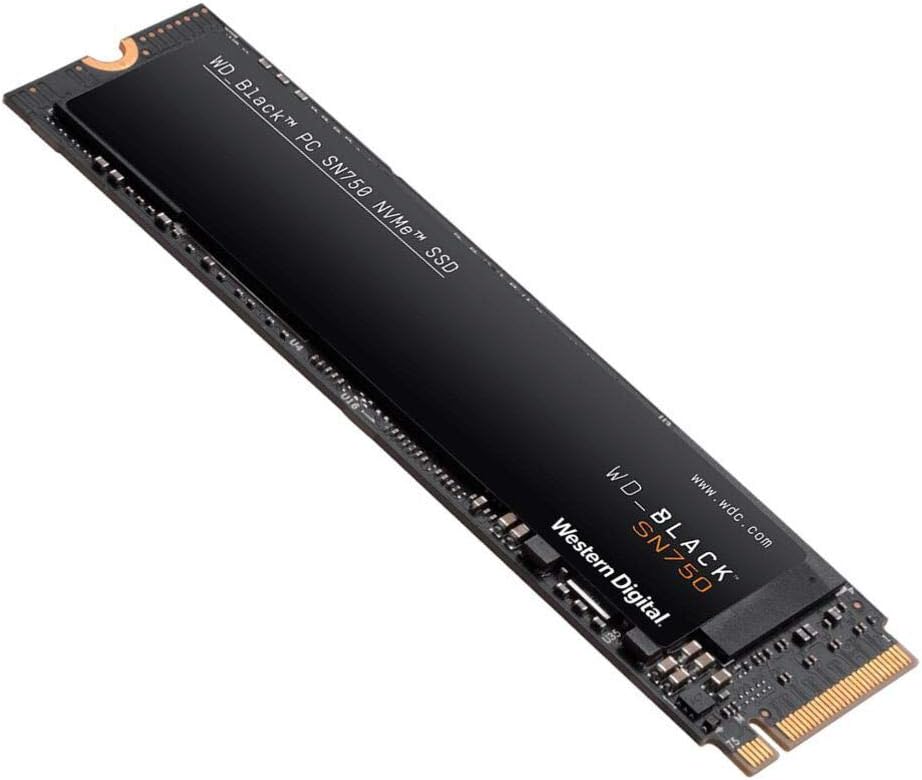 WD_BLACK 2TB SN750 NVMe Internal Gaming SSD
High-capacity NVMe storage pick for expanding a gaming PC or performance setup.
View on Amazon
WD_BLACK 2TB SN750 NVMe Internal Gaming SSD
High-capacity NVMe storage pick for expanding a gaming PC or performance setup.
View on Amazon