Duplicate Actors
Version 1.0
by Fomar0153
Description
Allows you to have multiple copies of the database actors.
This could either allow for system like in FF1 where you build your party, or it could be the basis for a monster catching style rpg like Dragon Warrior/Quest Monsters, Jade Cocoon... Pokémon etc.
Please note if you are going the monster rpg route, I recommend you are an experienced user, or wait for more plugins.
This is because you'll need to understand the concept of pointers in order to achieve most things.
Features
You can protect a section of the actor database and refer to them with events and code exactly as you did before.
There are three plugin commands you can use:
Create Actor
Change Party
Change Name
Screenshots
The event code for how I evented that party builder:
Ok so I started with a simple Show Choices, then:
I use the Create Actor plugin command, 15 is Red Mage in the database. I store the new Red Mage's actor id in variable 1.
Then I use the Change Party plugin command to add them to the party. I use the Pointer method, meaning it looks in the variable with the id I submitted in Variable Id. Now because Create Actor put the id into variable 1 and I haven't changed it, this adds the new Red Mage.
Similarly I use the same approach to rename them.
How to Use
Place the plugin in your project's js/plugins/ folder.
Inside RPG Maker MZ's editor, open the Plugin Manager.
Create a new entry and select this plugin from the list.
Customise the options to your liking and then click ok.
Then you can use the plugin commands to make and manage the new Actors.
Download
Click here.
FAQ
Q: Nothing seems to happen when I use your plugin.
A: Make sure the plugin has its original name and that you haven't accidentally renamed it.
Credits
Fomar0153
Terms of Use
As long as I am credited, you may use this plugin in your projects both commercial and non-commercial.
Credits Fomar0153 Terms of Use As long as I am credited, you may use this plugin in your projects both commercial and non-commercial.






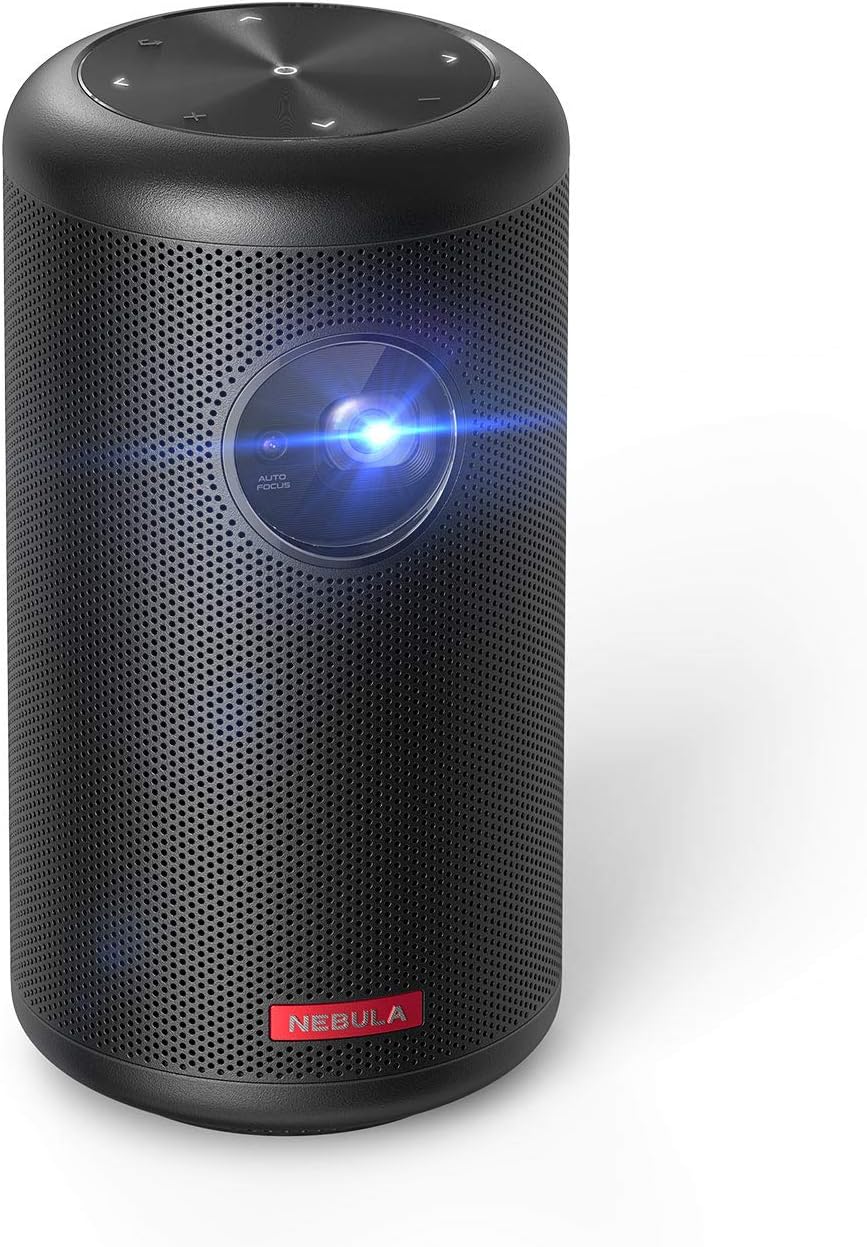 NEBULA by Anker Capsule II Mini Projector
Portable Android TV projector for movie nights, gaming, and indoor or outdoor viewing.
View on Amazon
NEBULA by Anker Capsule II Mini Projector
Portable Android TV projector for movie nights, gaming, and indoor or outdoor viewing.
View on Amazon

