Custom Font Message Plugin v1.2.0 by Open Digital World { "lightbox_close": "Close",
Custom Font Message Plugin v1.2.0
by Open Digital World
Introduction
This plugin allows you to use custom fonts to your game and use them to change the appearance of text in messages displayed.
Important: This plugin is an add-on of the plugin "Gabe MZ - Custom Font Loader" which you can get here:
GabeMZ_CustomFontLoader.js.
Features
- Use custom fonts in messages, choices and scrolling texts.
- Adjust the text size, the text color, or the size and color of the text outline.
- Change all these text parameters in one command, or combine them at will.
1. Put your custom fonts in the /fonts folder of the game project.
2. Configure the plugin "Gabe MZ - Custom Font Loader".
3. Use the following plugin commands in your game before calling the commands "Show Text", "Show Choices" or "Scroll Text" in an event:
- <Reset Custom Font>: Restore the default font settings.
- <Use Custom Font>: Replace the default font settings with your own.
- <Font Name>: the name you used to declare the font.
- <Font Size>: the size of the text.
- <Font Color>: the color of the text.
- <Font Outline Color>: the color of the text outline.
- <Font Outline Width>: the width of the text outline.
- <Use Custom Font Name>: Replace the default font by one of your custom fonts.
- <Font Name>: the name you used to declare the font.
- <Reset Before Change>: the command to reset the custom font settings before applying this change.
- <Use Custom Font Size>: Replace the default font size.
- <Font Size>: the size of the text.
- <Reset Before Change>: the command to reset the custom font settings before applying this change.
- <Use Custom Font Color>: Replace the default font color.
- <Font Color>: the color of the text.
- <Reset Before Change>: the command to reset the custom font settings before applying this change.
- <Use Custom Font Outline>: Replace the default font outline color and size.
- <Font Outline Color>: the color of the text outline.
- <Font Outline Width>: the width of the text outline.
- <Reset Before Change>: the command to reset the custom font settings before applying this change.
Terms of Use
This plugin is published under
License MIT.
Special Thanks
Thanks to
@Gabe for making his plugin available to developers to allow the creation of addons.
Download Link
ODW_CustomFontMessage.js (itch.io)
Update Log
v1.0.0 - 23.09.2021
- Initial release.
v1.1.0 - 26.09.2021
- Added support for choices and scroll text.
v1.2.0 - 05.10.2021
- Added support for text color and outline.
- Added new plugin commands to specifically change the font, size, color or outline of text.
Terms of Use This plugin is published under License MIT. Special Thanks Thanks to @Gabe for making his plugin available to developers to allow the creation of addons.






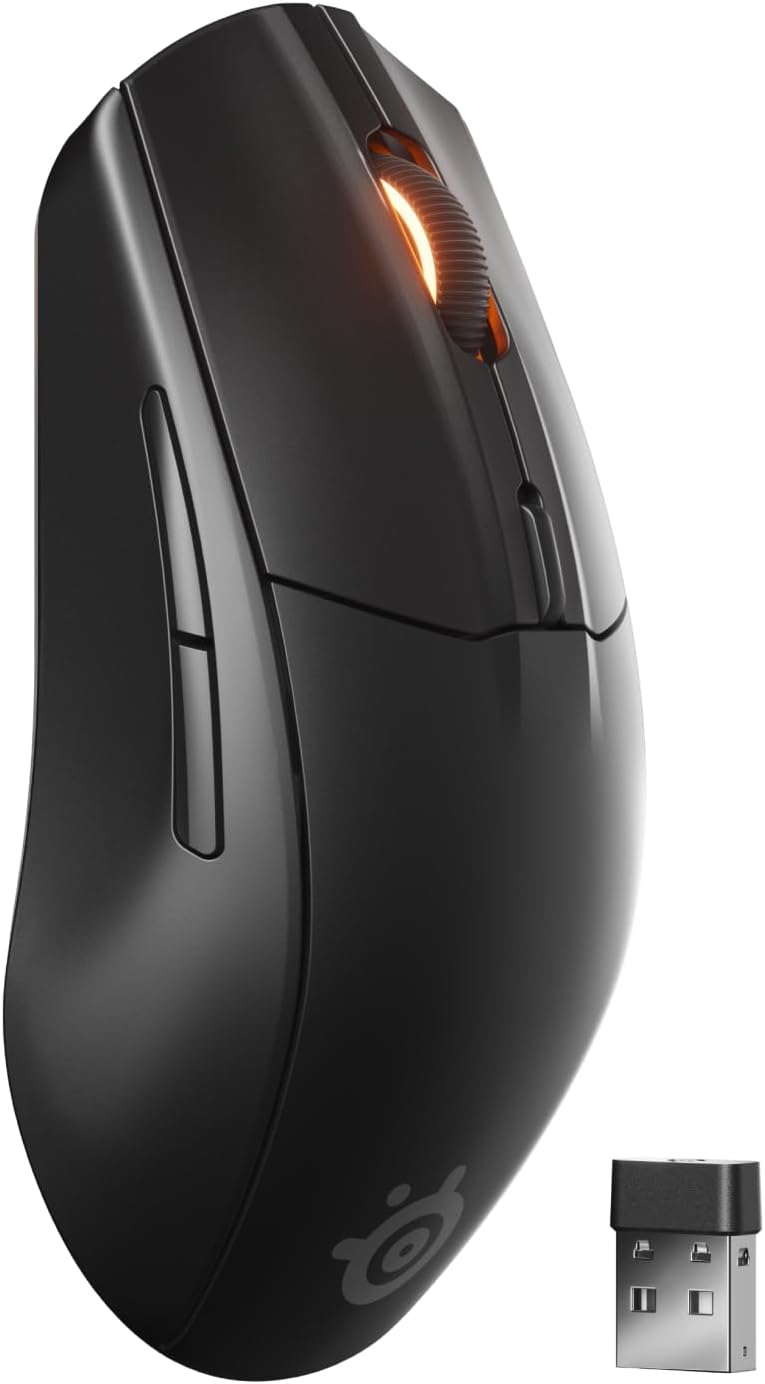 SteelSeries Rival 3 Wireless Gen 2 Gaming Mouse
Dual wireless gaming mouse with fast response and long battery life for PC players.
View on Amazon
SteelSeries Rival 3 Wireless Gen 2 Gaming Mouse
Dual wireless gaming mouse with fast response and long battery life for PC players.
View on Amazon