


MZMewgles Keyboard Config
BMM_Archive · July 15, 2026

Original Source
- Original title: Mewgles Keyboard Config
- Original author: Mewgles
- Original date: July 7, 2021
- Source thread: https://forums.rpgmakerweb.com/threads/mewgles-keyboard-config.138213/
- Source forum path: Game Development Engines > RPG Maker Javascript Plugins > JS Plugin Releases (RMMZ)
Summary
Keyboard Config V1.0 Author: MewglesDescription: This plugin allows you to set up a custom keyboard configuration for your game. It also allows you to set up a menu for the player so they can customize the controls by themselves. On top of that there is a way to define custom keyboard inputs for triggering switches or even third party input commands (under certain conditions). These commands can be enabled for customization aswell.
Archived First Post
Author: Mewgles
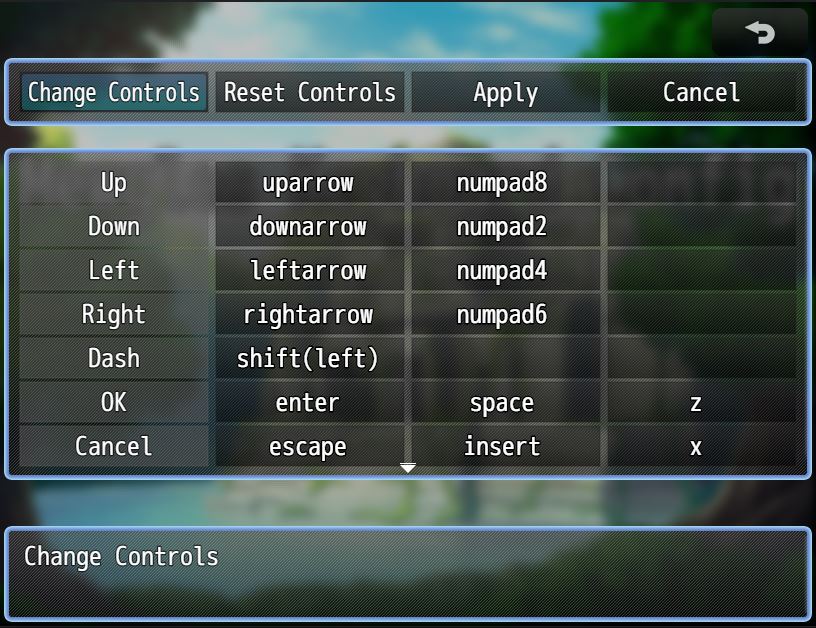
This plugin allows you to set up a custom keyboard configuration for your game. It also allows you to set up a menu for the player so they can customize the controls by themselves.
On top of that there is a way to define custom keyboard inputs for triggering switches or even third party input commands (under certain conditions). These commands can be enabled for customization aswell.
Features:
- Customizable keyboard controls for the game
- Optional menu for the player to customize the controls
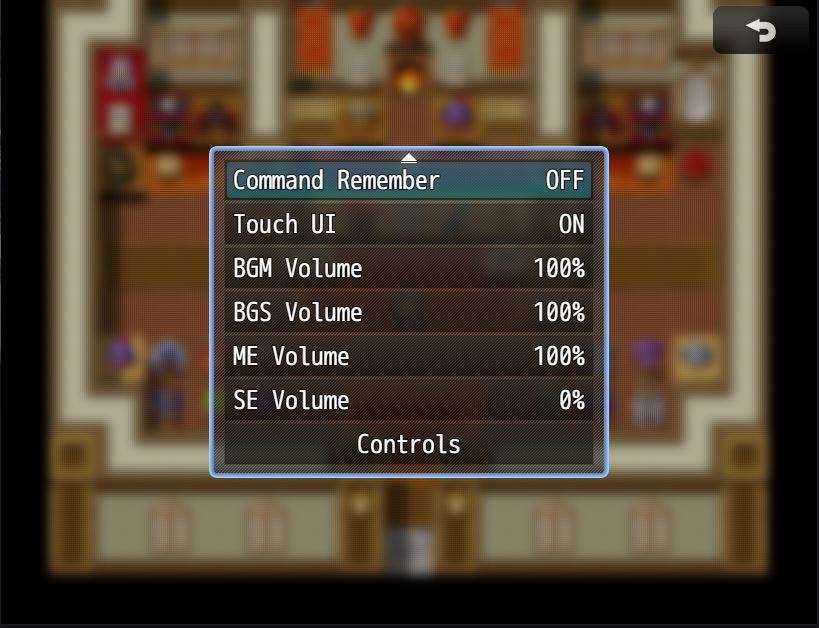
- Optional menu display inside the regular options menu
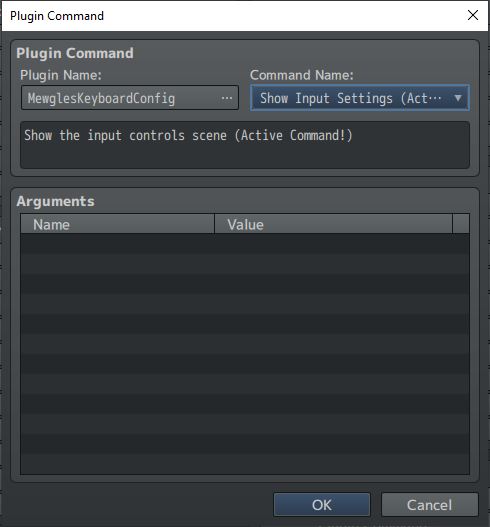
- Menu display via plugin command
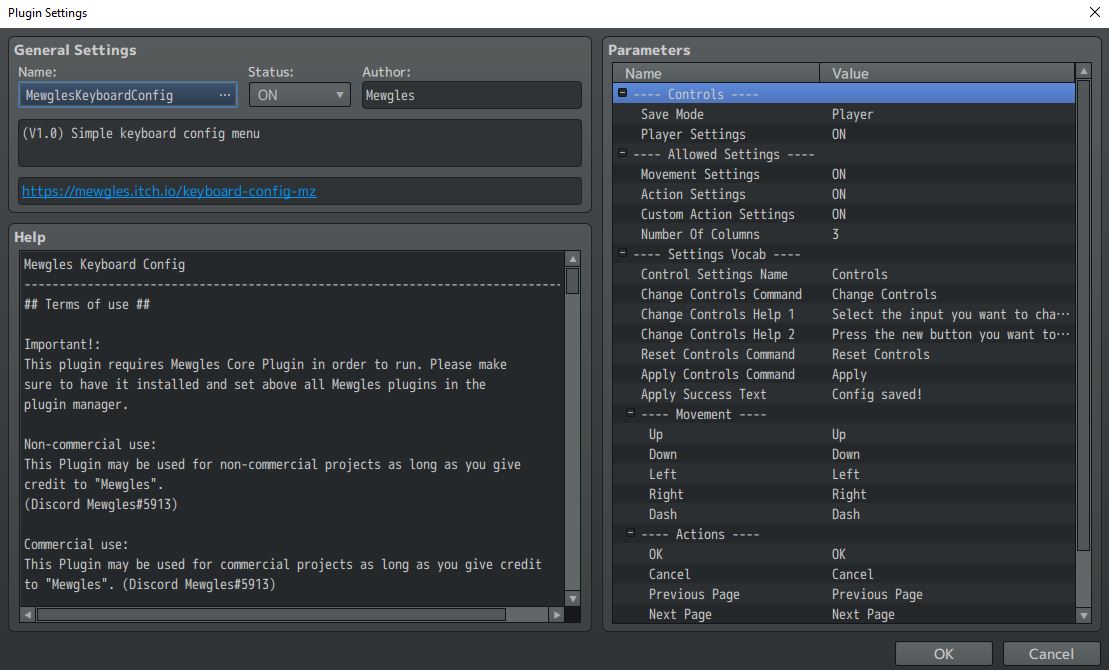
- Pick which controls can be customized
- Custom keyboard actions
- Trigger switches with keyboard inputs
- Set up customizable inputs for third party keymap commands
Terms of Use:
This plugin may be used for non commercial and commercial projects as long as you credit “Mewgles”. You do not have to inform me in case of a release of your project.
You are not allowed to redistribute or alter my work in any way.
Download:
Itch.io
Steam Workshop
Features Mentioned
- Customizable keyboard controls for the game
- Optional menu for the player to customize the controls
- Optional menu display inside the regular options menu
- Menu display via plugin command
- Pick which controls can be customized
- Custom keyboard actions
- Trigger switches with keyboard inputs
- Set up customizable inputs for third party keymap commands
- Terms of Use:
- This plugin may be used for non commercial and commercial projects as long as you credit “Mewgles”. You do not have to inform me in case of a release of your project.
- You are not allowed to redistribute or alter my work in any way.
- Spoiler: Screenshots
- "lightbox_close": "Close",
- "lightbox_next": "Next",
- "lightbox_previous": "Previous",
- "lightbox_error": "The requested content cannot be loaded. Please try again later.",
- "lightbox_start_slideshow": "Start slideshow",
- "lightbox_stop_slideshow": "Stop slideshow",
Downloads / Referenced Files
Log in, then follow the RPG Maker Developers Group to see these download links.
Log in to downloadLicense / Terms Note
Terms of Use: This plugin may be used for non commercial and commercial projects as long as you credit “Mewgles”. You do not have to inform me in case of a release of your project. You are not allowed to redistribute or alter my work in any way. Spoiler: Screenshots
Referenced Images / Attachments
Creator Claims / Removal
If you are the original creator and want this listing reassigned, edited, or removed, join BMMPlay and contact the moderators with proof that matches the original RPG Maker Web profile, linked GitHub, itch.io page, or another public creator identity.


Replies (0)
No replies yet.
Topic Summary
Loading summary...
