Gradient Wipe v1.0.0 Tsukimi (cji3bp62000) Introduction There are fancy transition effects in RM 2000/XP/VX, but only fading and scaling in MV.
Gradient Wipe v1.0.0
Tsukimi (cji3bp62000)
Introduction
There are fancy transition effects in RM 2000/XP/VX, but only fading and scaling in MV.
So I decided to make this script to make it more fancier,
and also add the effect to characters/pictures/message window.
#ff4d4d">*** Notice !!! ***
this is an webGL depending effect. If your RMMV version is below 1.5.0,
"and" your game
will be on website/smartphone,
#ff0000">this effect may not work.
1.5.0 or upper version allows WebGL rendering for website/smartphone.
(
OK for desktop application, even with version below 1.5.0)
Features
- Old-Style Transition Effect
- Character/Picture Fading Effect
- Message Window Fading Effect
※Gradient Image will be stretched to fit the target(screen/char/pic/message), so no need resizing to 816*624, just use what you have(o・ω・o).
Screenshots
Some Japanese, but the important parts are also translated to English.
How to Use
- Open your project, add and turn this script on in plugin manager.
- Create 'transitions' folder under 'img/' directory, and put your Gradient Image in it.
There are Plugin parameters to set as effect default parameter.
#0000ff">・Transition Effect:
GWTransition <on/off>
use Gradient Wipe transition(on) or RM default transition(off).
Ignore the <>.
GWTrans_Setting FadeImg <imageName>
set Gradient Image for transition.
Ignore the <>.
GWTrans_Setting FadeInImg <imageName>
set Gradient Image for transition(only for fade in).
Ignore the <>.
GWTrans_Setting FadeOutImg <imageName>
set Gradient Image for transition(only for fade out).
Ignore the <>.
GWTrans_Setting Duration <frames>
set the fading effect duration(in frame).
Ignore the <>.
#0000ff">・Character/Picture Fading Effect:
GWFade character <id> [fadeIn/fadeOut] <imgName> <duration> (<softness>)
set Gradient Wipe effect for character.
id: -1(gamePlayer), 0(this Event), 1~(Event ID)
if use fadeOut, will automatically turn the opacity of character to 0 after effect ends.
(no auto opacity-changing when using fadeIn)
softness is an optional parameter.
default is 0, and mostly 5~10 is enough.
example:
#0000ff">GWFade character -1 fadeOut Circle 60
-> game Player(-1) will fade out using 'Circle.png' in 60f.
GWFade picture <id> [fadeIn/fadeOut] <imgName> <duration> (<softness>)
set Gradient Wipe effect for picture.
parameters are the same as character fading.
example:
GWFade picture 1 fadeIn Circle 60 5
-> Picture No.1 will fade in using 'Circle.png' in 60f,
with softness 5.
・Message Window Fading Effect:
GWMessageFade <on/off>
use Gradient Wipe fade(on) or RM default open/close window effect(off).
Ignore the <>.
GWMessage_Setting FadeImg <imageName>
set Gradient Image for message window fading.
Ignore the <>.
GWMessage_Setting Duration <frames>
set the fading effect duration(in frame).
Ignore the <>.
Script
You can download(press ctrl+s) the script from
here, or from
my Github.
FAQ
Post question and answers to common question here in the following format:
Q: Fading out character/picture is working fine, but I can't fade in the character/picture again.
A:
The FadeOut command for char/pic will turn the opacity to 0, so you have to turn opacity back in order to fadeIn.
Set the character/picture's opacity to 255 or some else
right before or after the fade in plugin command.
Terms of use
Free to use in non-commercial/commercial games. Credits no need. (but I will be happy if you would write in your game!)
#ff0000">Do not reproduce or redistribute this script alone(without any game data).
Credit and Thanks
- Tsukimi (in this forum: cji3bp62000)
- Credit people which have help you in making the script.
Author's Notes
2018/01/22 released.
You can find gradient wipe image by searching :
・gradient wipe
・luma wipe
・luma fade
・ルール画像 (<- japanese)
Terms of use Free to use in non-commercial/commercial games. Credits no need. (but I will be happy if you would write in your game!) Do not reproduce or redistribute this script alone(without any game data). Credit and Thanks





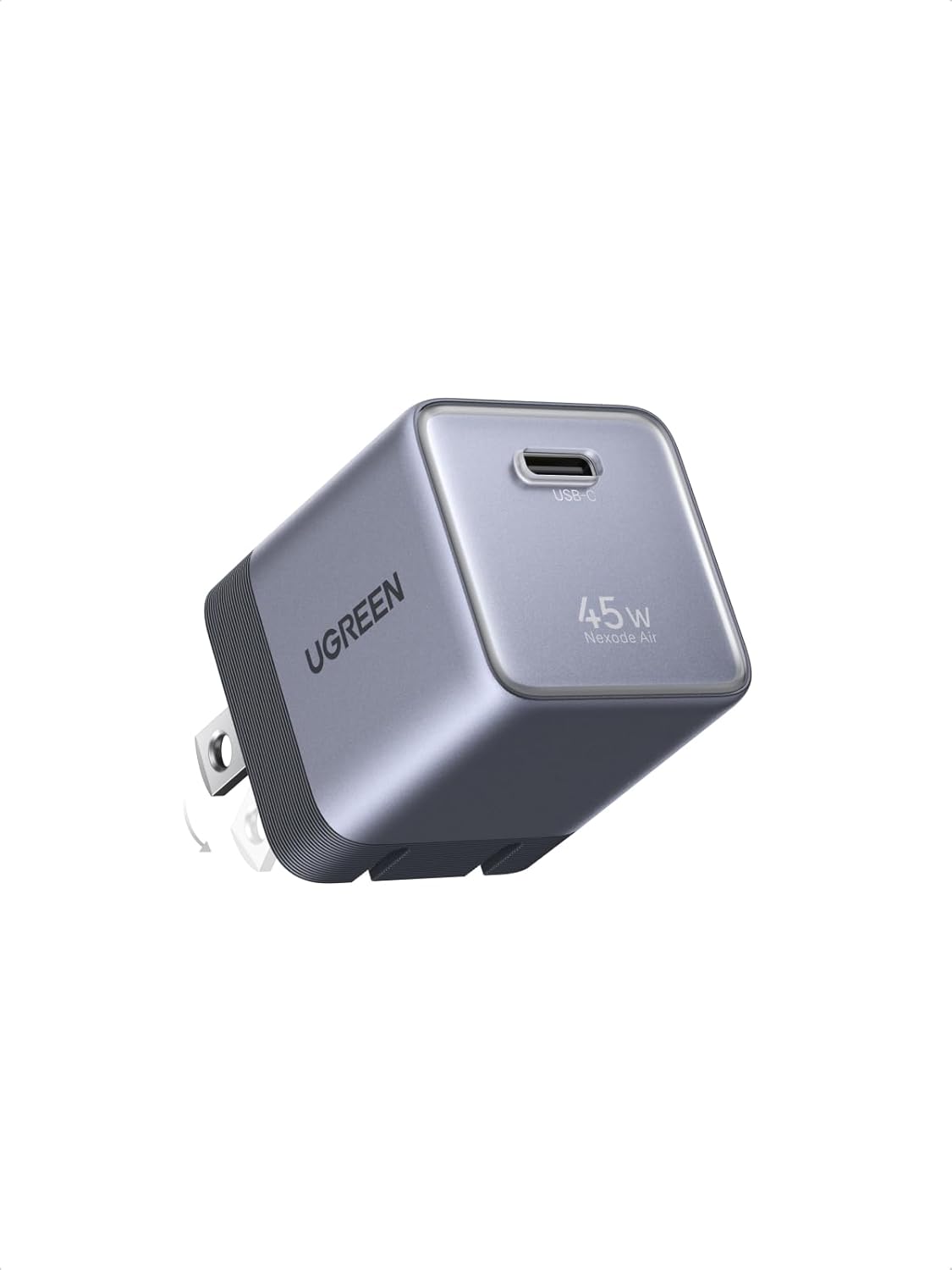 UGREEN Nexode Air 45W USB-C Charger Block
Compact foldable GaN charger for phones, tablets, and light laptop charging.
View on Amazon
UGREEN Nexode Air 45W USB-C Charger Block
Compact foldable GaN charger for phones, tablets, and light laptop charging.
View on Amazon