Plugin Name + Version Number Creator name Introduction Joystick support is poor in RPG Maker.
Plugin Name + Version Number
Creator name
Introduction
Joystick support is poor in RPG Maker.
There was no way to read the right stick specifically.
This plugin will read the stick state and improve the game experience.
Features
We currently only offer right stick reading.
The core functionality of this plugin is complete.
However, gamepads are diverse and not unified.
In order for this plugin to progress, we need information on a number of gamepads.
Even a simple "plugin worked" information would help me.
Screenshots
No screenshots.
(How do you prepare a screenshot for a plugin that handles gamepad operations? I couldn't find this answer)
How to Use
1. Install the plugin.
2. In the plugin parameters set the variable where you want to save the result.
The state of the joystick is written to the variable you set.
Plugin Commands / Script Calls
It also works with RPG maker MV, but there is no support for plugin commands in MV.
Download
[*]Github:
https://raw.githubusercontent.com/Sigureya/RPGmakerMZ/master/Mano_JoyStick.js
Terms and Credits
This plugin is provided under the MIT license.
This plugin can be used freely regardless of the contents of your game.
Please use the following credit notation.
Siguren
Terms and Credits This plugin is provided under the MIT license. This plugin can be used freely regardless of the contents of your game. Please use the following credit notation.




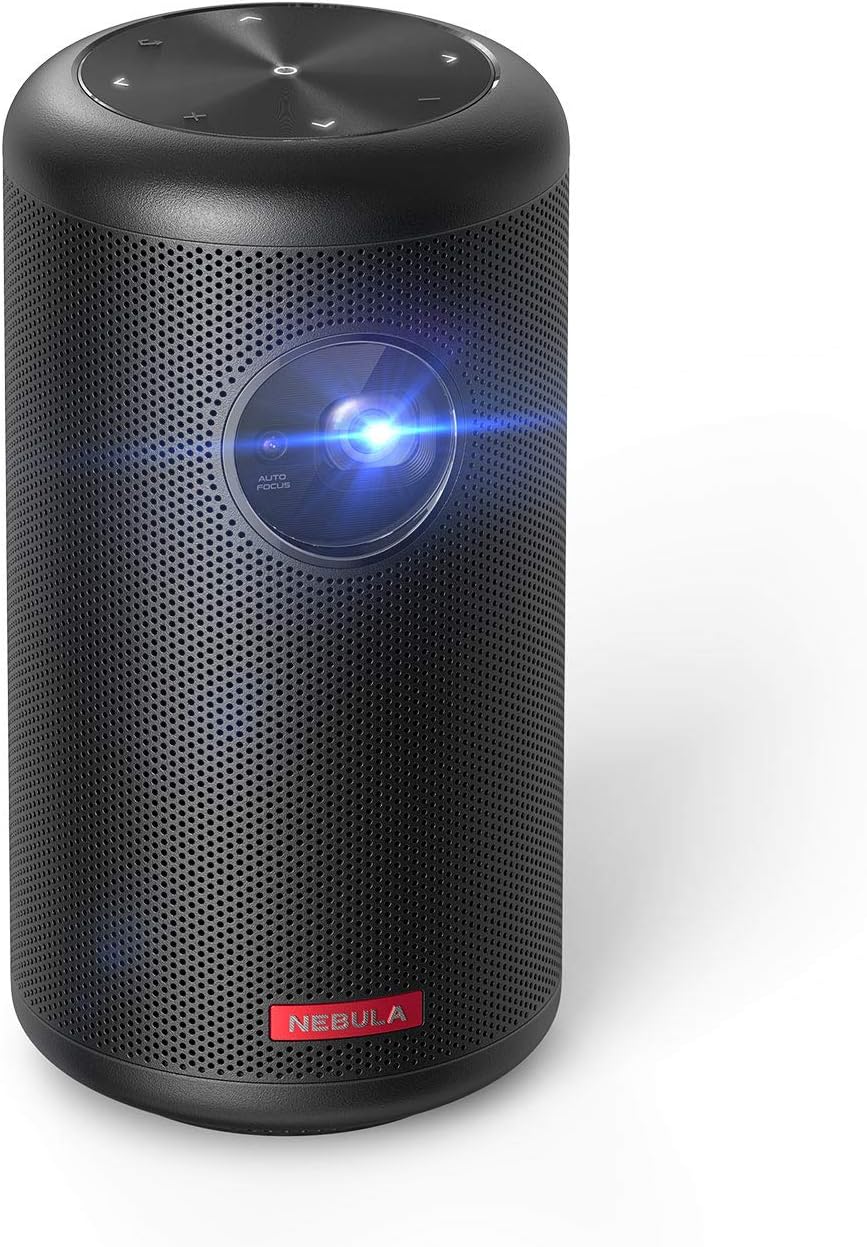 NEBULA by Anker Capsule II Mini Projector
Portable Android TV projector for movie nights, gaming, and indoor or outdoor viewing.
View on Amazon
NEBULA by Anker Capsule II Mini Projector
Portable Android TV projector for movie nights, gaming, and indoor or outdoor viewing.
View on Amazon

