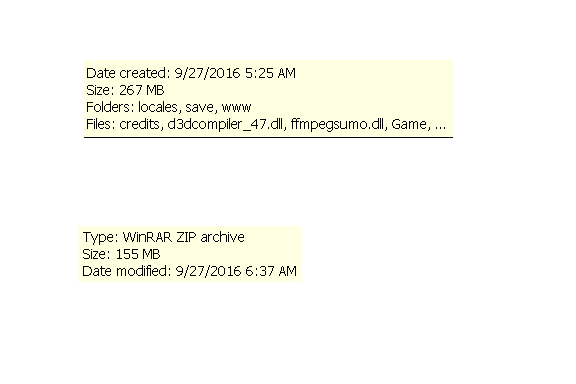
How would you like your games file size to decrease from the size on top example to the size of the bottom example? { "lightbox_close": "Close", "lightbox_next": "Next",
How would you like your games file size to decrease from the size on top example to the size of the bottom example?
Protected download[both sizes are after mvstripper]
This tut will cover every possible way for you to make your project as tiny as possible. First off is the very obvious go get
MVstripper here on forums and use as it instructs that will cut down your project to somewhere around 50% of the original size but of course your are here to take it steps further than that.
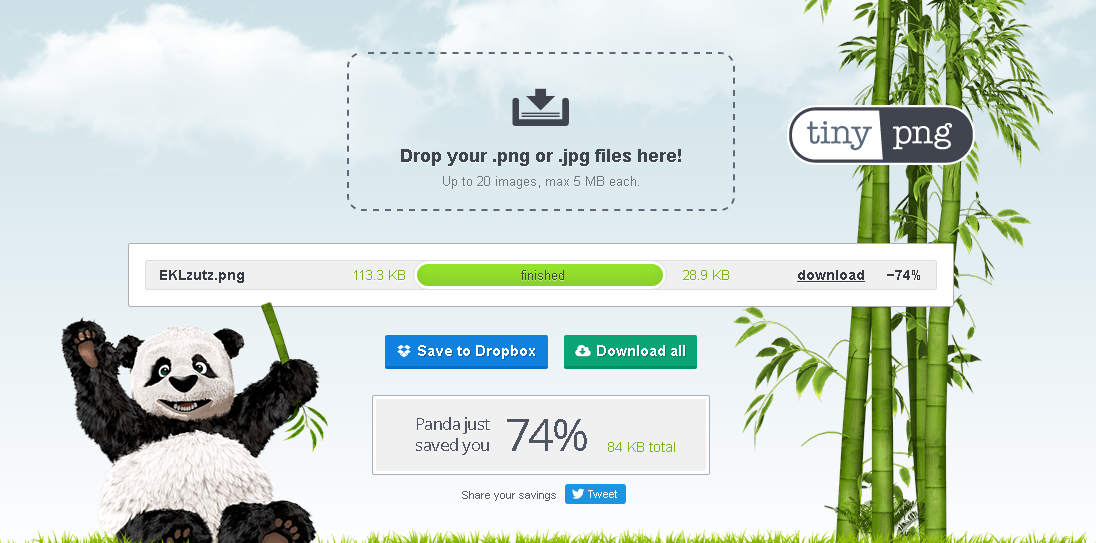
Secondly every .png image in your project/img folder can be cut dramatically in size and still work just the same, you can do this by going to tinypng.com. Here is an example of a png image being cut down.
Protected download
May not seem like much but after 100's of images that's an extra 10-30mb shaved off your project. Now you may say oh well it must be lowering the quality right? I kinda thought it would too but just as example.
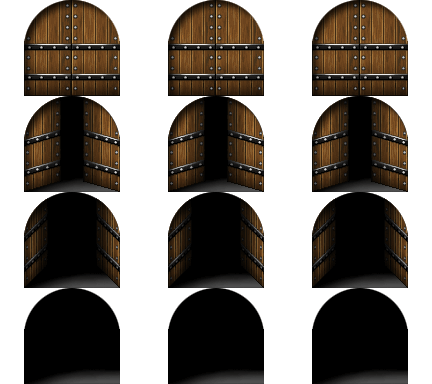
Protected download<---compressed
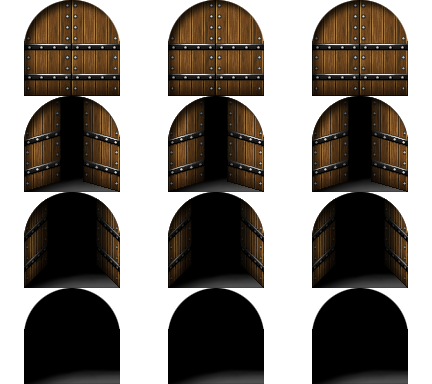
Protected download<----original
Can you tell the difference? Me neither. Only downfall of this method is time it will take some time to convert all the images and replace them back in correct folder.
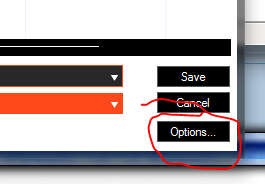
Third step you can do is lowering the quality of the .ogg files in audacity. This will of course effect how good your music sounds but maybe if you just want music in the background and such this will work for you and another way to shave off 10-30mb easily. When exporting .ogg files you will get a window that looks like this, it will also have a options tab to adjust sound quality. One notch under default is my suggestion if you put on lowest the quality it will just sound awful one notch down is pretty close to sounding the same.
Protected download
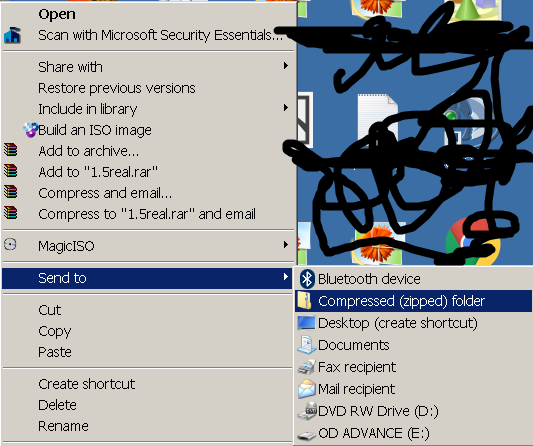
Last but not least right click your finished game folder [not the project folder] click send to then compressed zip folder. Pretty simple but I've seen so many not do this and it cuts another good portion of mb's from your project.
Protected download
And that's it! Hope this tut helps some people out.
EDIT: 7-zip will compress it more than regular zipped. But you have to get 7-zip so yeah thats another option.




 Keychron K2 QMK Wireless Mechanical Gaming Keyboard
Compact wireless mechanical keyboard for office work, gaming, and desk upgrades.
View on Amazon
Keychron K2 QMK Wireless Mechanical Gaming Keyboard
Compact wireless mechanical keyboard for office work, gaming, and desk upgrades.
View on Amazon
