Hey all, I previously made a little plugin that kept the menu size restricted to a certain width/height, so when another plugin increased the project's screen size (resolution) the menu would remain in a smaller box centered on the screen. How I managed to do this might not have been the best way, but what I ended up doing was to temporarily modify the Graphics.boxWidth and Graphics.boxHeight to a smaller size in menus and return to normal when leaving the menus. I did it this way as most menu plugins...
Hey all,
I previously made a little plugin that kept the menu size restricted to a certain width/height, so when another plugin increased the project's screen size (resolution) the menu would remain in a smaller box centered on the screen.
How I managed to do this might not have been the best way, but what I ended up doing was to temporarily modify the Graphics.boxWidth and Graphics.boxHeight to a smaller size in menus and return to normal when leaving the menus. I did it this way as most menu plugins use this variable to position and size their windows and I wanted this to work for all without having to change positioning and size code for any.
Plugin code used:
var Galv = Galv || {};
Galv.TEST = {};
Galv.TEST.menuWidth = 816;
Galv.TEST.menuHeight = 624;
// SCENE MENUBASE RESIZE BOX DIMENSIONS
//-----------------------------------------------------------------------------
Galv.TEST.SceneManager_initGraphics = SceneManager.initGraphics;
SceneManager.initGraphics = function() {
Galv.TEST.SceneManager_initGraphics.call(this);
Galv.TEST.boxWidth = this._boxWidth;
Galv.TEST.boxHeight = this._boxHeight;
};
Galv.TEST.Scene_MenuBase_createWindowLayer = Scene_MenuBase.prototype.createWindowLayer;
Scene_MenuBase.prototype.createWindowLayer = function() {
Graphics.boxWidth = Galv.TEST.menuWidth;
Graphics.boxHeight = Galv.TEST.menuHeight;
Galv.TEST.Scene_MenuBase_createWindowLayer.call(this);
};
Scene_MenuBase.prototype.terminate = function() {
Scene_Base.prototype.terminate.call(this);
Graphics.boxWidth = Galv.TEST.boxWidth;
Graphics.boxHeight = Galv.TEST.boxHeight;
};
This was working fine with no issues up until MV version 1.3.0 and later. Since that update, the windows in menu scenes seem to cut off a few pixels above and left of them when using this code. Example images:
Default (No plugins):
Window cut-off issue (1.3.0 and 1.3.1 using above plugin):
And 1.3.2 update actually looks like it fixed the gaps but for some reason removes a chunk from the top left:
Download of a project with this setup (version 1.3.1) to see:
http://www.mediafire.com/download/vd3zu60zr2fdhr8/Galv_Menu_Issue.zip
This is more now for reference than actually needing to solve.






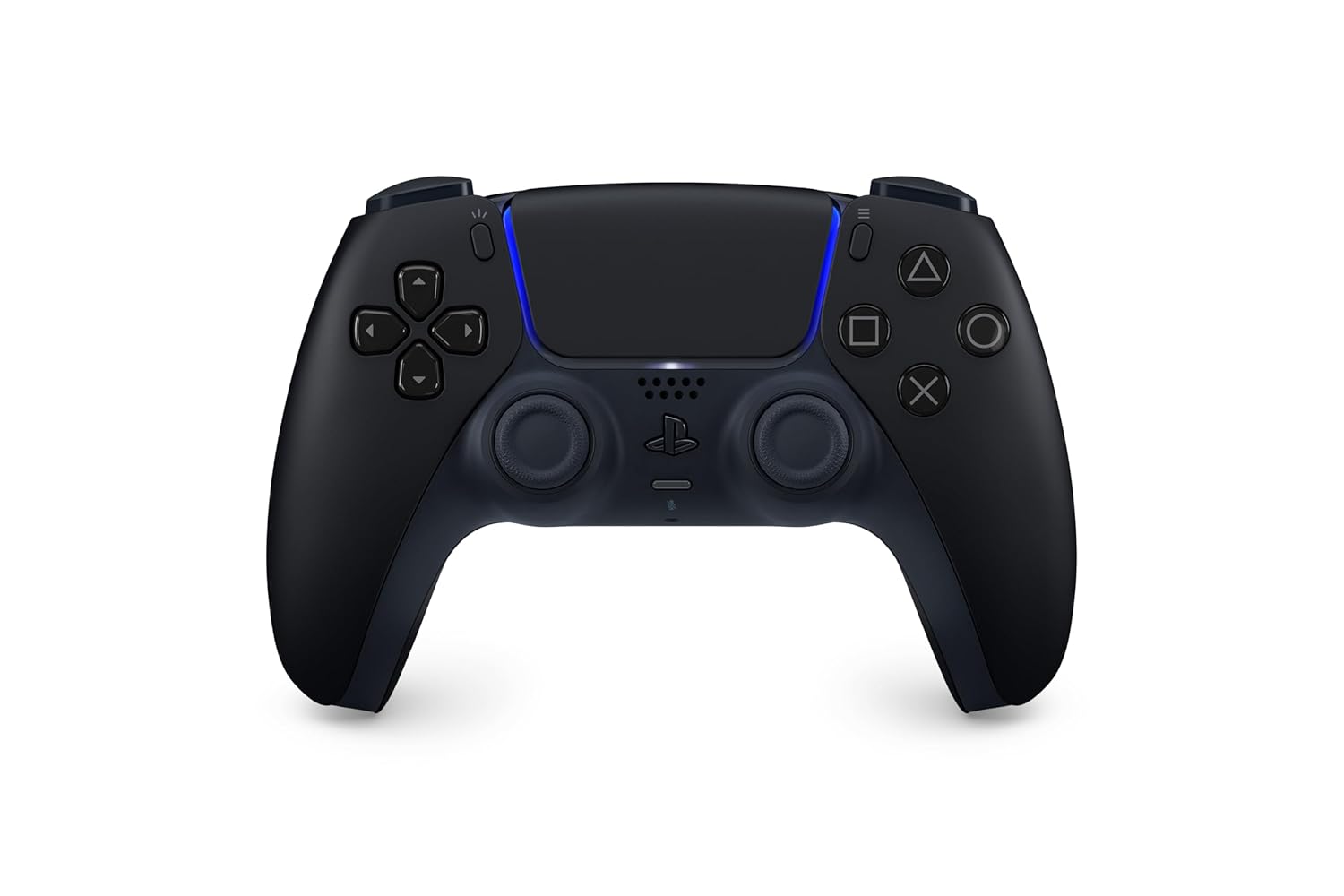 PlayStation DualSense Wireless Controller - Midnight Black
Extra PS5 controller in Midnight Black for multiplayer, remote play, and backup charging rotation.
View on Amazon
PlayStation DualSense Wireless Controller - Midnight Black
Extra PS5 controller in Midnight Black for multiplayer, remote play, and backup charging rotation.
View on Amazon