


Number input: button visibility
BMM_Archive · July 15, 2026

Original Source
- Original title: Number input: button visibility
- Original author: SeaPhoenix
- Original date: July 1, 2016
- Source thread: https://forums.rpgmakerweb.com/threads/number-input-button-visibility.64590/
- Source forum path: Game Development Engines > Legacy Engine Support > RPG Maker MV Support
Summary
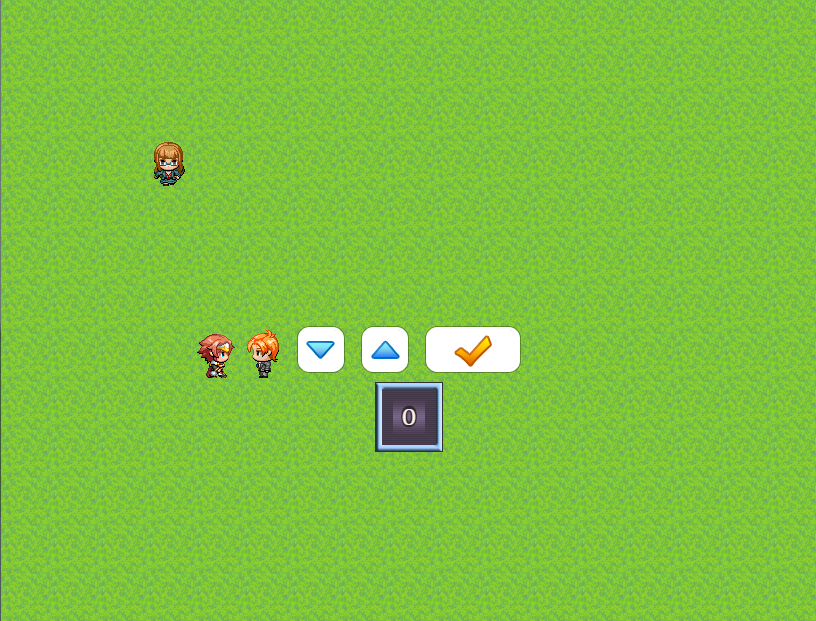
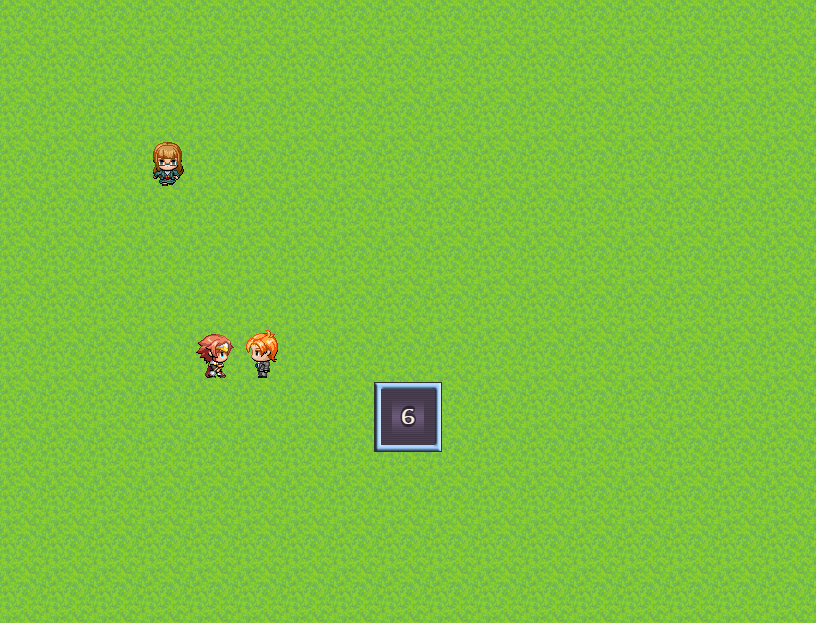
I'm using the Number Input command for an event and playtesting on a PC. If I've been using the mouse prior to talking to this event (which brings up Number Input), the Number Input window appears with the up/down/enter buttons as seen in the spoiler below. However, let's say I use the keyboard prior to talking to this event (e.g., to move around and to trigger the event). When the Number Input window appears now, the buttons are no longer visible so I cannot use the mouse. But I'd like...


Archived First Post
This is due to the function below (in rpg_windows.js), which is called once by Window_NumberInput.start. (The misspelling of Visibility is in the original code.)
Window_NumberInput.prototype.updateButtonsVisiblity = function() {
if (TouchInput.date > Input.date) {
this.showButtons();
} else {
this.hideButtons();
}
};
Since I'd like the buttons to be shown all the time if either a keyboard of touch/mouse device exists, my easy fix is to never hide the buttons so I'd modify the code above to just have this.showButtons(), which assumes everyone has both types of input available.
Does anyone else have any other suggestions? I guess an obvious one would be to test for the existence of touch/mouse devices beyond checking the date when it was last used: I'm not a Javascript expert and have not looked extensively through the Input or TouchInput classes.
The same thing happens for Window_ShopNumber too.
Protected download
Protected download
Downloads / Referenced Files
Log in, then follow the RPG Maker Developers Group to see these download links.
Log in to downloadReferenced Images / Attachments
Creator Claims / Removal
If you are the original creator and want this listing reassigned, edited, or removed, join BMMPlay and contact the moderators with proof that matches the original RPG Maker Web profile, linked GitHub, itch.io page, or another public creator identity.
Replies (0)
No replies yet.
Topic Summary
Loading summary...
