Preserved forum archive. This topic stores the original first post and locally mirrored RPG Maker Web attachments when available. It is posted by the BMMPlay archive account, not by the original creator.
Original Source
Original title: Advanced Help with my Move Route/conditional branch
Source forum path: Game Development Engines > Legacy Engine Support > RPG Maker VXAce Support
Summary
Okay, Now that Shaz has kindly gotten me to understand the basics of Move Route, I am finding that what I am doing is pretty inefficient and causing a few bugs. I am hoping someone could take a look at what I am doing here and help me out. Within the event itself I have this script if Input.press?X) &&
Archived First Post
Okay,
Now that Shaz has kindly gotten me to understand the basics of Move Route, I am finding that what I am doing is pretty inefficient and causing a few bugs. I am hoping someone could take a look at what I am doing here and help me out.
Which is basically checking to see what direction the player is facing, if they are pushing X and if the enemy is in the x/y next to the player in that direction. It then is supposed to do this move route
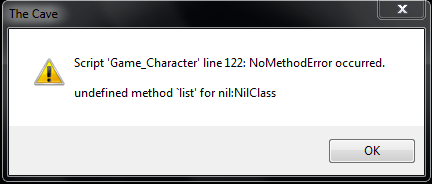
Which I placed into a common event, as these steps will be used for every event like this and I figured that would save space. I get an error whenever I face the event, I do not even have to be pushing the X button.
Protected download
Any suggestions on what I am doing wrong, or how to make this process a little easier would be a great help.
Downloads / Referenced Files
Log in to download
Log in, then follow the RPG Maker Developers Group to see these download links.
If you are the original creator and want this listing reassigned, edited, or removed, join BMMPlay and contact the moderators with proof that matches the original RPG Maker Web profile, linked GitHub, itch.io page, or another public creator identity.




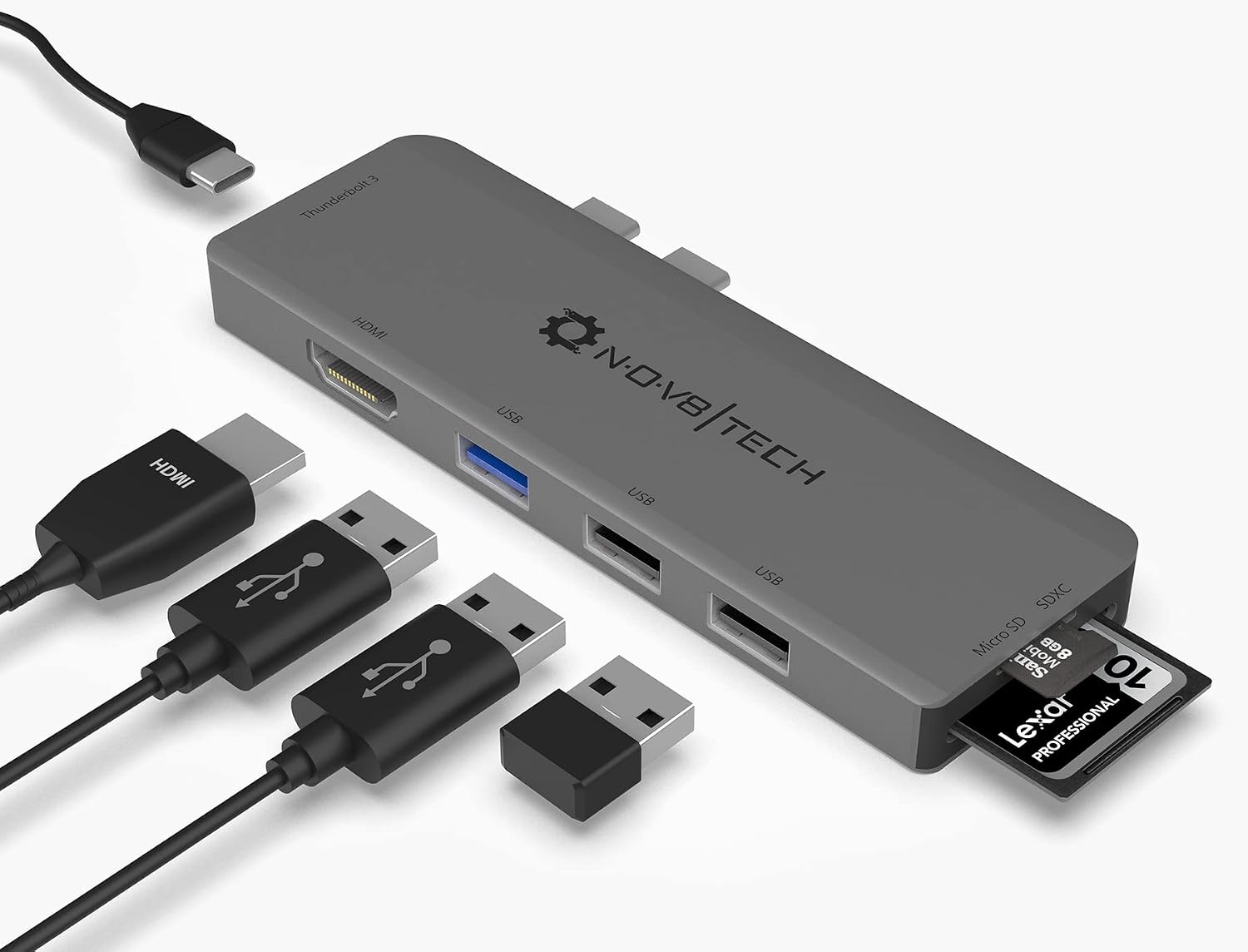 7-in-2 USB-C Multiport Adapter for MacBook Pro and Air
Slim USB-C hub for HDMI, USB, card access, and everyday laptop expansion.
View on Amazon
7-in-2 USB-C Multiport Adapter for MacBook Pro and Air
Slim USB-C hub for HDMI, USB, card access, and everyday laptop expansion.
View on Amazon