

Enlarge sprite sizes
BMM_Archive · July 15, 2026

Original Source
- Original title: Enlarge sprite sizes
- Original author: Nawres
- Original date: October 8, 2016
- Source thread: https://forums.rpgmakerweb.com/threads/enlarge-sprite-sizes.69391/
- Source forum path: Game Development Engines > RPG Maker Javascript Plugins > JS Plugin Requests
Summary
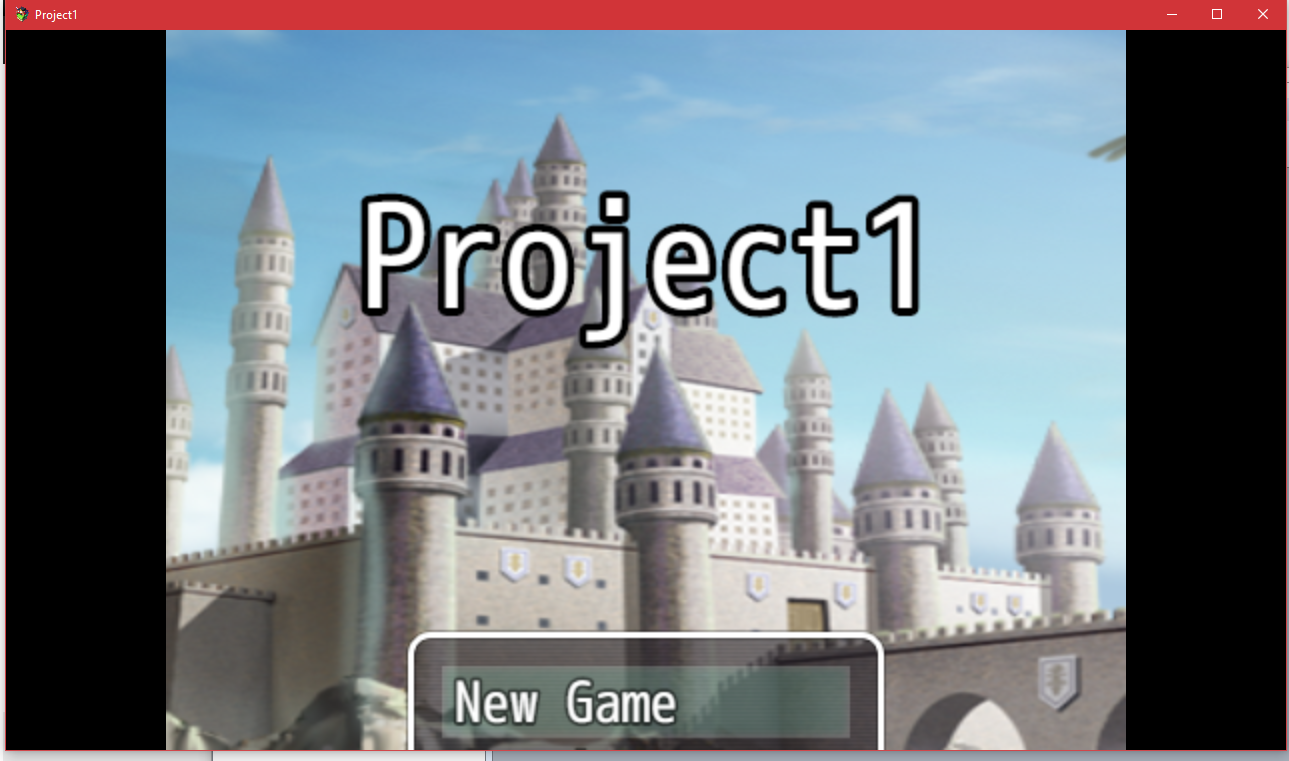
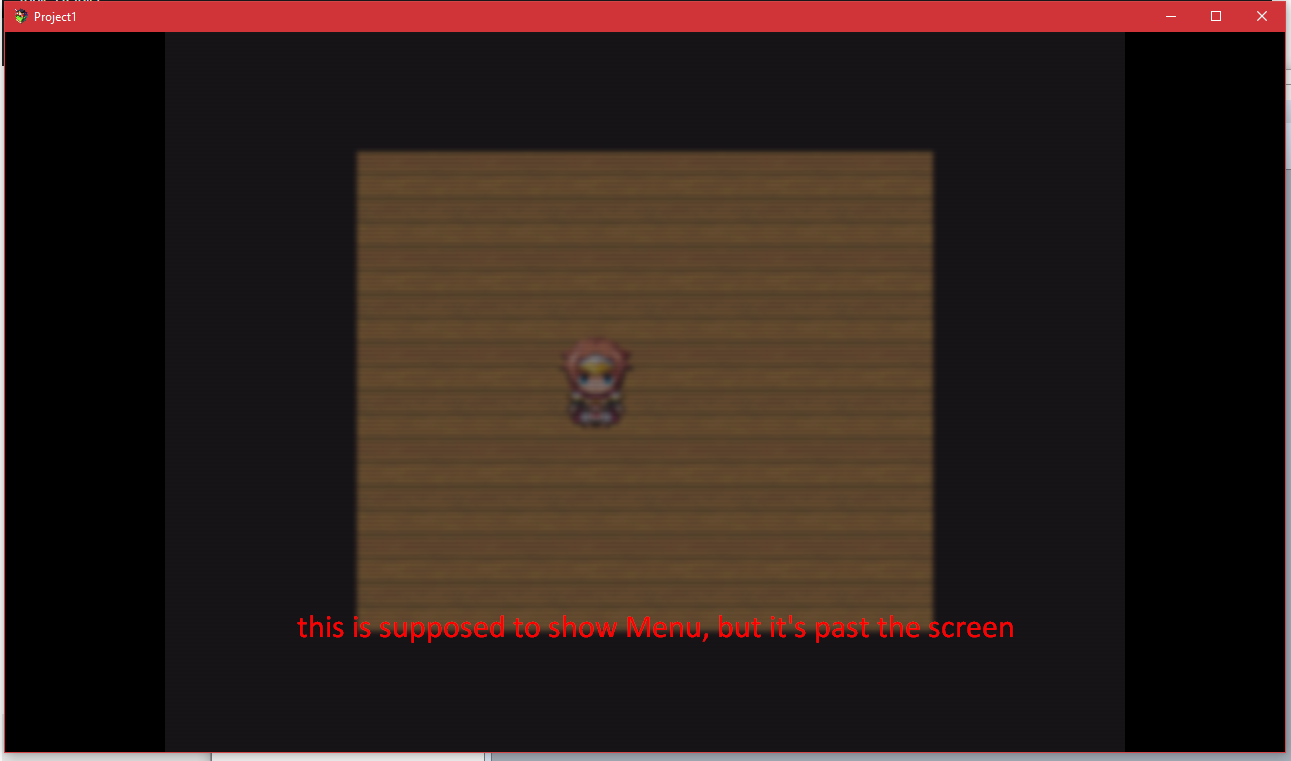
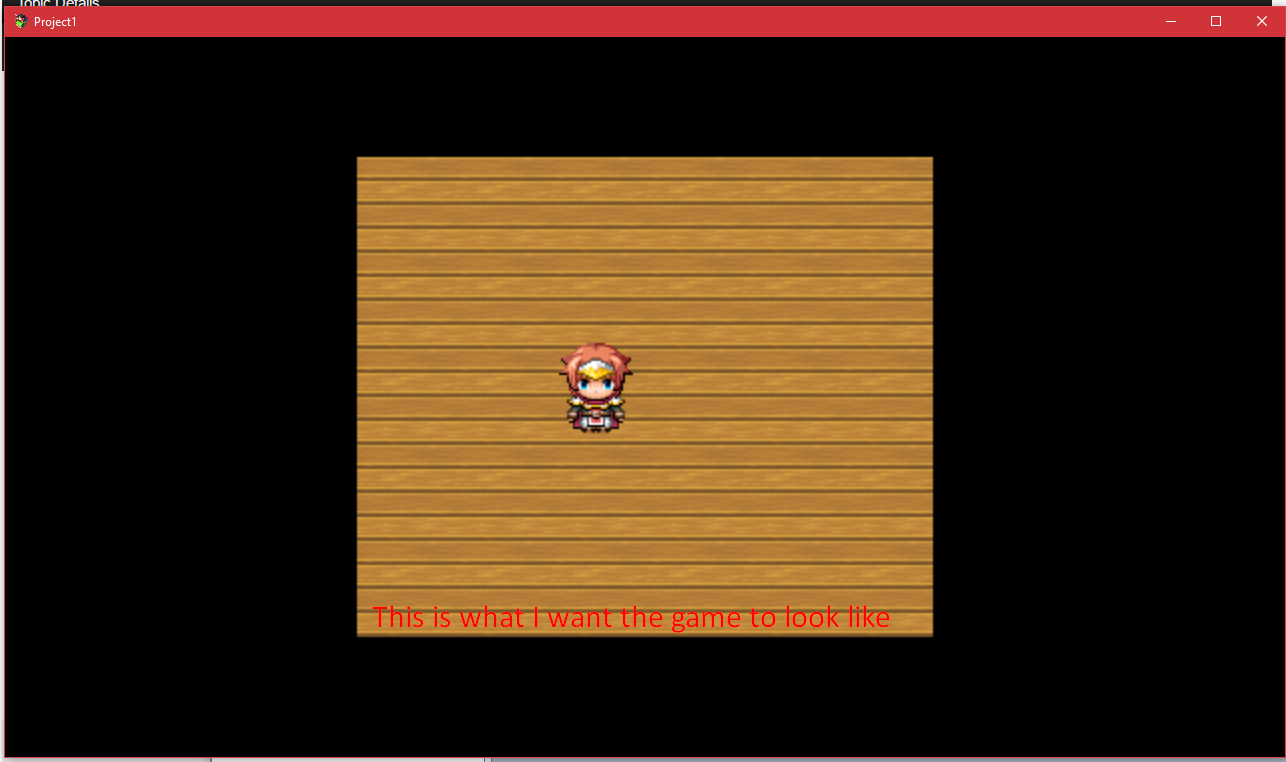
I'm pretty new to the whole RPG Maker thing, currently using RPG Maker MV. I dislike how little everything is, so I want to enlarge every sprite but without having to resort to a photo editor to edit literally everything. I could almost get exactly what I wanted by using Yanfly Core plugin to change the resolution to 480 x 360 then resized the window to be 1280 x 720 which made everything larger, which is perfect for the sprites. But it also made title screen and menu and chat boxes...
Archived First Post
Downloads / Referenced Files
RPG Maker Web attachments are mirrored locally when available. Other external links remain hosted by their original creator or third-party service.
- Local mirror: 30160-f8e2a0eb0c0387242b773326fd747c33.png
SHA-256:f984cf85094da622dc5e1a97aef14a95c1a5af5e4c373d20588ded3f2d8fcad5
Original attachment URL: https://forums.rpgmakerweb.com/attachments/screenshot_2-png.49412/ - Local mirror: 30161-9e58e4737a9df85a841b9b2d96d1a580.png
SHA-256:9c8c0ea2d4a901f5ad770e6eb0c5524ae1a8a4c23b3274c8a39eab5e6733afb7
Original attachment URL: https://forums.rpgmakerweb.com/attachments/screenshot_4-png.49413/ - Local mirror: 30162-f672f46d4b4781e7dc0b5dfe03d3fe3a.png
SHA-256:63b6e9d5e35cffc4124aa2a5139df96ec25d6d779ec86bbbdb8848222c924eb4
Original attachment URL: https://forums.rpgmakerweb.com/attachments/screenshot_5-png.49414/
Referenced Images / Attachments
Creator Claims / Removal
If you are the original creator and want this listing reassigned, edited, or removed, join BMMPlay and contact the moderators with proof that matches the original RPG Maker Web profile, linked GitHub, itch.io page, or another public creator identity.
Replies (0)
No replies yet.
Topic Summary
Loading summary...