

MZ Need to Fit Menus and Other UI Within Lower Resolution
BMM_Archive · July 15, 2026

Original Source
- Original title: MZ Need to Fit Menus and Other UI Within Lower Resolution
- Original author: ImpSassy
- Original date: February 22, 2026
- Source thread: https://forums.rpgmakerweb.com/threads/need-to-fit-menus-and-other-ui-within-lower-resolution.182568/
- Source forum path: Game Development Engines > RPG Maker MZ Support
Summary
Please have mercy on me. I do not understand forums. I never have. I'm trying my best to put this where I feel it most belongs, so if I'm wrong I ask you assist me in migrating the post rather than just deleting it. With that being said, hello! I'm currently working on a project that aims to recapture the vibes of the CGB-001, a.k.a. the Nintendo GameBoy Colour. I was primarily inspired by Lufia: The Legend Returns, which despite being a rather mundane release with questionable localisation, is hands...
Archived First Post
With that being said, hello! I'm currently working on a project that aims to recapture the vibes of the CGB-001, a.k.a. the Nintendo GameBoy Colour. I was primarily inspired by Lufia: The Legend Returns, which despite being a rather mundane release with questionable localisation, is hands down one of the most vibrant and detailed games on the platform, at least that was released within its proper lifespan. Disclosed is what the current version looks like. GB Studio was used to ensure the palettes chosen were as accurate as possible to the GBC's limited 15-Bit colour gamut. It's running at native 160x144 resolution, upscaled by 4x. Plugins were used to sharpen the image and remove the Touch Menu button.
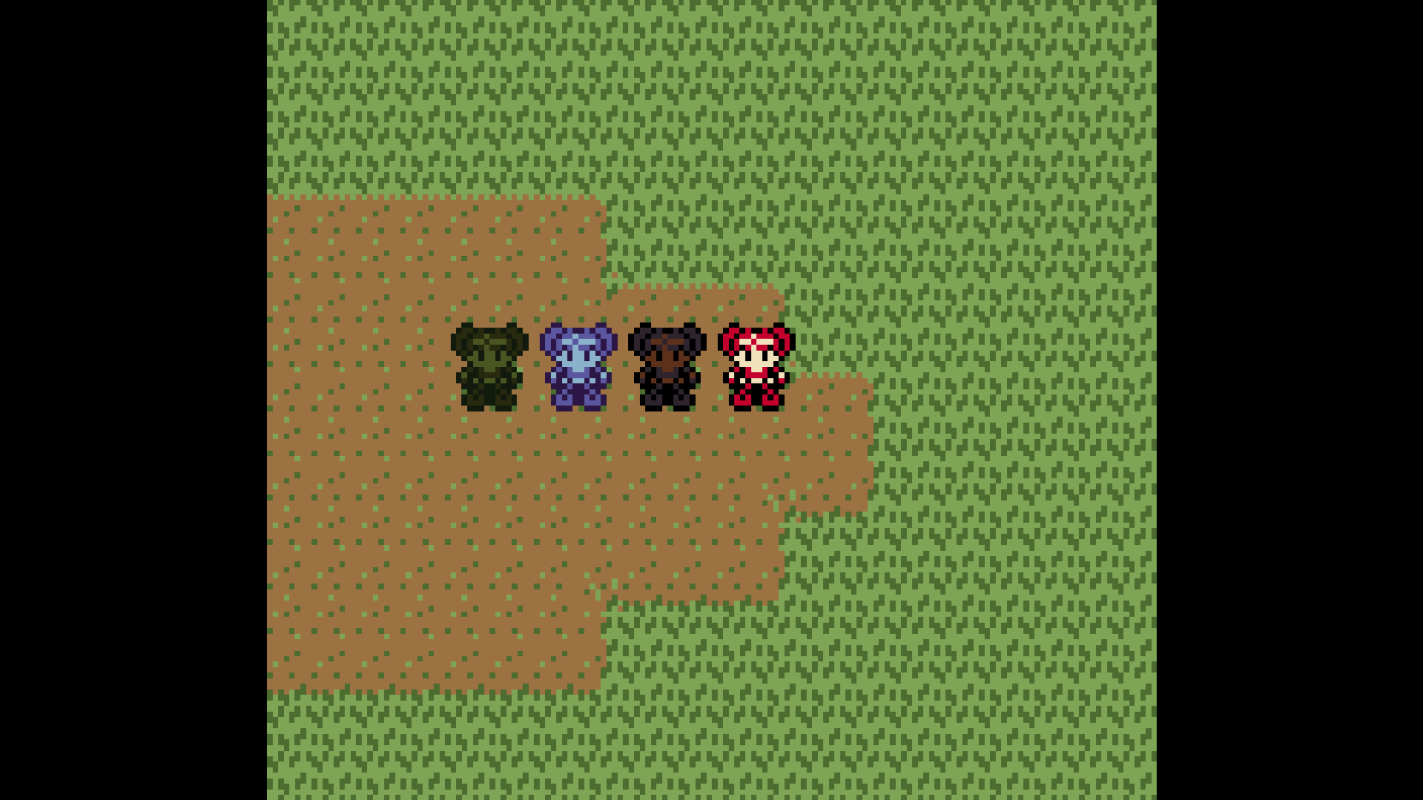
Overall I am supremely happy with how it's turning out visually, but I'm running into a major hiccup with the UI. Pardon the silly title screen placeholder image.
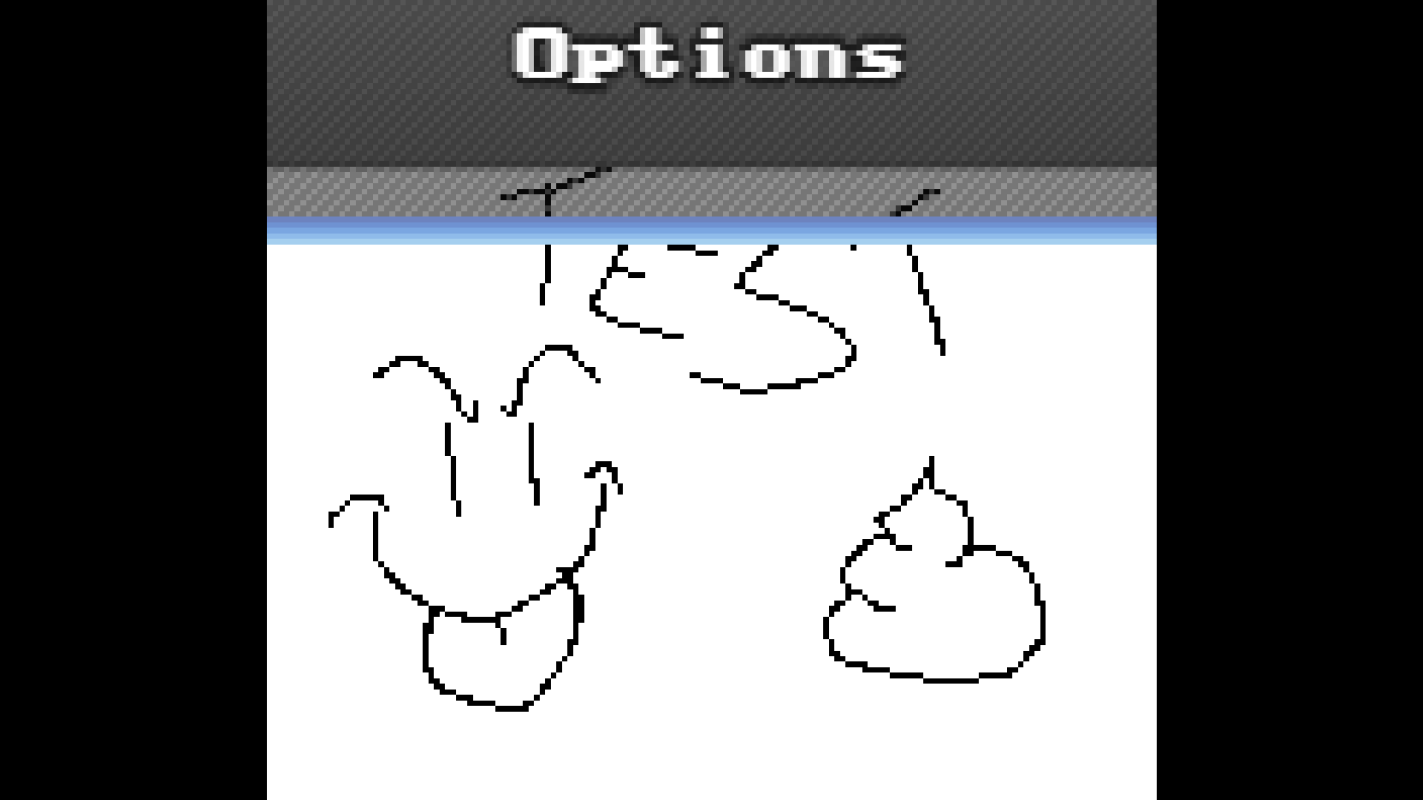
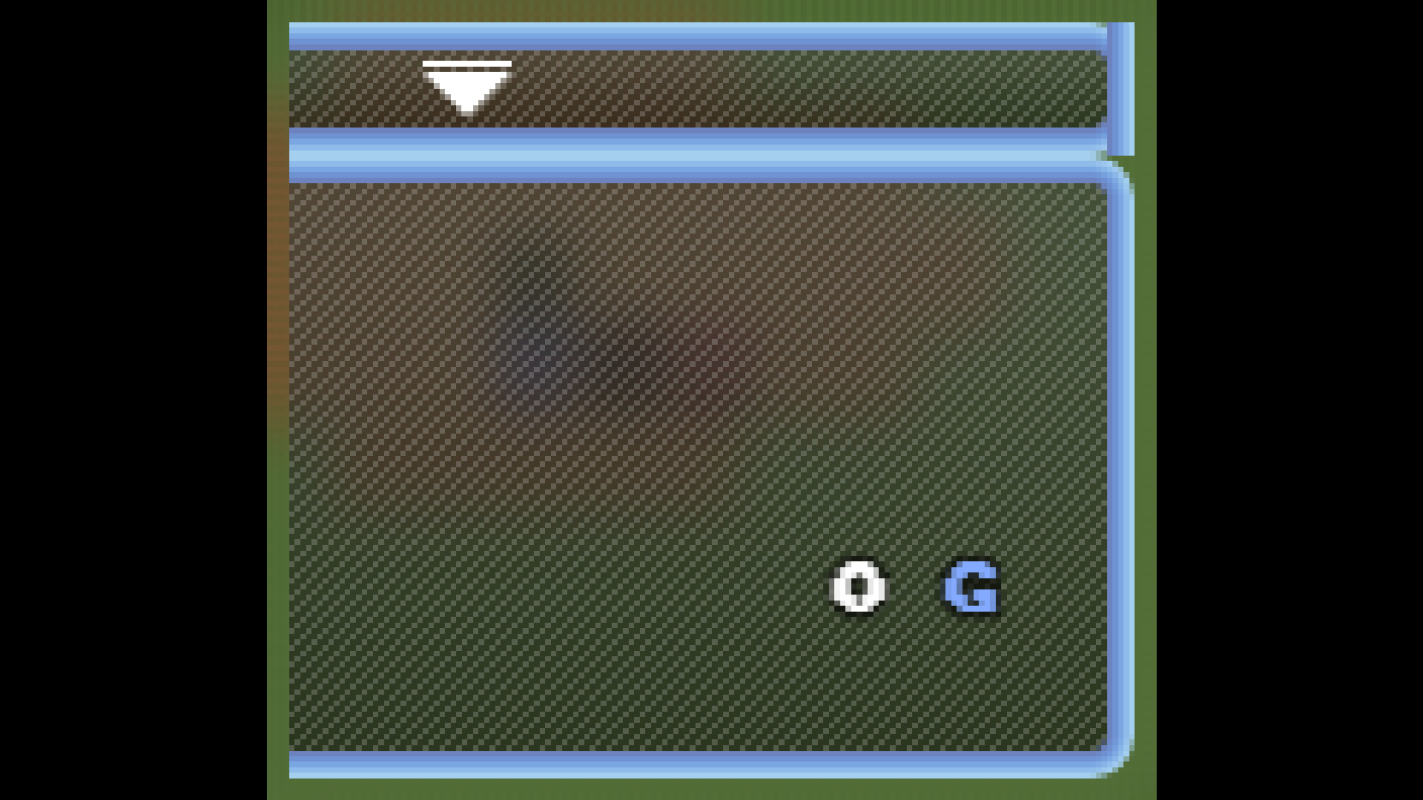
As you can see, the in-game UI is completely broken from the lower resolution. I did attempt to scale down the UI manually to match the game's base resolution, but the results are even more busted, I imagine due to the fact the engine has no built-in scaling system for the UI. Also keep in mind I also simplified the UI when I scaled it down, but rest assured using the standard, full-colour version scaled down results in the same errors, including the blackened text.
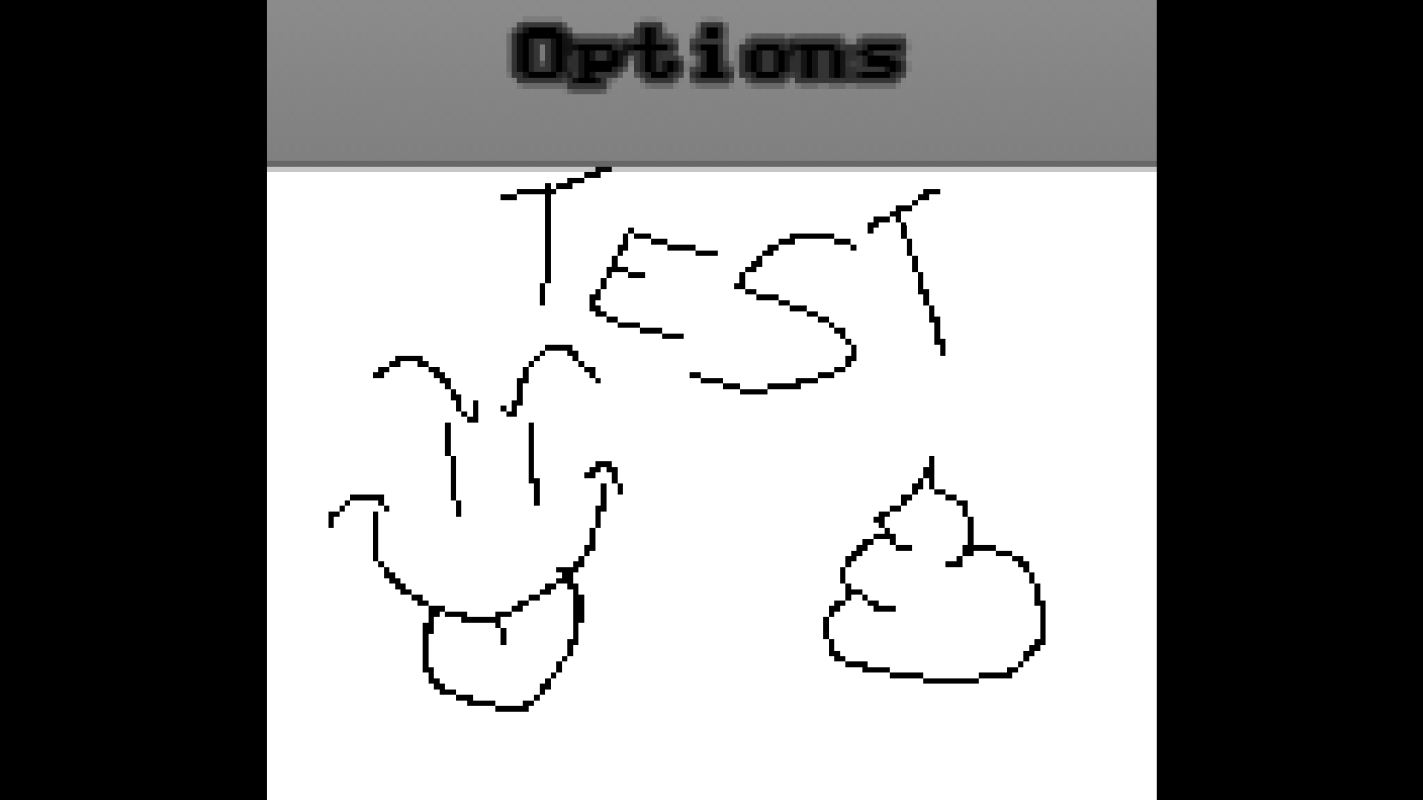
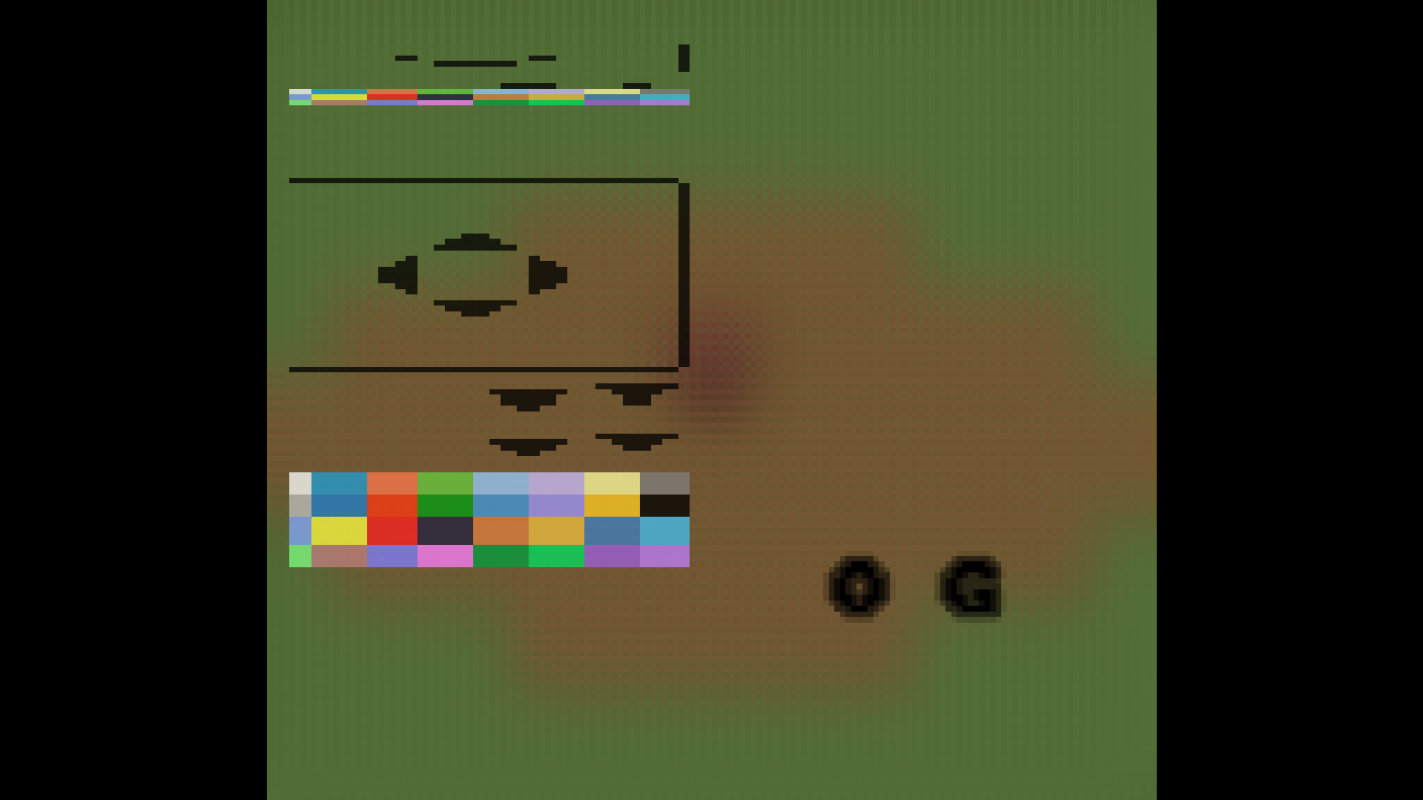
So I am looking for any guidance here. Whether it's "use MV instead" or "use such-and-such plugin" or what have you. The only thing I don't want to hear is "Oh, why not just fully commit to GB Studio instead of trying to brute force the project into MZ?" because I simply feel I have much more freedom with RPG Maker's framework than I would with GB Studio.
Downloads / Referenced Files
RPG Maker Web attachments are mirrored locally when available. Other external links remain hosted by their original creator or third-party service.
- Local mirror: 340473-3370d0cf385935838abb2f29880b9b74.png
SHA-256:8336b7ec6835131bbf4b638fa58d822337a8803779a8aa1e8949bd917791c998
Original attachment URL: https://forums.rpgmakerweb.com/attachments/screenshot-2026-02-22-134507-png.361393/ - Local mirror: 340475-15cf074c655afe1aef594290448c3379.png
SHA-256:228484522ce3bd510fe72b2a9b2cbfd0b07164bd4ef5eed41ec20d508c6b0736
Original attachment URL: https://forums.rpgmakerweb.com/attachments/screenshot-2026-02-22-135202-png.361395/ - Local mirror: 340476-2c0f099fc04422a10b34da445cae27f7.png
SHA-256:348a226ae7f849b81bb8ca732c1f505a1bebf258fc57bdc9ec1fc9092956f867
Original attachment URL: https://forums.rpgmakerweb.com/attachments/screenshot-2026-02-22-135339-png.361396/ - Local mirror: 340477-f36047875a4ce4319722c814580c8d6c.png
SHA-256:ef2eea7655124c963fee066fd4c95735a1b6cb56038938db98f896b2353c8a03
Original attachment URL: https://forums.rpgmakerweb.com/attachments/screenshot-2026-02-22-135717-png.361397/ - Local mirror: 340478-460c017d6f6a92b9c3c0d4aae60c947f.png
SHA-256:54e2d71fc3dd43cd902aad71ec587f73ca001925bab2cffbfc93c4eb7a4a87aa
Original attachment URL: https://forums.rpgmakerweb.com/attachments/screenshot-2026-02-22-135736-png.361398/
Referenced Images / Attachments
Creator Claims / Removal
If you are the original creator and want this listing reassigned, edited, or removed, join BMMPlay and contact the moderators with proof that matches the original RPG Maker Web profile, linked GitHub, itch.io page, or another public creator identity.
Replies (0)
No replies yet.
Topic Summary
Loading summary...