So I've decided to make use sprite-based animations and have followed instructions on how to implement sprite animations to Effekseer, I would use the old MV style of importing animations but the sprites can't be bigger than 192px:192px which is too small. I can't say for certain but I think it might be MZ that's doing this because exporting the animation to an image sequence with the Record function in Effekseer doesn't do this. Maybe it still could be something in Effekseer causing this, again I can't say I'm 100% sure, but if it is it sure isn't obvious what it could be.
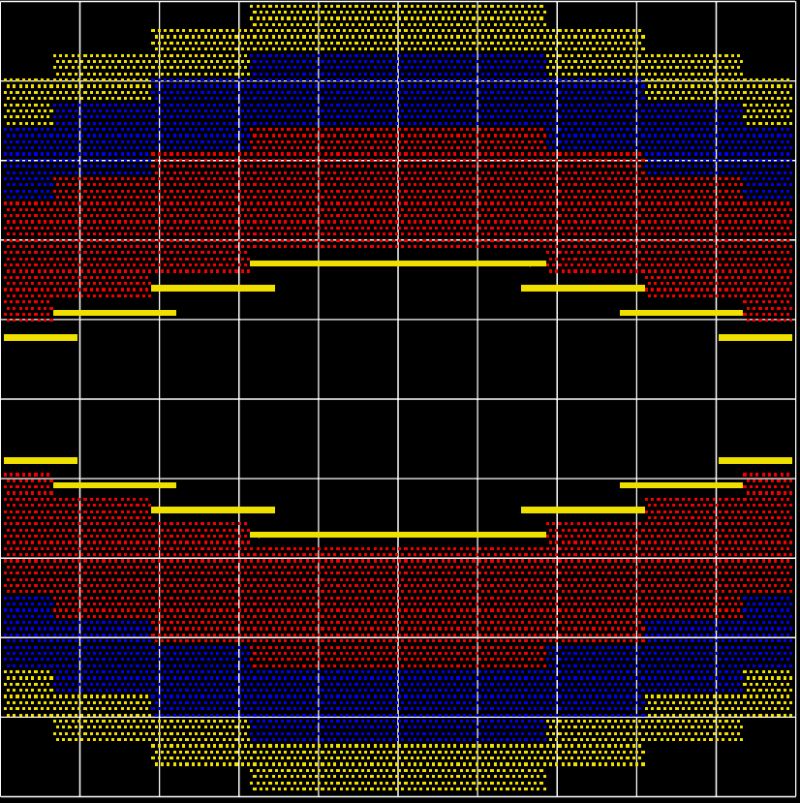
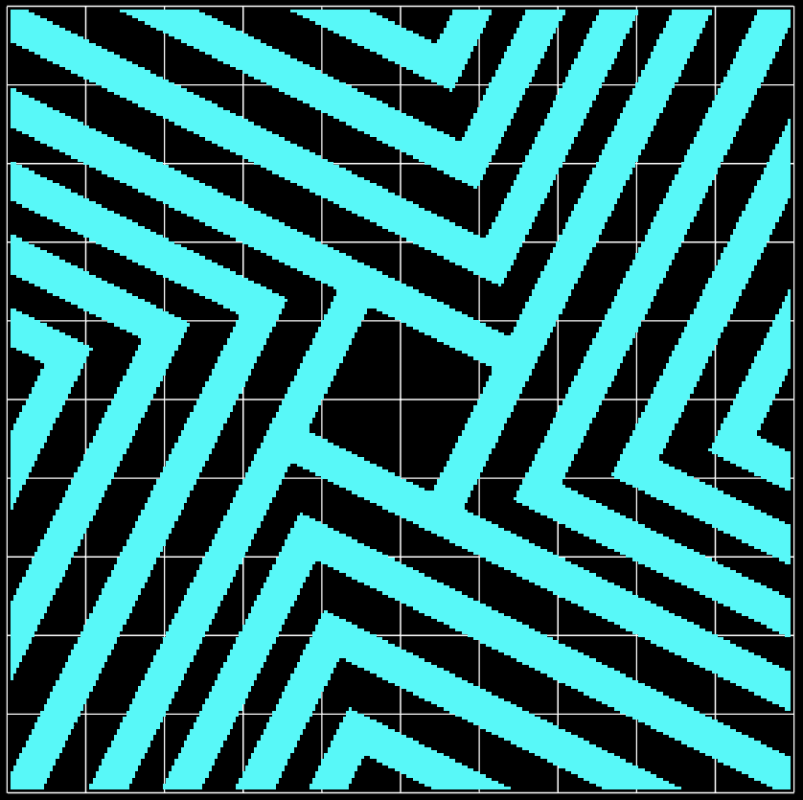
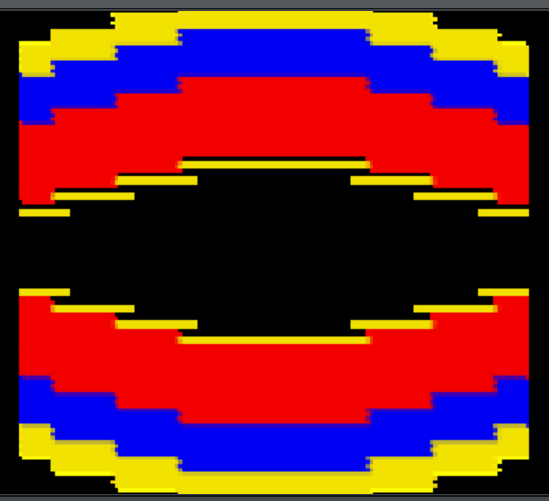
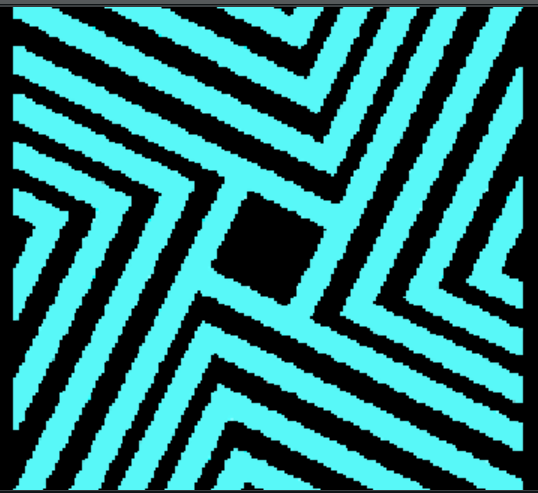
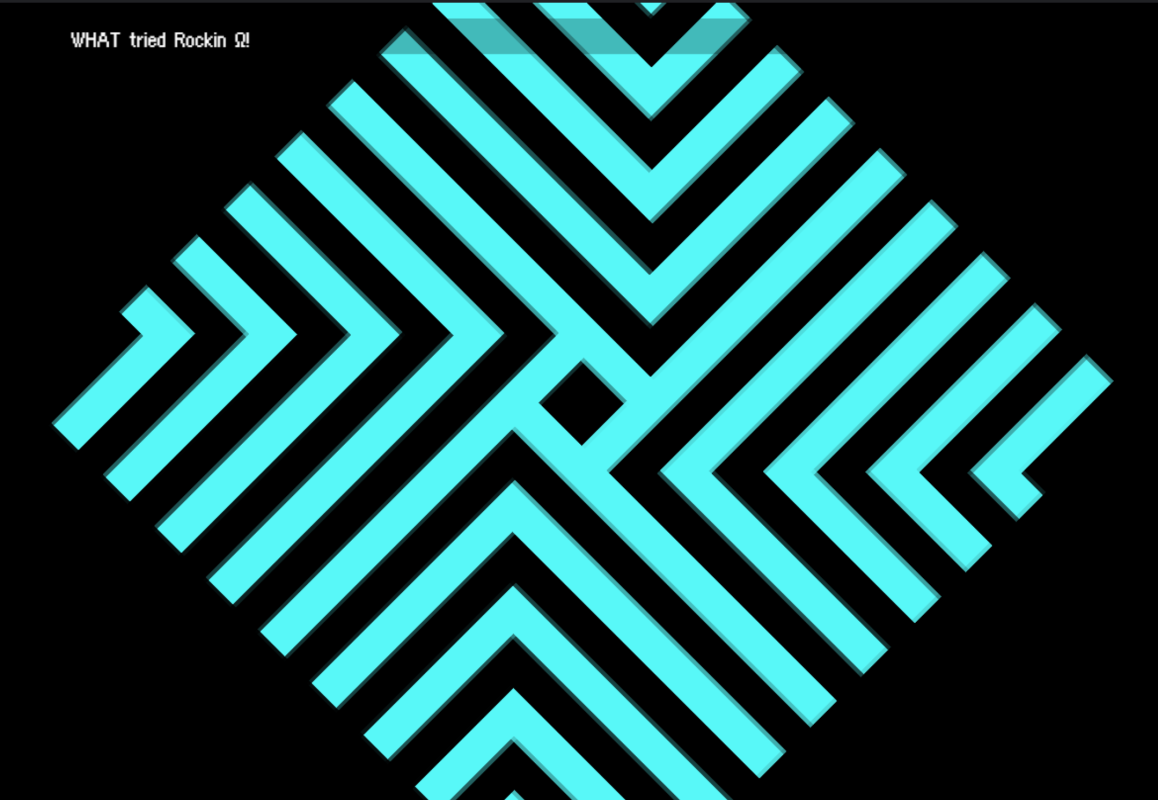
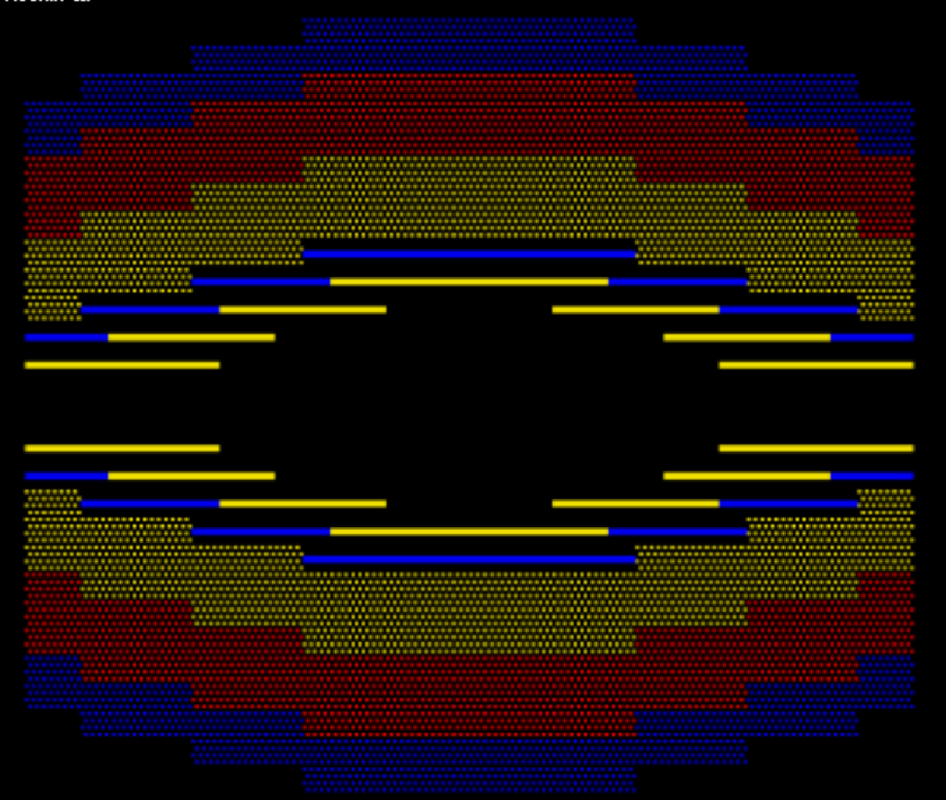
I've decided to use these two PSI moves as examples because they perfectly demonstrate the issue, as they consist of lines, geometric shapes, and/or simple patterns which all get really messed up by the anti-aliasing.
This are what they look like in Effekseer (how they're supposed to look like).
(I know these aren't the best screenshots and GIFs ever but I think the effects are still pretty clear.)
Protected download
Protected download
This is what they look like in MZ with the blend type in Effekseers Basic Render Settings set to Blend.
Protected download
Notice how the half-tone-esque pattern has been blended to look like transparent flat colors.
And how blurry the rest of the animation is, again all of this is with the filter type set to Nearest-Neighbor and Linear makes it even blurrier.
Protected download
Notice how it's trying to ""smooth out"" the diagonal lines.
(I've slowed down this animation because how IT'S affect isn't obvious at normal speed.)
The anti-aliasing seems to be applied in real-time or something? That's the only reason I can think as to why it's causing this ugly jittering.
And this is what they look like in MZ with said blend type set to Opacity.
Protected download
Now the anti-aliasing isn't blending. It's like the anti-aliasing is applied, but because the blend type is Opacity (which doesn't allow for partial transparency) it can't blend the colors with transparent areas, resulting in the half-tone turning into flat colors.
It also results in the thin lines becoming way more thick.
Protected download
And have you ever seen more ugly diagonal lines than these? Again it does anti-aliasing with flat colors instead of actually blending it.
The jittering is more obvious with the Opacity blend type and again makes the lines thicker than they should be.
I'm sorry if this all looks like a mess or if it's excessive but I wanted to give as good of a discription as possible as to what's going on and I tried my best to lay it all out in a sensible way. Either way I still hope it WAS detailed enough (and that it makes even a little amount of sense) and I hope we can actually solve it. I couldn't find anything about this online. The few I did find about blurry animations were just issues of not switching the Filter to Nearest-Neighbor, which again I've set it to that.
If you have more questions I'll do my best to answer.
Thank you.
Ok I did some further testing and if I rotate it in either Effekseer or MZ the anti-aliasing rotates perfectly with it?
Protected download
This is a frame where the lines are verticle and the anti-aliasing seems to behave as such.
Also it seems to also affect plain-old non-animated sprites?? But just not as bad??? It's still blurry but not as much.
Protected download
This is what it looks like in MZ with just a single image which is a single isolated frame of the animation as it's own image, it has not been upscaled, it's the exact same pixel dimentions it is in the full sprite sheet which is 256px:256px
So, uh, it seems like having it be an animation UV is the problem for some reason? And also upon further testing the size of the animation seems to affect how the blurring looks (specifically [I guess maybe] either the amount of frames, how big the frames are in comparison to the whole image, and or something else that I can't comprehend)
I managed to find some one else talking about this
here (thank God I thought I'd somehow been to only one to either ever talk about or even experience and that would have driven me to insanity). It didn't seem like the purpose of the thread was to find a solution but to just try to explain it. Read what they think is going on, I read it but I don't know what to do with the information.




 PlayStation 5 Disc Edition Console (slim)
Disc-version PS5 console pick for players building or upgrading a PlayStation setup.
View on Amazon
PlayStation 5 Disc Edition Console (slim)
Disc-version PS5 console pick for players building or upgrading a PlayStation setup.
View on Amazon