#==============================================================================
# ** Picture Wrapper
# Author: Hime
# Version: 1.4
# Date: Oct 21, 2012
#------------------------------------------------------------------------------
# ** Change log
# Mar 3, 2013
#   -fixed bug where `fade` causes picture to move to origin
# Oct 21, 2012
#   -added support for fixed images (do not move with the screen)
# May 5, 2012
#   -added grayscale toggling
#   -added horizontal flip toggling
#   -added vertical flip toggling
#   -normalized origins during x,y calculation
# May 3, 2012
#   -added support for battle scenes
#   -added 'wait for completion' functionality
# May 1, 2012
#   -added pic shifting
#   -added pic spinning around specified origin
# Apr 30, 2012
#   -initial release
#------------------------------------------------------------------------------
#  Convenience wrappers methods for Game_Picture objects
#  No error checking is performed
#  Usage: Just call the methods in a script or script box.
#
#  make_pic(index, name, opacity, x, y, origin)
#  show_pic(index, name) - show or change the picture shown.
#                          Filename must exist in your Picture folder.
#  move_pic(index, x, y, duration, wait) - moves the picture to the given coords
#  shift_pic(index, x, y, duration, wait) - move the picture relative to current position
#  zoom_pic(index, x, y, duration, wait) - zoom the width and height
#  rotate_pic(index, angle, speed, wait) - rotate the picture at that speed
#  spin_pic(index, speed) - spin the picture forever
#  fade_pic(index, opacity, duration, wait) - fade in, fade out...
#  tone_pic(index, r, g, b, a, duration, wait) - change the color
#  blend_pic(index, blend) - change the blend type
#  origin_pic(index, origin) - change the origin
#  erase_pic(index) - erase the picture. Same as Erase Picture command
#  grayscale_pic(index) - toggles grayscale
#  mirror_pic(index) - toggles horizontal flipping (flip along y-axis)
#  flip_pic(index) - toggles vertical flipping (flip along x-axis)
#  fix_pic(index, bool) - set whether the image should be fixed to the map
#==============================================================================
module Tsuki
  module Picture_Wrapper
  end
end

class Sprite_Picture < Sprite

  alias tsuki_picture_wrapper_sprite_update update
  def update
    tsuki_picture_wrapper_sprite_update
    update_mirror
    update_flip
    update_fixed
  end

  def update_mirror
    self.mirror = @picture.mirror
  end

  def update_flip
    self.angle = @picture.angle
  end

  # Offset the image to the origin
  def update_fixed
    if @picture.fixed
      self.x = 0 - $game_map.display_x * 32 + @picture.x
      self.y = 0 - $game_map.display_y * 32 + @picture.y
    else
      self.x = @picture.x
      self.y = @picture.y
    end
  end
end

class Game_Picture

  attr_reader :mirror
  attr_reader :grayscale
  attr_reader :flip
  attr_reader :rot_count
  attr_reader :spin
  attr_reader :fixed
  #--------------------------------------------------------------------------
  # *
  #--------------------------------------------------------------------------
  alias tsuki_picture_wrapper_initialize initialize
  def initialize(number)
    tsuki_picture_wrapper_initialize(number)
    @width = 0
    @height = 0
  end

  alias tsuki_picture_wrapper_init_basic init_basic
  def init_basic
    tsuki_picture_wrapper_init_basic
    @mirror = false
    @flip = false
    @angle = 0
    @rot_count = 0
    @spin = false
  end

  alias tsuki_picture_wrapper_init_tone init_tone
  def init_tone
    tsuki_picture_wrapper_init_tone
    @grayscale = false
  end

  alias tsuki_picture_wrapper_show show
  def show(name, origin, x, y, zoom_x, zoom_y, opacity, blend_type)
    tsuki_picture_wrapper_show(name, origin, x, y, zoom_x, zoom_y, opacity, blend_type)
  end
  #--------------------------------------------------------------------------
  # * Get the width of the displayed image
  #--------------------------------------------------------------------------
  def width
    @width * (@zoom_x / 100)
  end

  #--------------------------------------------------------------------------
  # * Get the height of the displayed image
  #--------------------------------------------------------------------------
  def height
    @height * (@zoom_y / 100)
  end

  # Adjust for absolute/relative coords if picture is fixed
  def map_x
    @fixed ? @x * 32 : @x
  end

  def map_y
    @fixed ? @y * 32 : @y
  end
  #--------------------------------------------------------------------------
  # * Shows a picture at the specified x,y with normal blend type
  #   If the origin is centered then we need to adjust the image
  #--------------------------------------------------------------------------
  def create(name, opacity, x, y, origin, fixed)
    @name = name
    @opacity = opacity
    @fixed = fixed
    @origin = origin
    @x = x
    @y = y
    if origin == 1
      @x = map_x + width / 2
      @y = map_y + height / 2
    end
    @origin = origin
    @blend_type = 0
    update
  end

  #--------------------------------------------------------------------------
  # * Change the picture to the specified name.
  #--------------------------------------------------------------------------
  def rename(name)
    @name = name
    if @origin == 1
      @target_x = y + width / 2
      @target_y = x + height / 2
    end
    @origin = 1
  end
  #--------------------------------------------------------------------------
  # * Move the picture to the specified position in duration frames
  # specified by absolute x,y coords relative to the game screen
  #--------------------------------------------------------------------------
  def position(x, y, duration)
    @target_x = if origin == 1 then (x.to_f + width / 2)  else x.to_f end
    @target_y = if origin == 1 then (y.to_f + height / 2) else y.to_f end
    @duration = duration
  end

  #--------------------------------------------------------------------------
  # * Move the picture to the specified position in duration frames
  # specified by x,y coords relative to the picture's origin
  #--------------------------------------------------------------------------
  def shift(x, y, duration)
    @target_x = @x + x.to_f
    @target_y = @y + y.to_f
    @duration = duration
  end
  #--------------------------------------------------------------------------
  # * Zoom the picture to the specified scale ratio. 100 is original size
  #--------------------------------------------------------------------------
  def zoom(x, y, duration)
    @target_zoom_x = x.to_f
    @target_zoom_y = y.to_f
    @duration = duration
  end

  #--------------------------------------------------------------------------
  # * Make the picture spin
  #--------------------------------------------------------------------------
  def spin(speed, origin)
    @origin = origin
    if !@spin
      rotate(speed)
    else
      rotate(0)
    end
    @spin = !@spin
  end

  #--------------------------------------------------------------------------
  # * Rotate the picture by angle degrees
  #--------------------------------------------------------------------------
  def turn(angle, speed)
    @angle = angle
    @rotate_speed = speed
    @rotate_speed = 0
  end

  #--------------------------------------------------------------------------
  # * Change the blend type
  #--------------------------------------------------------------------------
  def change_blend(blend)
    @blend_type = blend.between?(0,2) ? blend : 0
  end

  #--------------------------------------------------------------------------
  # * Change the opacity over duration frames
  #--------------------------------------------------------------------------
  def fade(opacity, duration)
    @target_x = @x
    @target_y = @y
    @target_opacity = opacity
    @duration = duration
  end

  #--------------------------------------------------------------------------
  # * Change the tone over duration frames
  #--------------------------------------------------------------------------
  def tone_pic(r, g, b, a, duration)
    start_tone_change(Tone.new(r,g,b,a), duration)
  end

  #--------------------------------------------------------------------------
  # * Change the origin. 0 is top-left, anything else is center
  #--------------------------------------------------------------------------
  def change_origin(origin)
    @origin = origin
  end

  #--------------------------------------------------------------------------
  # * Set picture to gray scale
  #--------------------------------------------------------------------------
  def grayscale(duration=1)
    tone = @tone.clone
    if !@grayscale
      tone.gray = 255
    else
      tone.gray = 0
    end
    @grayscale = !@grayscale
    start_tone_change(tone, duration)
  end

  def flip_pic
    @angle = @angle + 180
    @flip = !@flip
  end

  def mirror_pic
    @mirror = !@mirror
  end

  def fix_pic(bool)
    @fixed = bool
  end
end

class Game_Interpreter

  def game_screen
    return $game_map.screen if SceneManager.scene_is?(Scene_Map)
    return $game_troop.screen if SceneManager.scene_is?(Scene_Battle)
  end

  def make_pic(index, name, opacity=255, x=0, y=0, origin=1, fixed=false)
    game_screen.pictures[index].create(name, opacity, x, y, origin, fixed)
  end

  def show_pic(index, name)
    game_screen.pictures[index].rename(name)
  end

  def move_pic(index, x, y, duration=1, _wait=false)
    game_screen.pictures[index].position(x, y, duration)
    wait(duration) if _wait
  end

  def shift_pic(index, x, y, duration=1, _wait=false)
    game_screen.pictures[index].shift(x, y, duration)
    wait(duration) if _wait
  end

  def zoom_pic(index, x, y, duration=1, _wait=false)
    game_screen.pictures[index].zoom(x, y, duration)
    wait(duration) if _wait
  end

  def rotate_pic(index, angle, speed, _wait=false)
    game_screen.pictures[index].turn(angle, speed)
    wait(duration) if _wait
  end

  def spin_pic(index, speed, origin=1)
    game_screen.pictures[index].spin(speed, origin)
  end

  def fade_pic(index, opacity, duration=1, _wait=false)
    game_screen.pictures[index].fade(opacity, duration)
    wait(duration) if _wait
  end

  def tone_pic(index, r, g, b, a, duration=1, _wait=false)
    game_screen.pictures[index].tone_pic(r,g,b,a, duration)
    wait(duration) if _wait
  end

  def blend_pic(blend, index=1)
    game_screen.pictures[index].change_blend(blend)
  end

  def origin_pic(index, origin)
    game_screen.pictures[index].change_origin(origin)
  end

  def grayscale_pic(index, duration=1)
    game_screen.pictures[index].grayscale(duration)
  end

  def mirror_pic(index=1)
    game_screen.pictures[index].mirror_pic
  end

  def flip_pic(index=1)
    game_screen.pictures[index].flip_pic
  end

  def erase_pic(index=1)
    game_screen.pictures[index].erase
  end

  def fix_pic(index=1, bool=true)
    game_screen.pictures[index].fix_pic(bool)
  end
end






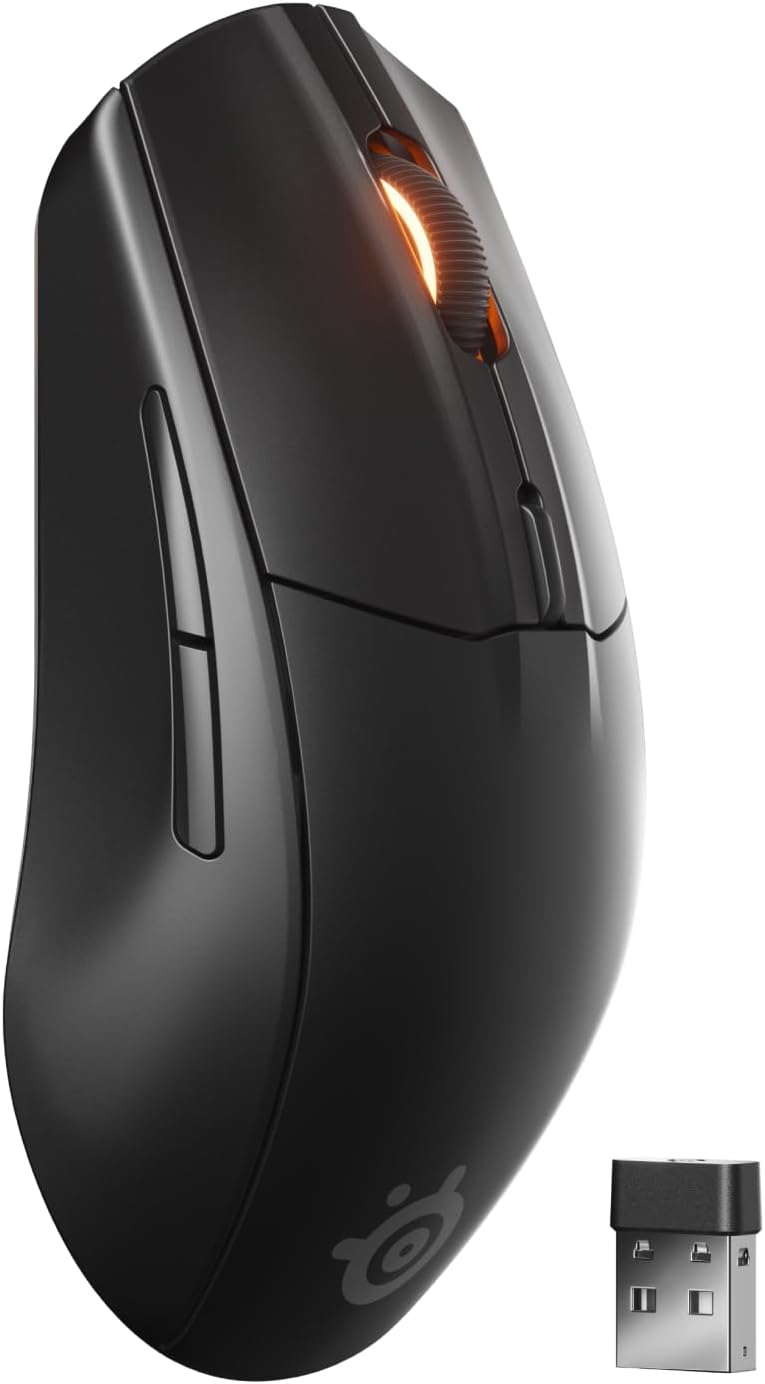 SteelSeries Rival 3 Wireless Gen 2 Gaming Mouse
Dual wireless gaming mouse with fast response and long battery life for PC players.
View on Amazon
SteelSeries Rival 3 Wireless Gen 2 Gaming Mouse
Dual wireless gaming mouse with fast response and long battery life for PC players.
View on Amazon