




public

Rpg Maker Developers Group

Simple enough for a child, powerful enough for a developer

2 Followers

RPGM VX Ace Scripting Problem: Yanfly's Enemy Levels and Battler Graphics

BMM Archive · July 15, 2026

Preserved forum archive. This topic stores the original first post and locally mirrored RPG Maker Web attachments when available. It is posted by the BMMPlay archive account, not by the original creator.

Original Source

  • Original title: RPGM VX Ace Scripting Problem: Yanfly's Enemy Levels and Battler Graphics
  • Original author: Ethos5
  • Original date: September 24, 2016
  • Source thread: https://forums.rpgmakerweb.com/threads/rpgm-vx-ace-scripting-problem-yanflys-enemy-levels-and-battler-graphics.68758/
  • Source forum path: Game Development Engines > Ruby Game System (RGSS) Scripts > RGSSx Script Support

Summary

As the title states, I'm having a problem with the Enemy Levels script from Yanfly. Whenever i try to enter a battle, the game errors out and gives a "Line 840" error. I tested and figured out it's my characer graphics. I'm using generated character graphics for my main character, not the pre-loaded actor 1/2/3 etc. Switched the battler/graphic for my character to one of those, and it worked fine. So, i know what the problem is...but not how to fix it. Completely new to scripting in general. Here is...

Archived First Post

As the title states, I'm having a problem with the Enemy Levels script from Yanfly. Whenever i try to enter a battle, the game errors out and gives a "Line 840" error. I tested and figured out it's my characer graphics. I'm using generated character graphics for my main character, not the pre-loaded actor 1/2/3 etc. Switched the battler/graphic for my character to one of those, and it worked fine.


So, i know what the problem is...but not how to fix it. Completely new to scripting in general.


Here is the bit of code causing the problem; the exact line is the one that begins "Return if".


# alias method: setup_new_animation
  #--------------------------------------------------------------------------
  unless $imported["YEA-CoreEngine"]
  alias sprite_battler_setup_new_animation_abe setup_new_animation
  def setup_new_animation
    sprite_battler_setup_new_animation_abe
    return if @battler.pseudo_ani_id <= 0
    animation = $data_animations[@battler.pseudo_ani_id]
    mirror = @battler.animation_mirror
    start_pseudo_animation(animation, mirror)
    @battler.pseudo_ani_id = 0
  end
  end # $imported["YEA-CoreEngine"]


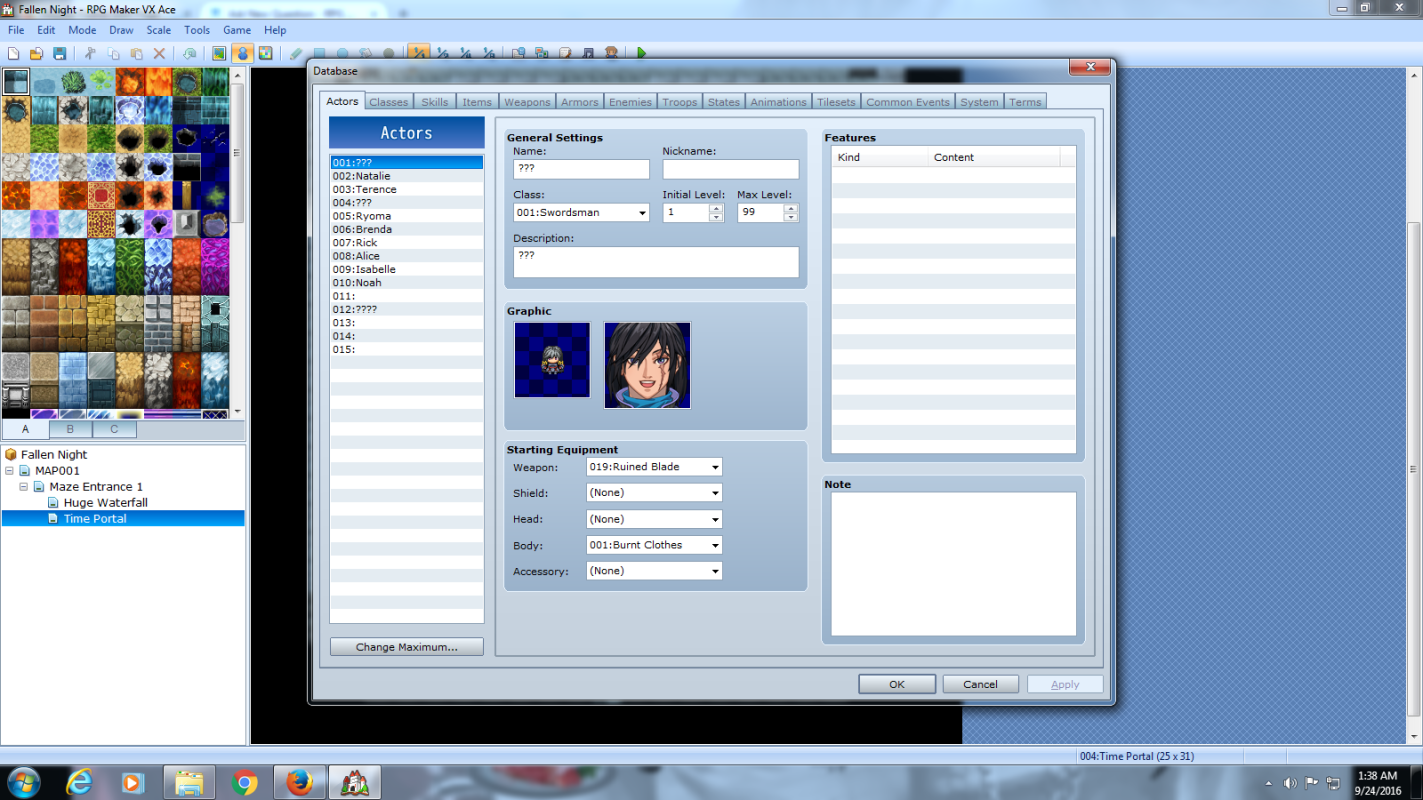
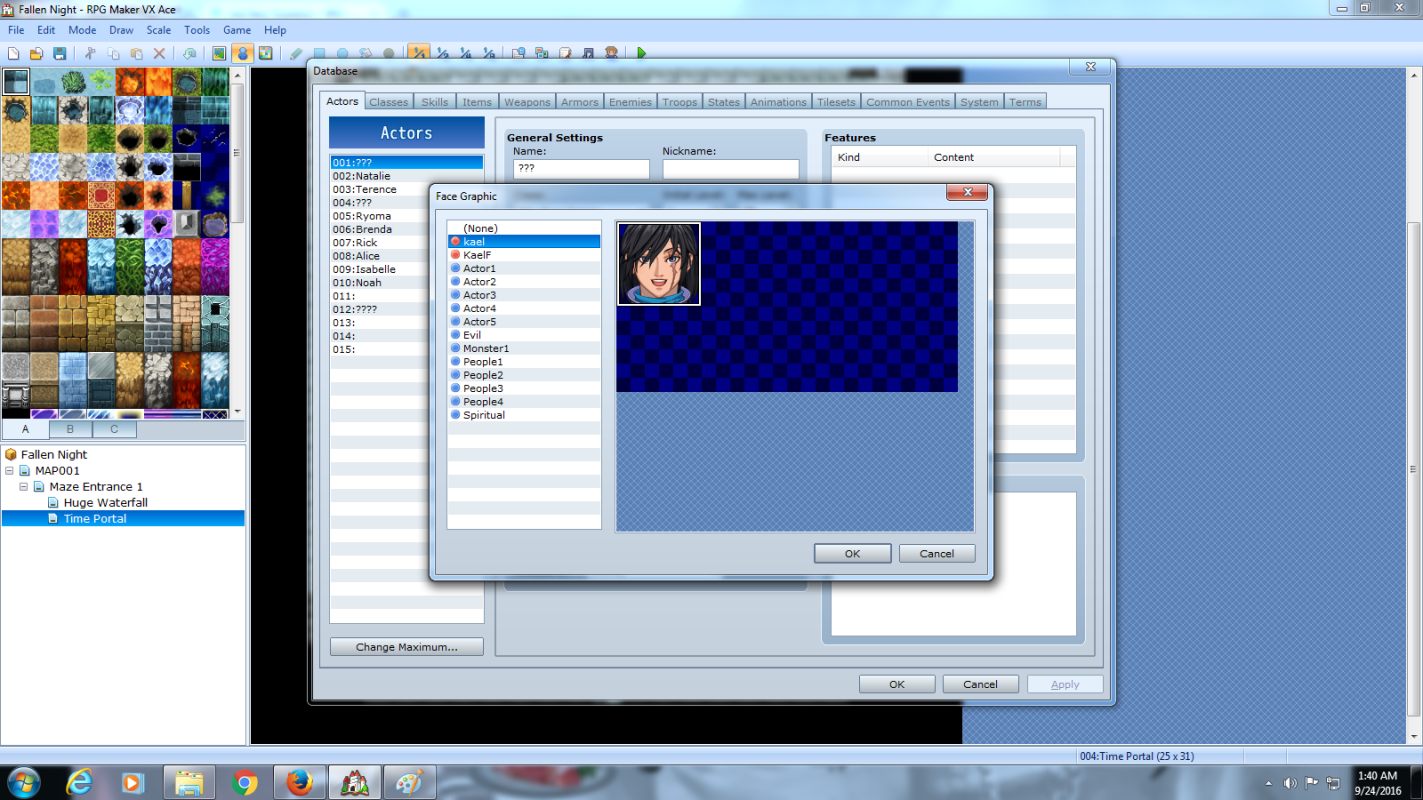
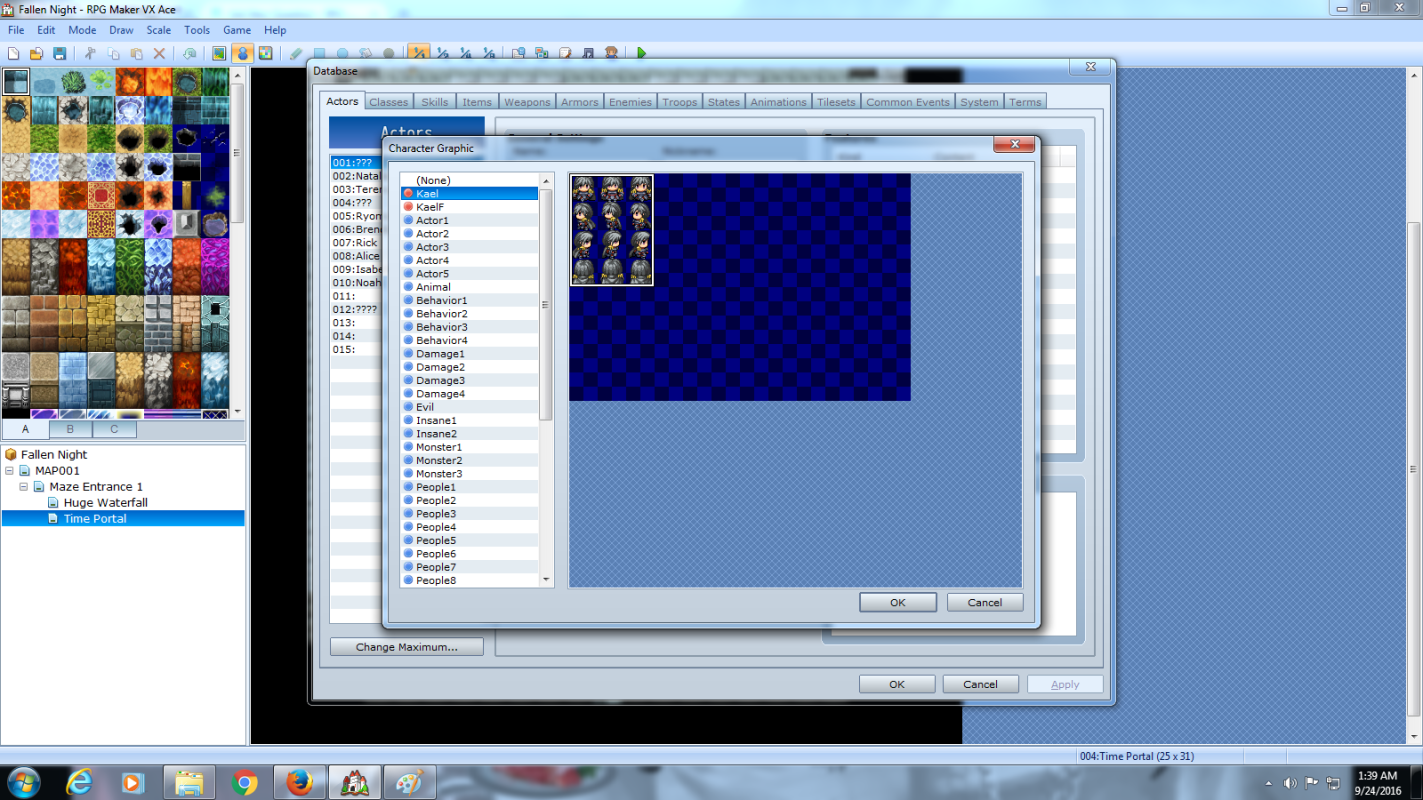
What do i have to change the 0 to to get it to read my battler? Attached is screenshots of the actor screen/battler graphic using if it's position is important.


Thank you all for any help.

Protected download

Protected download

Protected download

Downloads / Referenced Files

Log in to download

Log in, then follow the RPG Maker Developers Group to see these download links.

Log in to download

Referenced Images / Attachments

Kael Actor Screen.png
kael battler.png
kael battler.png
Kael sprite.png
Kael sprite.png
Creator Claims / Removal

If you are the original creator and want this listing reassigned, edited, or removed, join BMMPlay and contact the moderators with proof that matches the original RPG Maker Web profile, linked GitHub, itch.io page, or another public creator identity.

#039#rpg-maker-archive#rgss-support

Replies (0)

No replies yet.

0 replies 1 view

Log in to reply.

User Avatar