Hammy - MKXP-Z Input Constants v1.01 Named Windows Virtual-Key and SDL scancode constants for mkxp-z's ex? input methods Introduction This script provides two sets of named input constants for RPG Maker VX Ace running on mkxp-z. It exposes Windows Virtual-Key integer codes and SDL scancode symbol aliases as globally accessible named constants.
Hammy - MKXP-Z Input Constants v1.01
Named Windows Virtual-Key and SDL scancode constants for mkxp-z's ex? input methods
Introduction
This script provides two sets of named input constants for RPG Maker VX Ace running on mkxp-z. It exposes Windows Virtual-Key integer codes and SDL scancode symbol aliases as globally accessible named constants.
#FF6B6B">AI Disclaimer: Generative AI was used to refine the documentation and presentation of this script, as I am not a native English speaker. Additionally, AI was used for naming conventions in some places and for general beautification of the script.
#FF6B6B">mkxp-z Disclaimer: This script is made exclusively for RPG Maker VX Ace running on mkxp-z (Ruby 3.1). It will not run on standard RPG Maker VX Ace without mkxp-z. See the
mkxp-z section below for more information.
Features
VK Code Features
- Windows Virtual-Key integer constants for all common keys
- Mouse button codes as VK_LBUTTON, VK_RBUTTON, and VK_MBUTTON
- Generic and side-specific variants for Shift, Control, and Alt
- Full numpad coverage including arithmetic operators
- Function keys F1 through F24
- OEM punctuation keys for the US ANSI layout
SDL Code Features
- SDL_KEY_ prefixed constants for letter keys A through Z
- SDL_NUM_ constants resolving the NUMBER_ prefix quirk for digit keys 0-9
- SDL_KP_ constants for all numpad keys including Enter and operators
- Left and right variants for Shift, Control, and Alt modifier keys
- Navigation, lock, function, punctuation, and system key coverage
Controller Constant Features
- SDL_BUTTON_ constants for all 15 SDL gamepad buttons (face, d-pad, shoulders, stick clicks, back, guide, start)
- SDL_AXIS_ constants for stick and trigger axes (reference symbols)
mkxp-z
mkxp-z is an open-source, cross-platform player for RPG Maker XP, VX, and VX Ace games. It is a heavily modified fork of mkxp originally built to run games based on Pokémon Essentials, which depends heavily on Windows APIs. It is best described as MKXP but supercharged - capable of running all but the most demanding RGSS projects with a bit of porting work.
mkxp-z supports Windows, Linux (x86, ARM, and POWER), and both Intel and Apple Silicon versions of macOS. Because it ships with Ruby 3.1 rather than the original Ruby 1.9.2 bundled with RPG Maker VX Ace, scripts written for mkxp-z can take advantage of modern Ruby syntax and standard library features.
This script requires mkxp-z and will not run on default RPG Maker VX Ace.
Script Calls
The following constants are available for use in events and other scripts. All constants are globally accessible without a namespace prefix.
VK Code Usage
Input.triggerex?(VK_ESCAPE)
Detects a single-frame trigger on the Escape key via its Virtual-Key code.
Example
Ruby:
Input.triggerex?(VK_ESCAPE)
Input.pressex?(VK_LSHIFT)
Detects a held state on the Left Shift key via its Virtual-Key code.
Example
Ruby:
Input.pressex?(VK_LSHIFT)
Input.pressex?(VK_LBUTTON)
Detects a held state on the left mouse button via its Virtual-Key code.
Example
Ruby:
Input.pressex?(VK_LBUTTON)
SDL Code Usage
Input.triggerex?(SDL_KEY_A)
Detects a single-frame trigger on the A key via its SDL scancode symbol. Equivalent to Input.triggerex?(:A).
Example
Ruby:
Input.triggerex?(SDL_KEY_A)
Input.pressex?(SDL_NUM_7)
Detects a held state on the top-row 7 key via its SDL scancode symbol. Equivalent to Input.pressex?(:NUMBER_7).
Example
Ruby:
Input.pressex?(SDL_NUM_7)
Input.triggerex?(SDL_KP_ENTER)
Detects a single-frame trigger on the numpad Enter key.
Example
Ruby:
Input.triggerex?(SDL_KP_ENTER)
Mixing VK and SDL Constants
Both sets reach the same underlying mkxp-z ex? functions. Mixing is safe: Input.pressex?(VK_LCONTROL) && Input.triggerex?(SDL_KEY_S)
Controller Usage
Input::Controller.pressex?(SDL_BUTTON_START)
Detects a held state on the controller Start button.
Example
Ruby:
Input::Controller.pressex?(SDL_BUTTON_START)
Input::Controller.triggerex?(SDL_BUTTON_A)
Detects a single-frame trigger on the controller A button.
Example
Ruby:
Input::Controller.triggerex?(SDL_BUTTON_A)
SDL_AXIS_ constants are reference symbols for documentation purposes. Actual axis values are read via
Input::Controller.axes_left,
Input::Controller.axes_right, and
Input::Controller.axes_trigger. These methods return arrays of float values and do not use the axis constants directly.
Some
SDL_KEY_ and
SDL_BUTTON_ constants resolve to the same symbol. For example,
SDL_KEY_A and
SDL_BUTTON_A are both
:A. mkxp-z distinguishes them by the calling module:
Input.triggerex?(:A) checks the keyboard, while
Input::Controller.triggerex?(:A) checks the controller.
Usage
This section explains the difference between the two constant sets and when to prefer one over the other.
Choosing Between VK_ and SDL_
Both sets call the same mkxp-z
ex? functions and produce identical results for keys that appear in both. The distinction is stylistic and practical.
- Prefer VK_ constants when working with keys that have well-known Windows Virtual-Key names such as VK_ESCAPE, VK_RETURN, or VK_F5, or when targeting mouse buttons via VK_LBUTTON, VK_RBUTTON, and VK_MBUTTON.
- Prefer SDL_ constants for letter keys and top-row digits where the SDL_KEY_ and SDL_NUM_ prefixes prevent collision with single-letter RGSS constants and hide the NUMBER_ prefix quirk respectively.
- SDL_ constants also cover common punctuation keys that have no VK_ constant defined here, giving every key at least one named constant.
OEM Key Layout Dependency
VK_OEM_1 through
VK_OEM_7 are layout-dependent on Windows. The characters listed in the constant definitions assume a standard US ANSI keyboard.
- On non-US layouts the same physical key may produce a different character, but the Virtual-Key code assigned to that key position remains the same.
Installation
- Copy the script to an open slot below ▼ Materials but above ▼ Main
Compatibility
This script is made strictly for RPG Maker VX Ace running on mkxp-z (Ruby 3.1). It will not run on default RPG Maker VX Ace without mkxp-z.
License
MIT License - Free for commercial and non-commercial use.
Credits
No credits are required.
Why VX Ace?
You might wonder why I'm still making scripts for VX Ace instead of MV/MZ. The answer is simple: Ruby is pure beauty, while JavaScript is a terrible language. Ruby's elegant syntax, intuitive design, and expressive power make scripting a joy. JavaScript, on the other hand, is a chaotic mess of inconsistencies and quirks that I simply despise.
I work with RPG Maker VX Ace for my own game project, and I share the scripts I create with the community. If you're still using VX Ace, you're in good company!
Download
Script: Download from GitHub
Demo: Download from GitHub
License MIT License - Free for commercial and non-commercial use. Credits No credits are required.


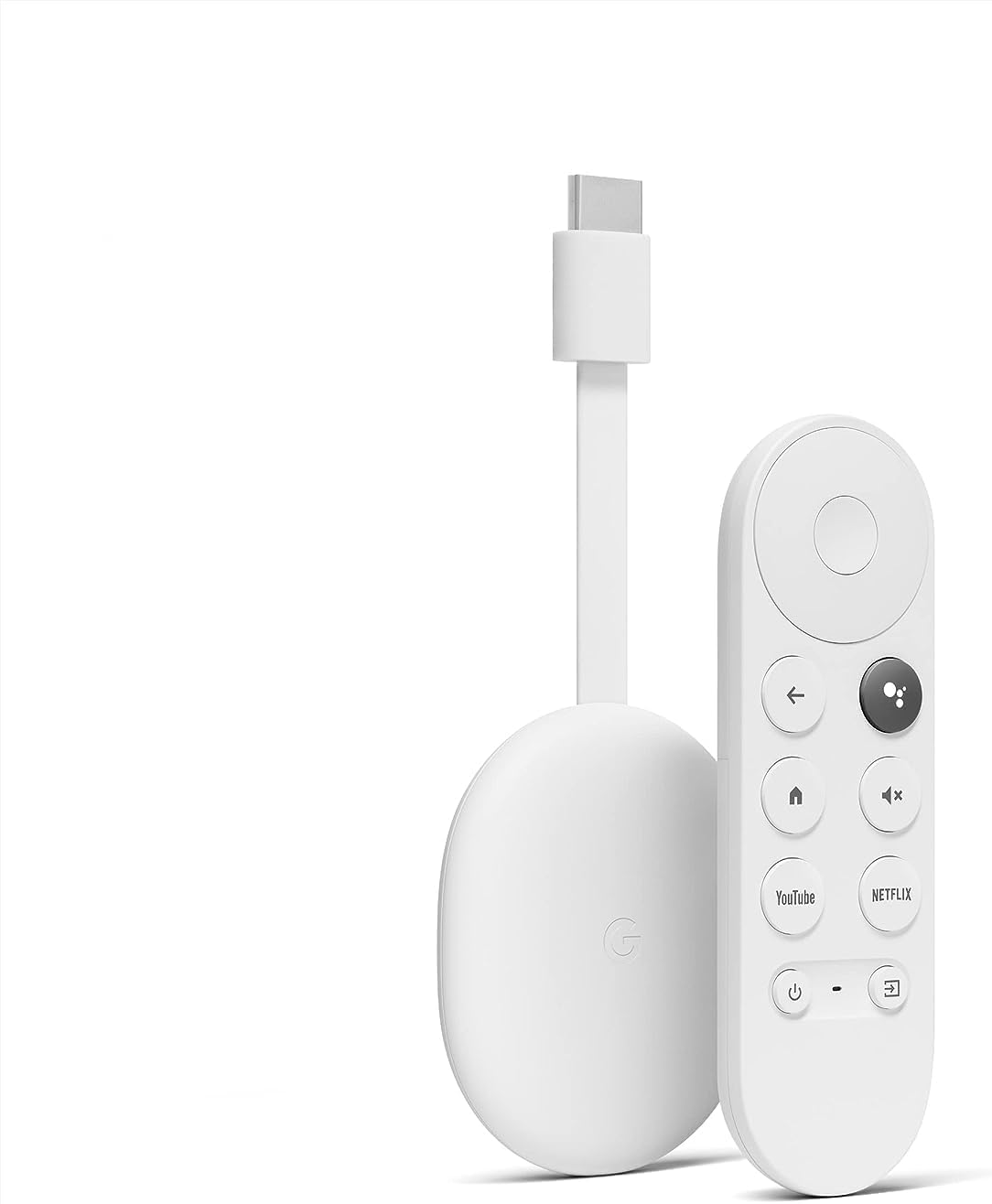 Chromecast with Google TV HD
Compact streaming device for movies, live TV apps, and personalized entertainment.
View on Amazon
Chromecast with Google TV HD
Compact streaming device for movies, live TV apps, and personalized entertainment.
View on Amazon


 ULANZI D200X Creative Deck Macro Keyboard
Programmable shortcut deck for OBS, streaming controls, editing macros, and studio workflows.
View on Amazon
ULANZI D200X Creative Deck Macro Keyboard
Programmable shortcut deck for OBS, streaming controls, editing macros, and studio workflows.
View on Amazon