public

Rpg Maker Developers Group

Simple enough for a child, powerful enough for a developer

3 Followers

VXACESave games in My Documents folder

BMM_Archive · July 15, 2026

BMM_Archive
Preserved forum archive. This topic stores the original first post and locally mirrored RPG Maker Web attachments when available. It is posted by the BMMPlay archive account, not by the original creator.

Original Source

  • Original title: Save games in My Documents folder
  • Original author: Holy87
  • Original date: August 12, 2015
  • Source thread: https://forums.rpgmakerweb.com/threads/save-games-in-my-documents-folder.43572/
  • Source forum path: Game Development Engines > Ruby Game System (RGSS) Scripts > RGSS3 Scripts (RMVX Ace)

Summary

{ "lightbox_close": "Close", "lightbox_next": "Next", "lightbox_previous": "Previous",

Archived First Post

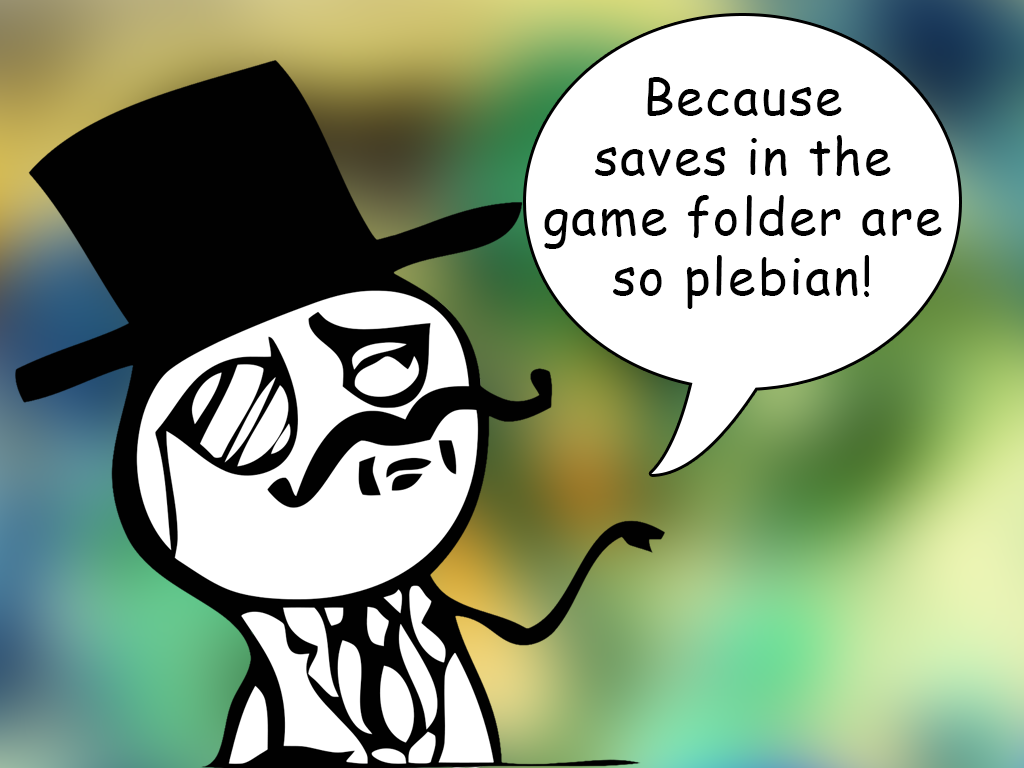
banner-savegame.png
<span style="color: #ff8c00">Savegames in Documents folder​
<span style="color: #ff8c00">v1.0, by Holy87​

Features

This script changes the savegames path from the project folder to C:\Users\[user]\Documents (or anywere is the Documents folder)\[Game Title]\Saves.

Instructions

Place this script under Materials and before the Main. Requires also my Universal Module.

Download

You can download the script here. Feel free to push a commit if you find a bug.

Features Mentioned

  • This script changes the savegames path from the project folder to C:\Users\[user]\Documents (or anywere is the Documents folder)\[Game Title]\Saves.

Downloads / Referenced Files

RPG Maker Web attachments are mirrored locally when available. Other external links remain hosted by their original creator or third-party service.

Referenced Images / Attachments

banner-savegame.png
banner-savegame.png
Creator Claims / Removal

If you are the original creator and want this listing reassigned, edited, or removed, join BMMPlay and contact the moderators with proof that matches the original RPG Maker Web profile, linked GitHub, itch.io page, or another public creator identity.


Replies (0)

No replies yet.

0 replies 14 views

Log in to reply.