

Customizing "Add Choice" and/or translating "Call Common event - Add Choice"
BMM_Archive · July 16, 2026

Original Source
- Original title: Customizing "Add Choice" and/or translating "Call Common event - Add Choice"
- Original author: owlpower669
- Original date: March 31, 2025
- Source thread: https://forums.rpgmakerweb.com/threads/customizing-add-choice-and-or-translating-call-common-event-add-choice.176670/
- Source forum path: Game Development Engines > Visual Novel Maker Directory > Visual Novel Maker Support
Summary
Hello all! I hope to get a response here, because I've looked all over the place and I still can't figure this out. Some context - I am currently making a visual novel as my diploma work for art school, and have until June to make it, which is why I chose Visual Novel Maker - I'm not the best at programming despite attempting to learn it multiple times Thing is, I'm from Latvia, so I have to make the visual novel in Latvian. However, I also want to make...
Archived First Post
Some context - I am currently making a visual novel as my diploma work for art school, and have until June to make it, which is why I chose Visual Novel Maker - I'm not the best at programming despite attempting to learn it multiple times
Thing is, I'm from Latvia, so I have to make the visual novel in Latvian. However, I also want to make it in English, as I wish to share this novel online at some point.
So far, everything has been well and good, and I've been able to replace the entire UI and make it both in English and Latvian. Translating text hasn't been an issue either, and I've actually been having fun doing this.
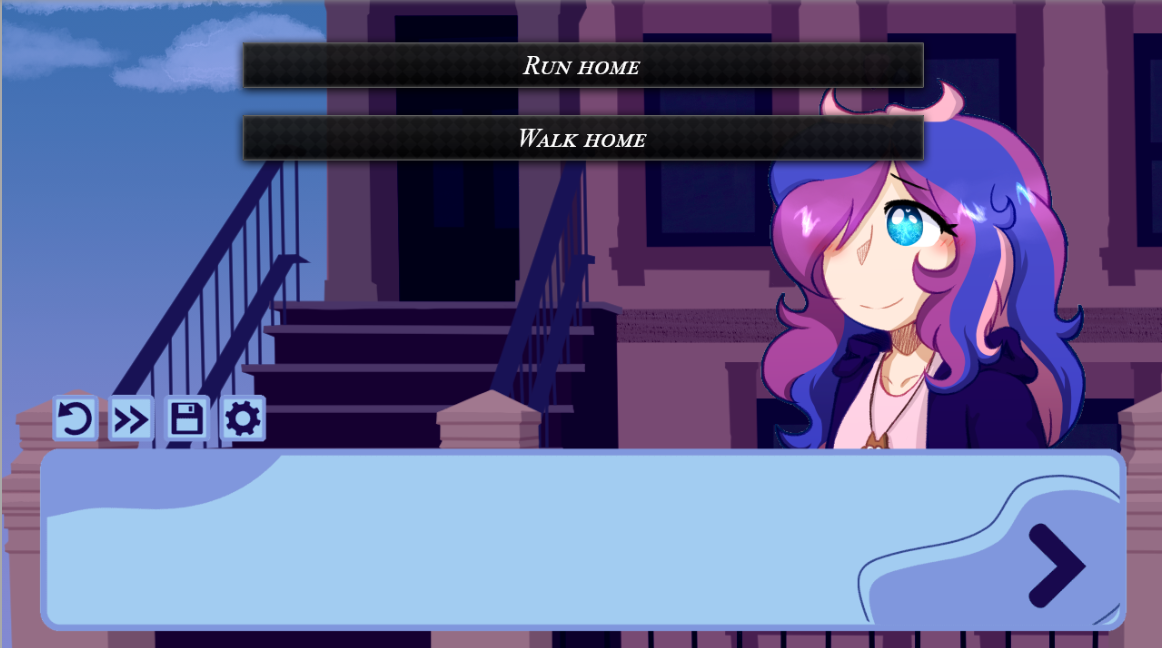
However, there arises my problem - I can not for the life of me figure out how to translate choices when done through "Call Common event - Add Choice". Maybe I just don't see it in the language configuration menu, but I've looked everywhere. And nobody else seems to have this issue.
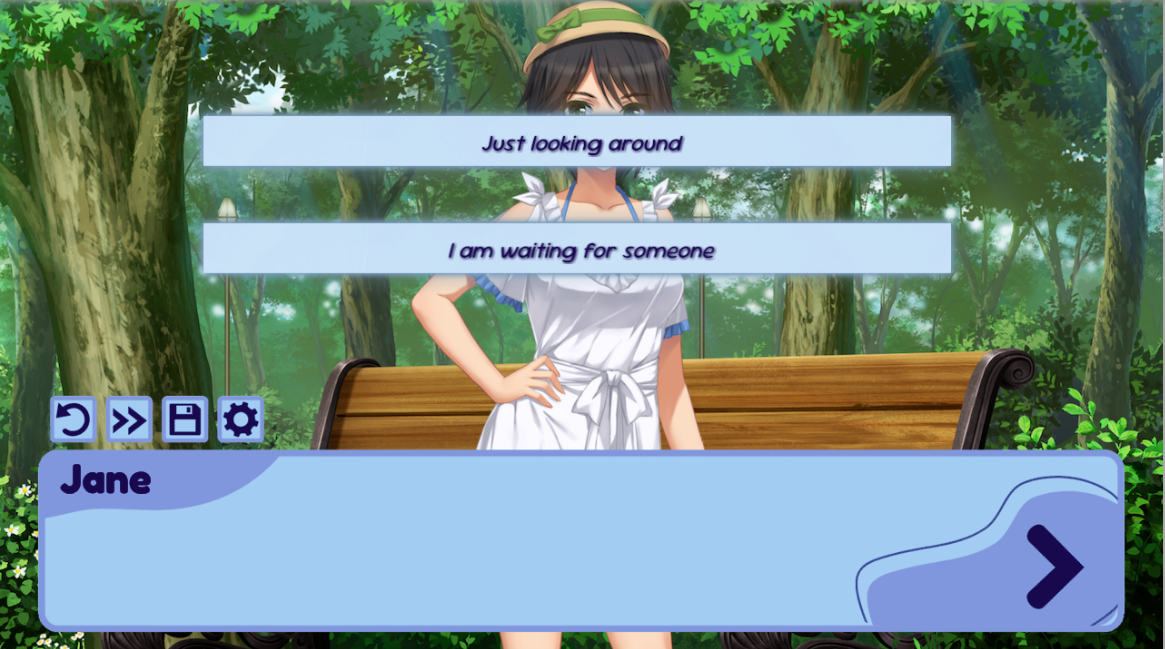
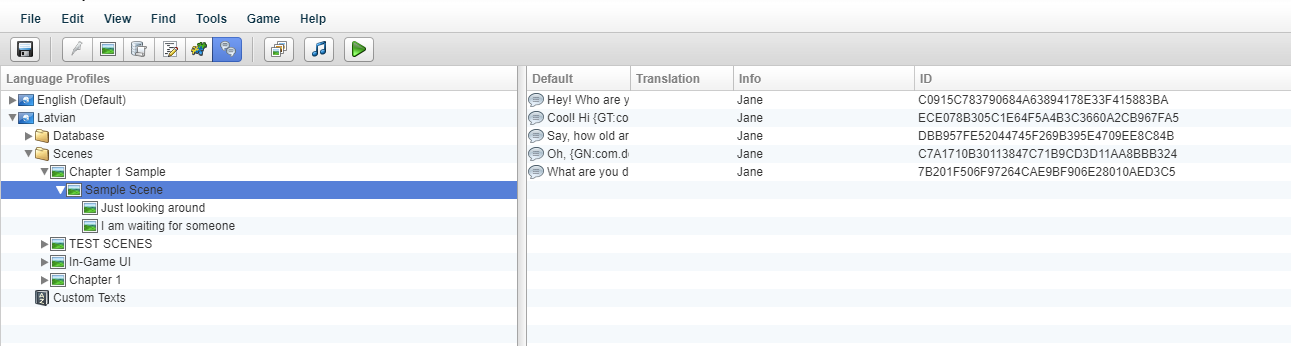
Although, with this issue, I found out that if the choice is done through "Add choice", it can easily be translated with no issues. However, there lies the problem with this command - you can't customize it. At least being able to change the font would be good enough, but I can't!
EDIT!!!!! - I figured out the solution for the problem below - I just simply had to find an older version of the extension and install that Works like a charm for now!
I would still love to figure out how to translate the text in "Call Common Event - Add Choice"! Thank you!!!
Whilst searching for a solution, I found this custom plugin/extension script for Image Choices made by Archeia - https://forums.rpgmakerweb.com/index.php?threads/ael-image-choices.88324/
It seemed perfect, but for some reason, the choices just don't want to show an image no matter how I edit the script. And the font doesn't want to change either. I've tested it in two different files, and I still can't change it.
Yes, I've made sure to have the extension above "Main", hell, I even put it above all the scripts. Despite that, nothing changes.
(I've also noticed this - If I have the "Choice_Active" and "Choice_Idle" images in the Graphics/Pictures > In-Game UI folder, the "Show Choices" command freezes completely and the live preview disappears. Don't know if this is relevant or not.)
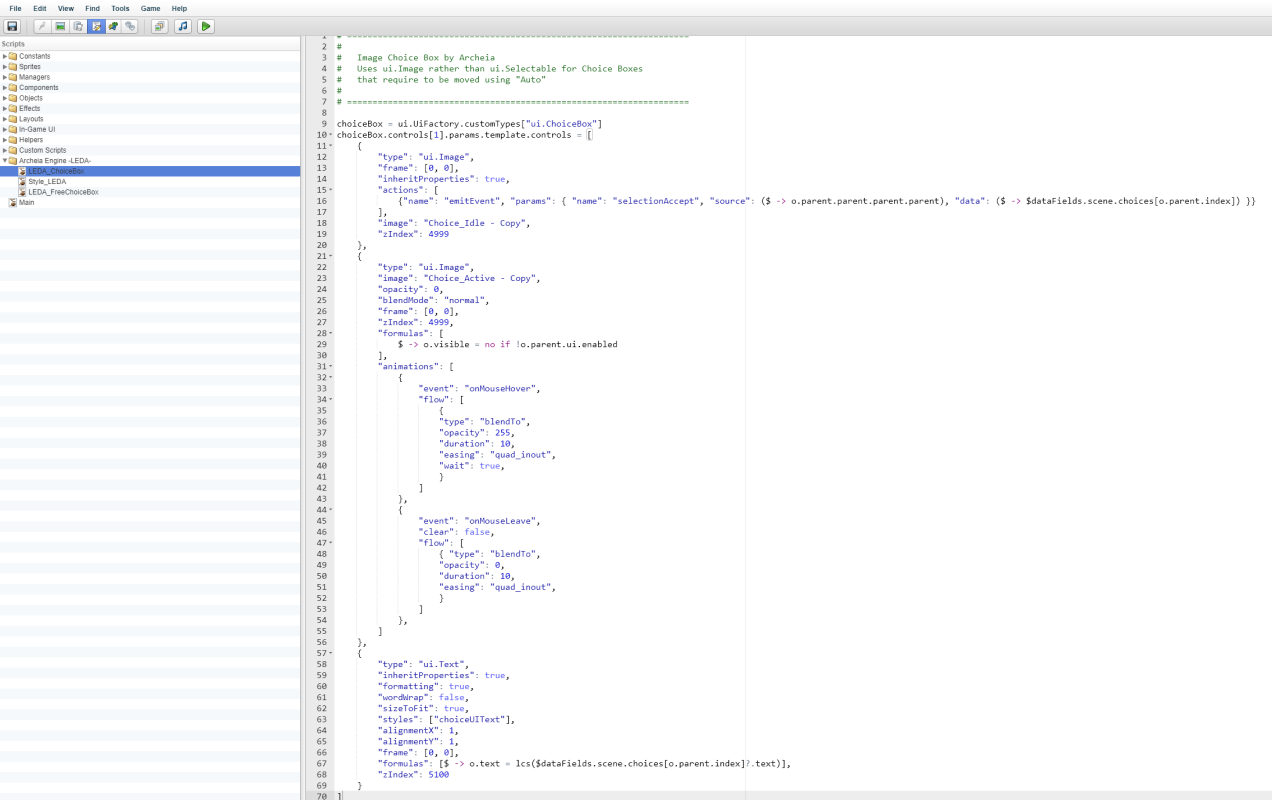
I've also added some images if needed for extra context. I really hope to find a solution to this here, because my VN is really based around choices!
Downloads / Referenced Files
RPG Maker Web attachments are mirrored locally when available. Other external links remain hosted by their original creator or third-party service.
- Local mirror: 315178-8bb585697920d330650add3592fd6532.png
SHA-256:58e09c9cc431a0c2ee2772fe731bfc3d60e8ea954f1cfe4fe3f6beccf7fe19ba
Original attachment URL: https://forums.rpgmakerweb.com/attachments/call-common-event-add-choice-png.336098/ - Local mirror: 315180-7fc932c152fd4f4bd3a85bdff341ccee.png
SHA-256:7a1a5d3a7a37d9d2029b712834f9a2fdb4cf79dd2909e4a93e4d33acb1b54266
Original attachment URL: https://forums.rpgmakerweb.com/attachments/language-config-png.336100/ - Local mirror: 315179-c9db6755e8864ac065284d8fecf48d4c.png
SHA-256:7836062577a272c20023461721dd4889c02fd6103f3ce01270873579fa17f895
Original attachment URL: https://forums.rpgmakerweb.com/attachments/add-choice-with-extension-png.336099/ - Local mirror: 315182-f431a378464057cf11c88edcda1998c1.png
SHA-256:ffd6058a0938745a95af842c15ca6f774d3695564880b563112b1fa6632fad71
Original attachment URL: https://forums.rpgmakerweb.com/attachments/extension-script-png.336102/
Referenced Images / Attachments
Creator Claims / Removal
If you are the original creator and want this listing reassigned, edited, or removed, join BMMPlay and contact the moderators with proof that matches the original RPG Maker Web profile, linked GitHub, itch.io page, or another public creator identity.
Replies (0)
No replies yet.
Topic Summary
Loading summary...