If you're using com-sho's
Japanese-style battlers, numakara (沼から現れた)
sideview battlers, or your own graphics.
You probably don't want Weapons to show during sv-battle when you already have a weapon on sideview actors.
Note: if you're not using your own graphics, please follow terms of use for each materials you used.
Requirements: You may be required to use image editing program or not. There's 3 methods available
|| Steps
From database editor
1. For [SV] Attack Motions, right-click on item on the list.
2. Then set Image to None- that item won't show on the screen.
While there are others on the list, it's not necessary to set all to none if you don't use them.
_ _ _ _ _ _ _ _ _ _ _ _ _ _ _ _ _ _ _ _ _ _ _ _ _ _ _ _ _ _ _ _ _ _ _ _ _ _ _ _ _ _ _ _ _ _ _ _ _ _
With an image editor
1. In your img\system of your project folder: right-click on Weapons1
2. Edit image with graphics editor or paint program
3. Select entire image with Ctrl+A then Delete, it should look transparent
4. File tab > Save - repeat process for other Weapons
When your game loads into sideview battle, Weapons are invisible.
|| Question
Does deleting Weapons work?
By default- You get Loading Error. (Deleting is not recommended)
Alternatively, you can use a plugin that I wrote. Without image editing
NoWeapons.js
For customized sideview graphics that don't use Weapons
ImageManager ignores Weapons graphic in img/system without weapon loading.
Download link:
https://www.dropbox.com/s/zg3m8zy8ww0iy0o/NoWeapons.js?dl=1
Crediting me is not necessary
Code:
Scene_Boot.loadSystemImages = function() {
    // ImageManager.reserveSystem('Weapons1');
    // ImageManager.reserveSystem('Weapons2');
    // ImageManager.reserveSystem('Weapons3');
};

Sprite_Weapon.prototype.loadBitmap = function() {
};




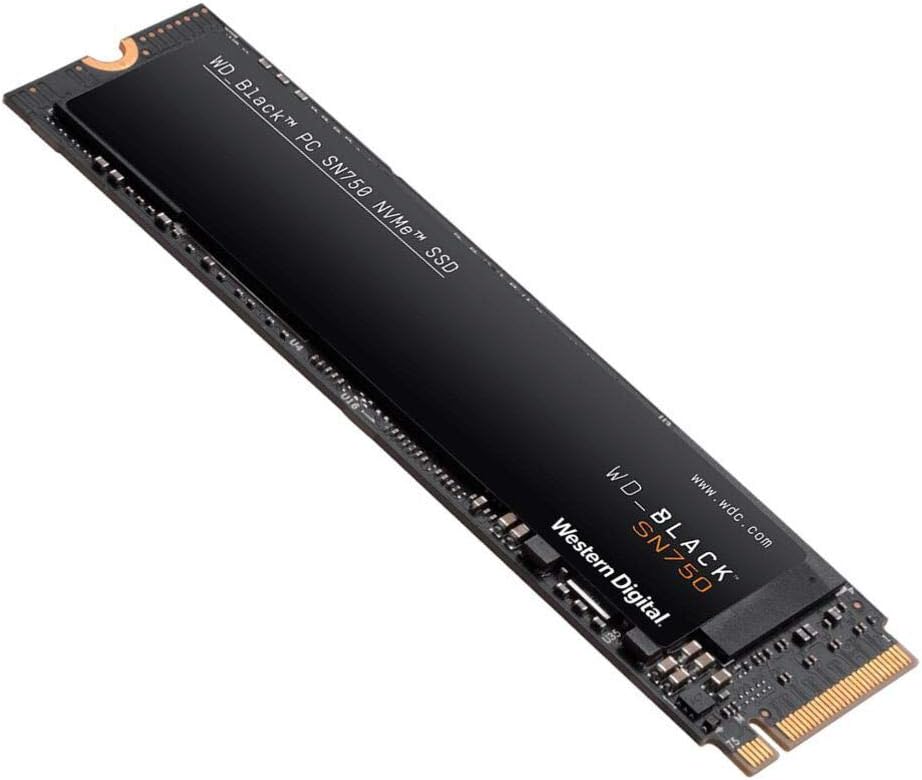 WD_BLACK 2TB SN750 NVMe Internal Gaming SSD
High-capacity NVMe storage pick for expanding a gaming PC or performance setup.
View on Amazon
WD_BLACK 2TB SN750 NVMe Internal Gaming SSD
High-capacity NVMe storage pick for expanding a gaming PC or performance setup.
View on Amazon


